Run and sprint buttons on foot
The GamesRadar+ controls table groups running and sprinting under a single entry labeled “Run/Sprint.”
The entry identifies the button for each platform. It does not say whether either action requires holding the button or tapping it repeatedly.
| PlayStation (Classic) | Cross (×) |
|---|---|
| Xbox (Classic) | A |
How to switch to Classic controls
You can change the control scheme from the pause menu.
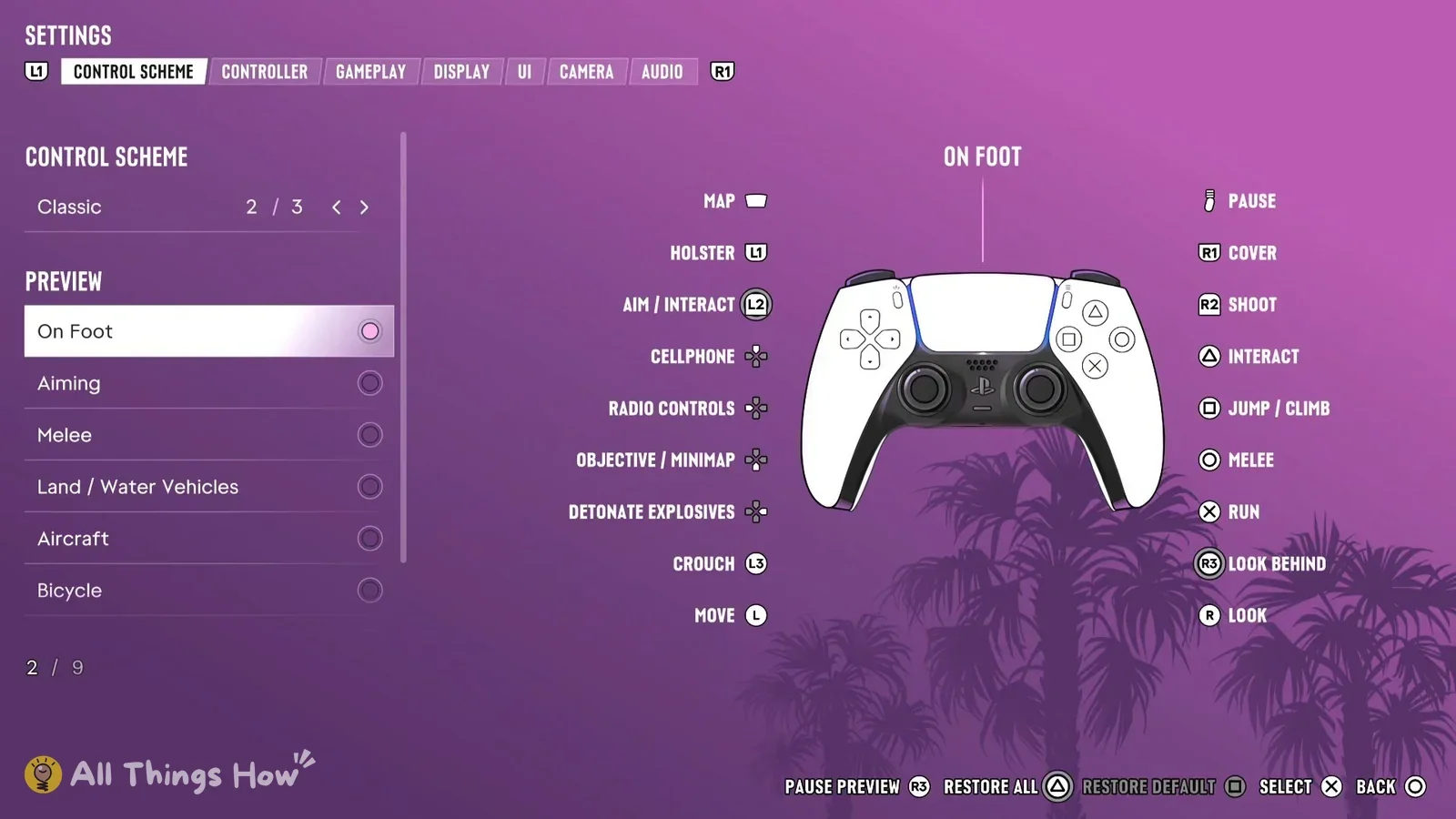
- Open the pause menu.
- Select Settings.
- Under Control Scheme, select Classic.