Which platforms support the first-person glitch?
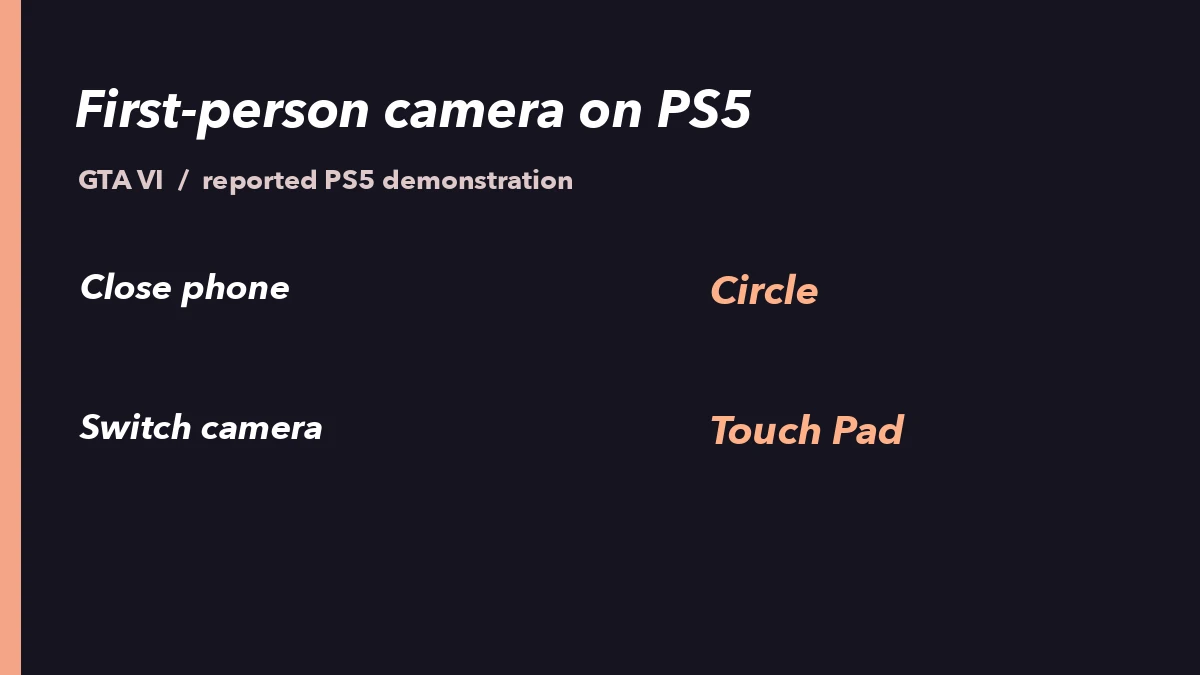
According to Dexerto, GTA VI launched without a dedicated first-person toggle. This glitch combines closing the in-car phone with the camera switch to enter a first-person view that normal controls do not offer.
In the PS5 demonstration, first-person remains active even after you put the phone away and exit the vehicle.
In the reported PS5 method, returning to third-person after triggering the glitch requires reloading your save. Keep this in mind before you try it.
So far, the glitch has been demonstrated on PS5, and an independent reproduction on Xbox has been reported. The table below summarizes the reported PS5 controls and the sources.
| PS5 in-game setting | Settings → Controller → Touch Pad Button: Map → Camera |
|---|---|
| PS5 controls | Press D-pad Up to open the phone, then rapidly press Circle and the Touch Pad |
| Returning to third-person (PS5 method) | Reload your save (per Dexerto) |
| PS5 demonstration and report | Shared by oneboyler, reported by Dexerto on November 19 |
| Xbox report | Techtroduce reports that Pure Xbox independently reproduced the glitch |
How to trigger the first-person glitch on PS5
On November 19, Dexerto reported on the PS5 method shared by oneboyler. You first remap the physical Touch Pad via the in-game Settings → Controller → Touch Pad Button, then operate from the driver's seat of a vehicle.
Note that returning to third-person after triggering the glitch requires reloading your save.
- Open the in-game Settings menu, go to Controller, and select Touch Pad Button.
- Change Touch Pad Button from Map to Camera.
- Sit in the driver's seat of a vehicle and press D-pad Up on your controller to open the in-game phone.
- With the phone open, rapidly press Circle and the Touch Pad. When successful, first-person view remains active after you put the phone away and exit the car.
Has the first-person glitch been reproduced on Xbox?
Techtroduce reports that Pure Xbox independently reproduced the glitch.
However, we could not verify the Xbox button assignment, input timing, or whether first-person persists after exiting the vehicle on Xbox.
This article therefore does not include Xbox-specific steps and only notes that a reproduction has been reported.
How to Aim Through a Weapon Sight in First Person in GTA VI on PS5