What is the Scooter Bros app and its GTA 4 link?
In story mode, Scooter Bros is a phone app that delivers a registered personal vehicle to a nearby spot. The GTA 4 scooter clip 'Scooter Brothers' is a possible inspiration for its name.
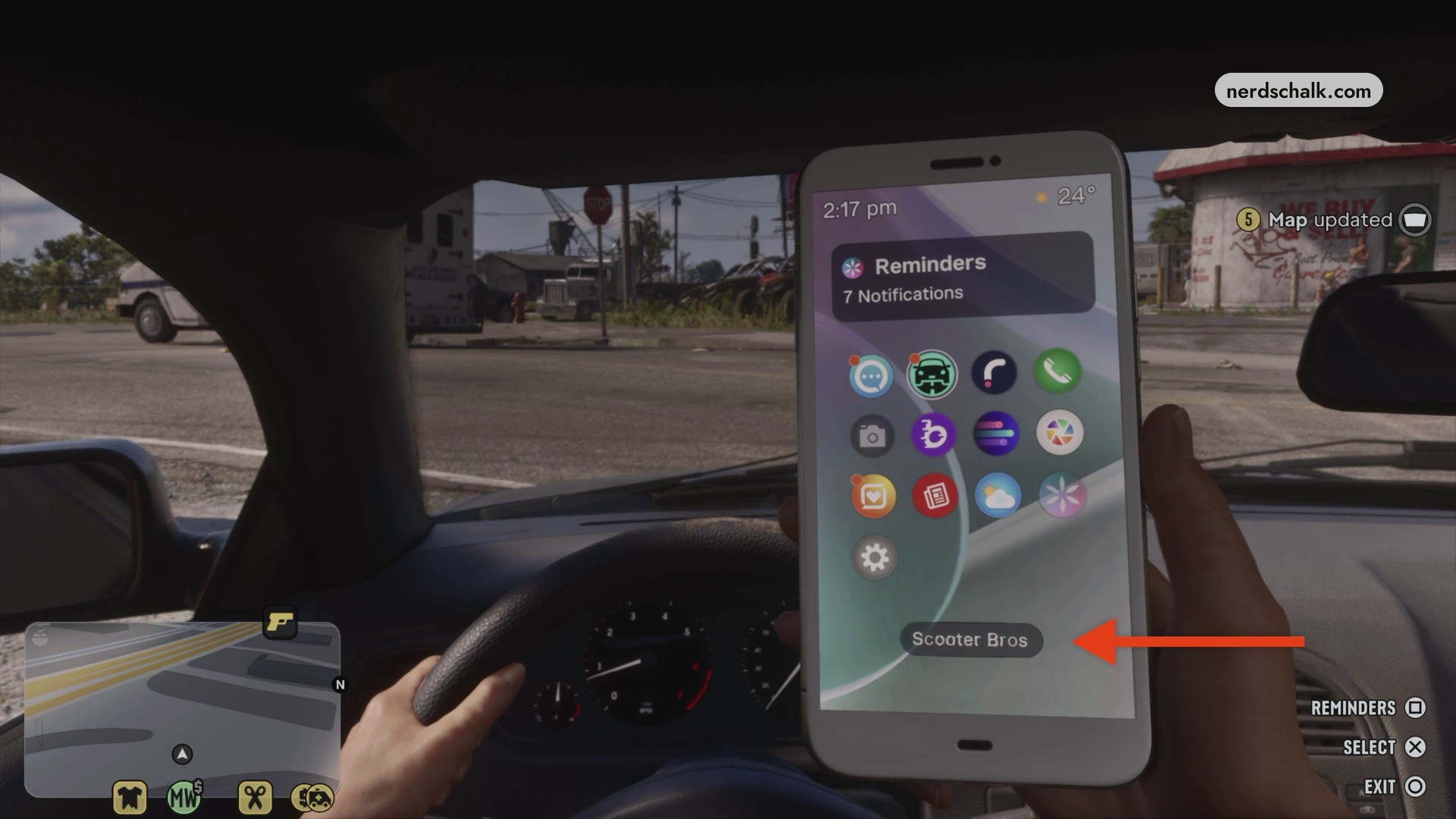
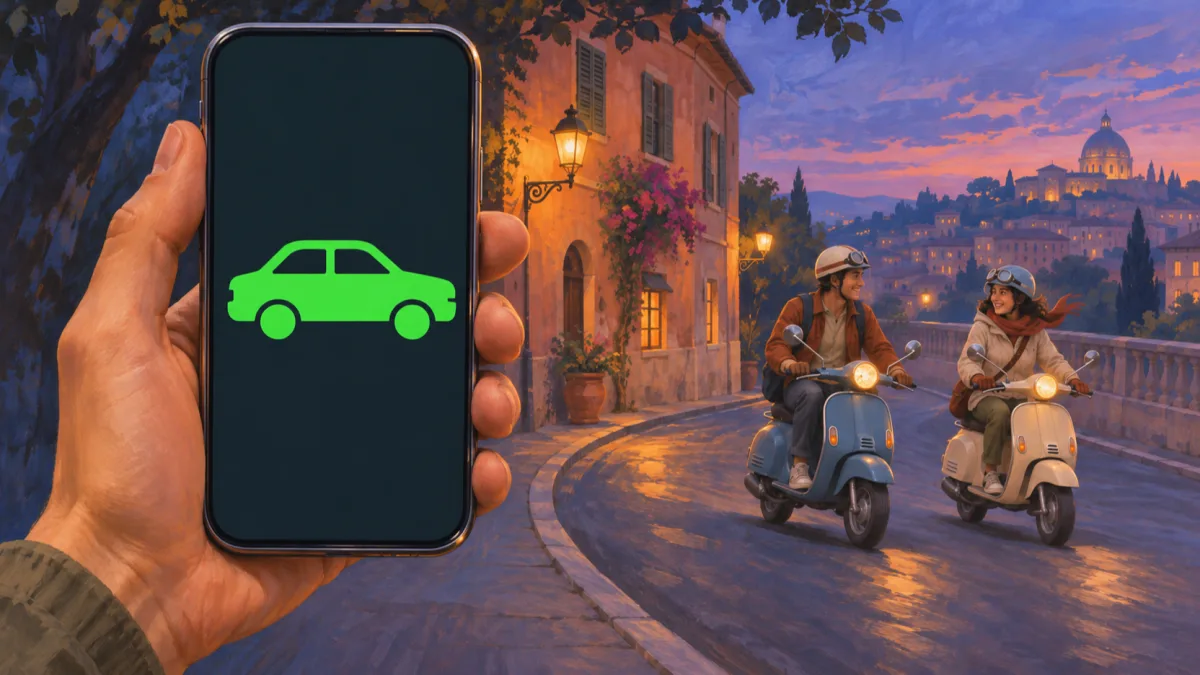
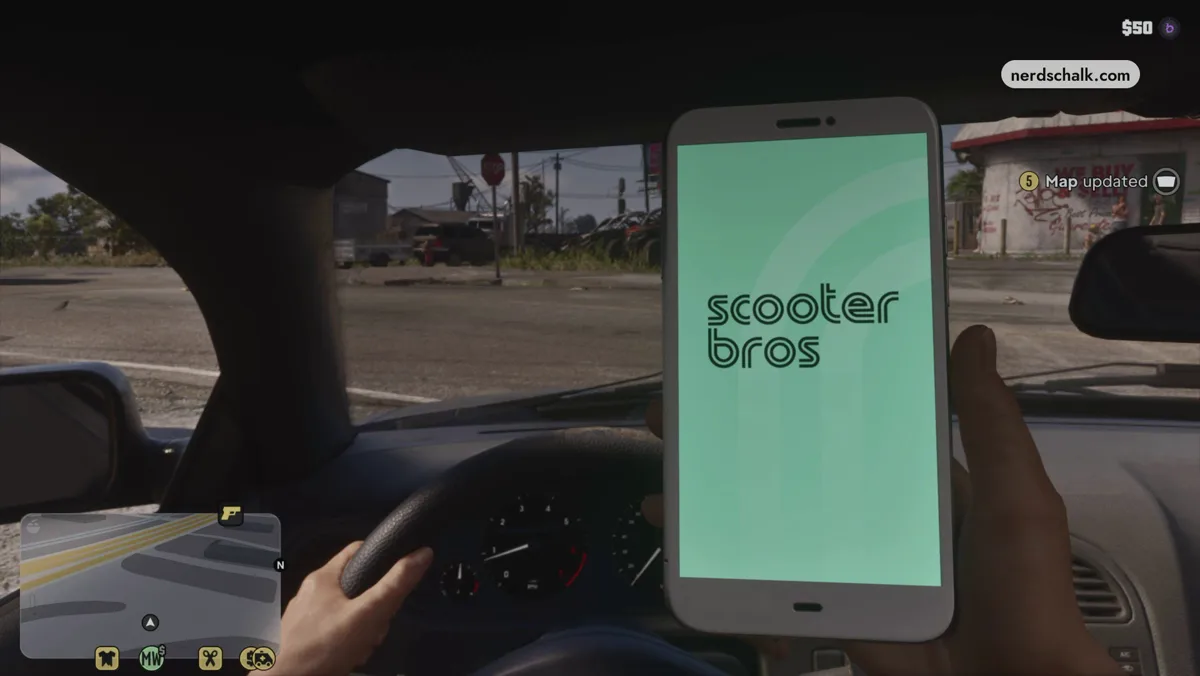
Inside the app on the white smartphone, a green screen displays the "scooter bros" logo, while on the phone's app menu it can appear with its name and a green car icon.
When you request a vehicle, a courier drops it off and rides away on the scooter they arrived on.
LaLucia points to the GTA 4 clip as the inspiration for the app in an X post, writing: "Did you know ! The “Scooter Bros” app is a reference (Easter egg) to the viral GTA 4 video “Scooter Brothers”!"
What happens in the GTA 4 Scooter Brothers clip?
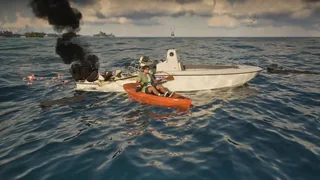
In the GTA 4 clip 'Scooter Brothers,' the player Brad gets excited after meeting another scooter rider, a non-player character, while driving around.
Two helmeted riders ride two scooters side by side along a curve just before an overhead road sign. A GTA 5 sequel featuring Brad was also released later.
Scooter Brothers!! — two scooters ride side by side in GTA 4
How to unlock and use Scooter Bros in GTA 6
Open Scooter Bros once it appears on the phone of Lucia, one of the protagonists. You need a registered vehicle to request delivery.
The walkthrough puts access after the Chapter 2 main mission "Moses (Take A Vehicle to Moses)," while the exact timing of the app installation notification remains unclear.
See how to call a registered vehicle for the delivery steps and phone app unlock conditions for the other apps.
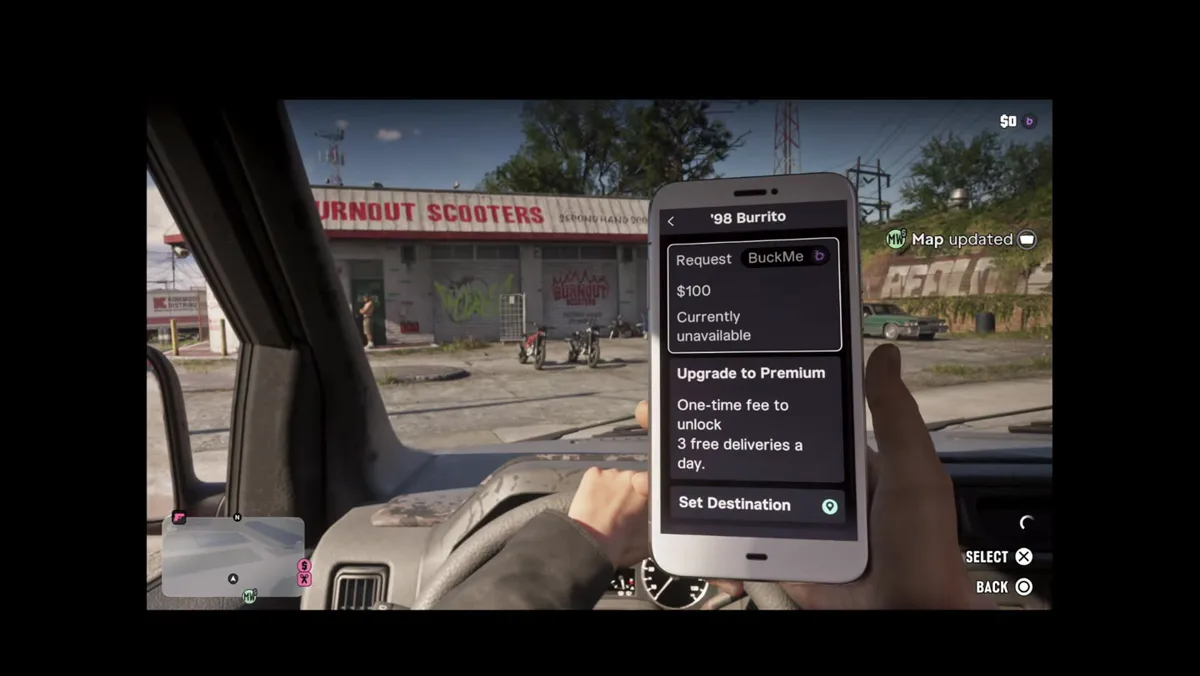
- Press Up on the D-pad to open your smartphone.
- Find Scooter Bros by its label on the phone's app menu and open it. In some gameplay, it appears with a green car icon.
- Pick the registered vehicle you want to call from the list.
- When Request is available, check the displayed in-game delivery quote. Select Request. After the request succeeds, check the minimap for your vehicle. If it displays "Currently unavailable," you cannot order in that state.
- Check the minimap to confirm your vehicle has arrived nearby.