When can you start?
The normal route starts in Chapter 3 after Cal, the character who sends the clue, messages you. Whether Cal messages you during normal Chapter 2 play is still unknown.
This clue route is separate from Randy's final Truffade Thrax delivery on Dalton Island (missions/randy-final-thrax-dalton-island) and the rotating cars found at the Starfish Island mansion garage (guides/starfish-island-mansion-garage-car-rotation).
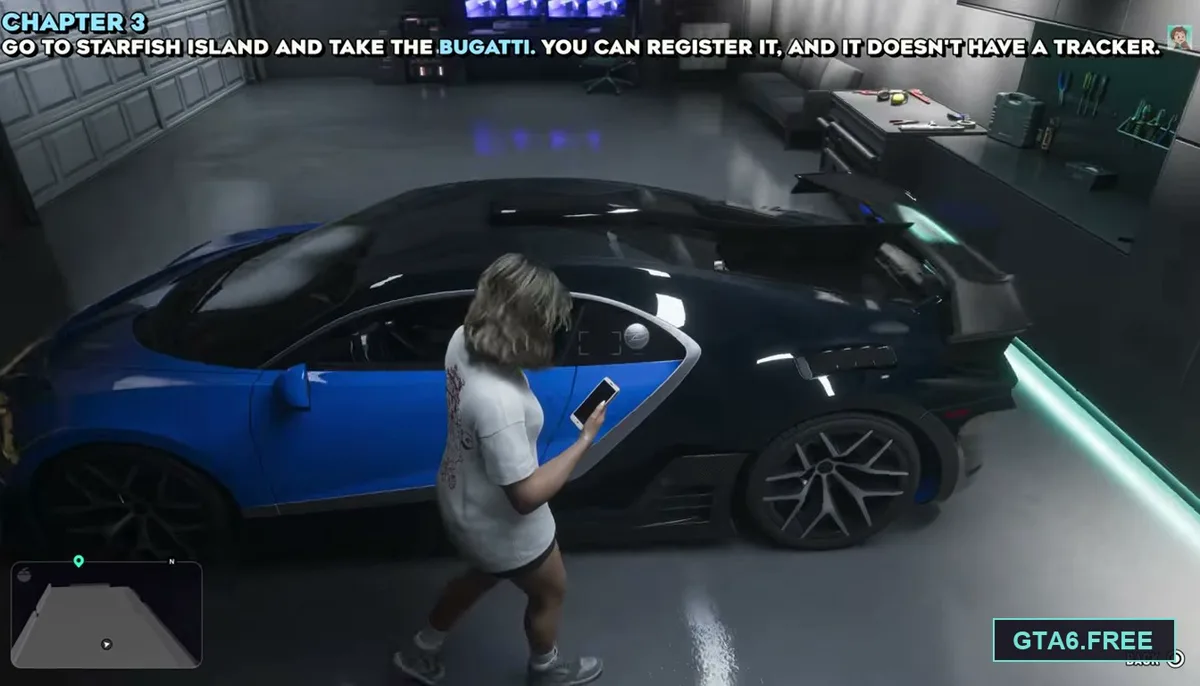
How to get the Truffade Thrax
- Once you receive Cal's message in Chapter 3, use WAiNK (the in-game phone scanning app) to scan 10 No Flusher tags in Vice Beach.
- Read the invitation to the headquarters that arrives after your tenth scan.
- Follow the invitation's destination to the warehouse.
- Enter 8554013 on the keypad beside the shutter.
- Go inside the warehouse once it opens.
- Check the laptop inside for the car owner Andrew Node's address.
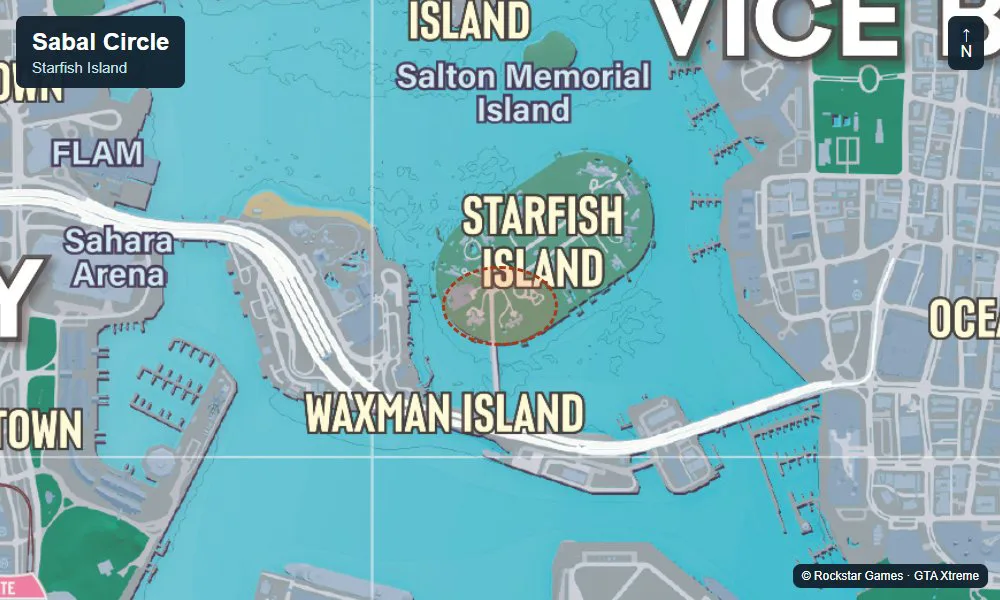
- Go to the second house on the right—as indicated by the address clue—on Sabal Circle, a street on southern Starfish Island.
- Go over the low wooden gate.
- Follow the driveway to the garage door. Whether you need to deal with the person outside the garage is still unknown.
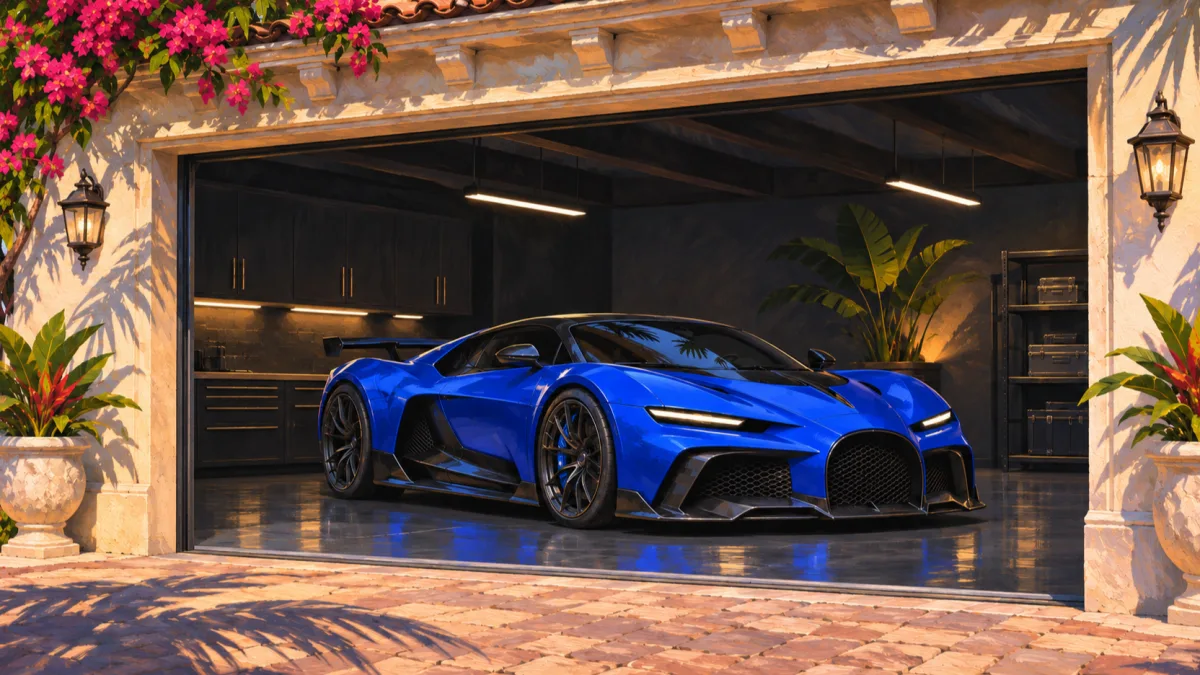
- Get into the Truffade Thrax once the garage door opens.
- Drive the car out of the garage.
Warehouse invitation, keypad and laptop screenshots in “Search the No Flusher HQ”
Where are the No Flusher tags, and does scan order matter?
Whether dealing with the person in front of the garage is required is not yet known.
No Flusher tags are located around Vice Beach, with examples including the southern beachfront sidewalk and the green bike lane. See the GamerHour reference for all ten locations.
Whether the game requires a fixed scan order is still unknown.
For overall WAiNK scan totals, see the related guide (guides/waink-location-scan-counts).
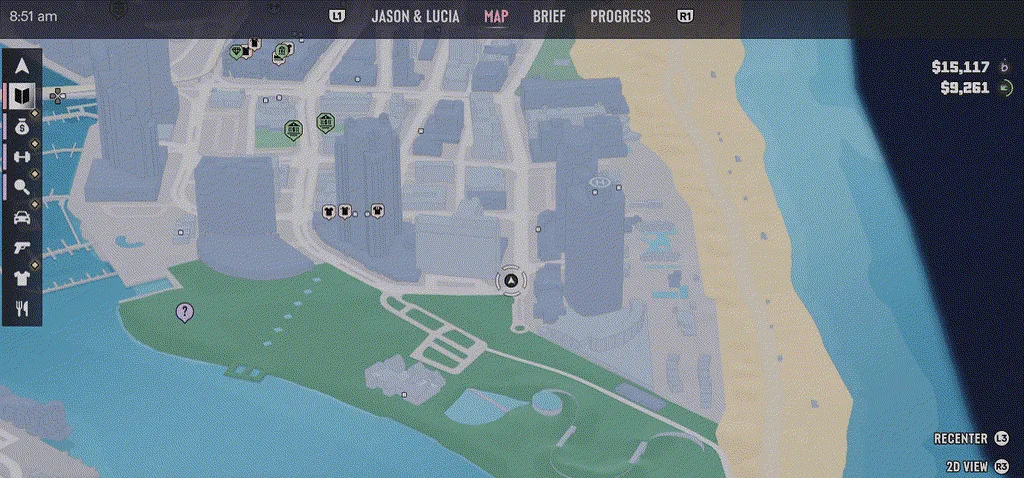
Ten No Flusher tag locations and nearby landmarks in Vice Beach
Tracker and personal vehicle registration
The Thrax obtained through the clue route has no tracker. As a launch-era in-game registration quote, $70,000 is shown for registering it as a personal vehicle; check the amount on your own registration screen before confirming.
After the clue route, this custom Thrax appears in a fixed garage as a Standout vehicle, a vehicle category in the Progress menu (discoveries/standout-vehicles-progress).