How to Open IGN's Leonida Map and Filter Categories
Rockstar Games lists an interactive map of Leonida in the official IGN guide, while IGN Germany links directly to the map and confirms per-category filtering.
Because the cited sources do not specify exact interface button labels, follow this general sequence.
- Open IGN's interactive map of Leonida via the official IGN guide listed by Rockstar Games or the direct link in IGN Germany's guide.
- Locate the map markers for the collectibles, activities, or other items you want to check.
- Filter within each individual category to display only the markers you need.
What Markers Are on IGN's Leonida Map?
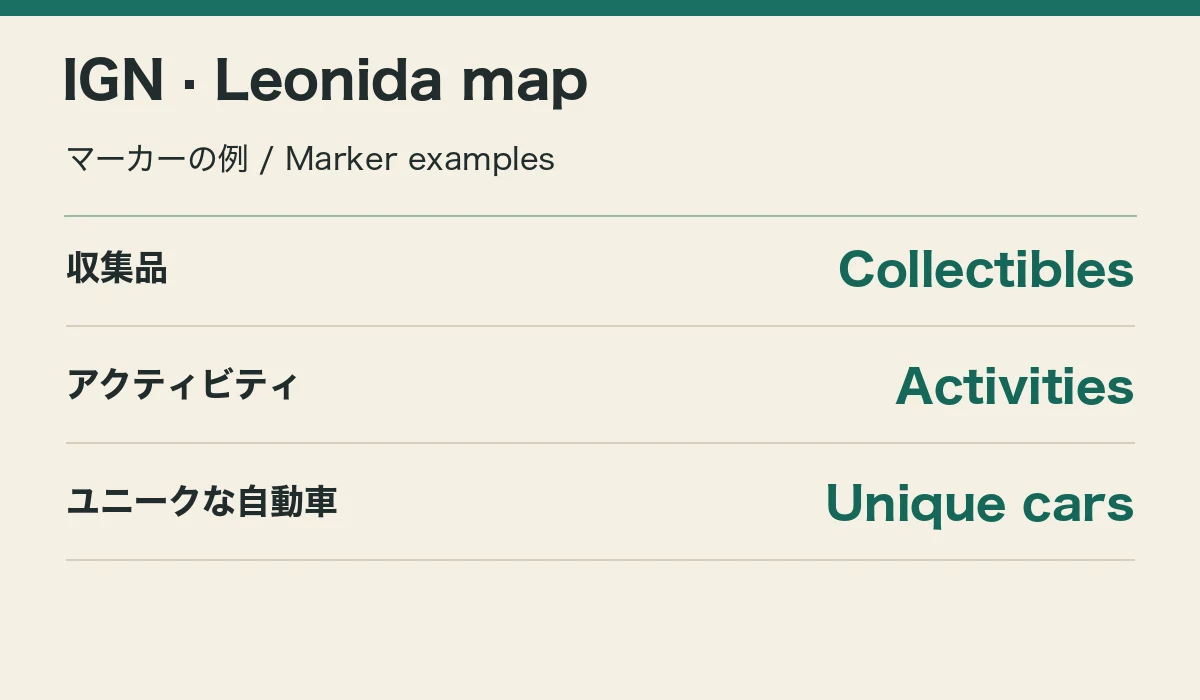
IGN Germany describes the marker types supported on the map and confirms that players can filter inside individual categories.
| Map listed by Rockstar Games | Interactive map of Leonida in the official IGN guide |
|---|---|
| Progression & activity markers | All possible achievements, collectibles, and activities (per IGN Germany) |
| Cars & world markers | Unique cars, illegal operations, shops or businesses, and more (per IGN Germany) |
| Category filtering | Supported within individual categories (per IGN Germany) |
| Direct map link | Provided in IGN Germany's GTA VI interactive map guide |
Where to Check the GTA VI 100% Completion Checklist: Card Sets and Vehicle Scans