GTA VI Won't Launch on PS5? Four Checks in Order
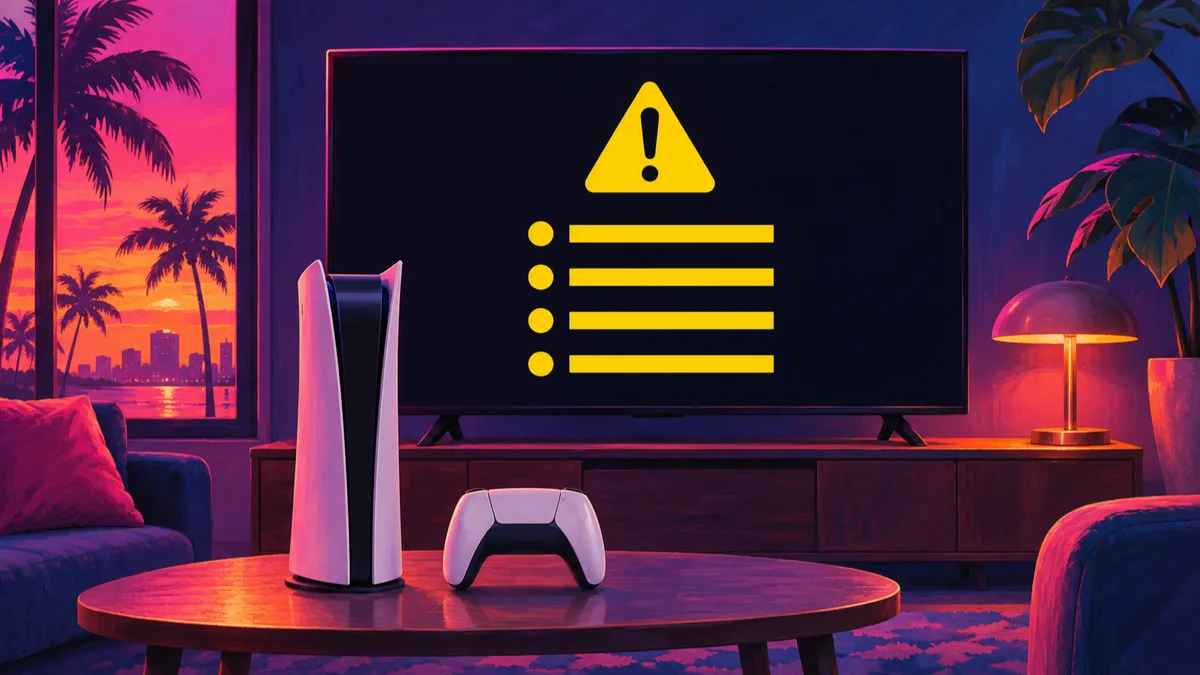
If GTA VI won't launch on your PS5, PlayStation US support has you check four things in order: (1) whether the game is out in your country or region, (2) whether your account owns it (and Console Sharing and Offline Play if not), (3) whether the download failed, and (4) restoring licenses.
Of these, Console Sharing and Offline Play and license restoration are done in PS5 Settings (licenses can also be restored from the home screen or game library).
| 1. Release in your country or region | Confirm the game is out where you play |
|---|---|
| 2. Account ownership and sharing | Confirm the account you are using owns the game; if not, the owner turns on sharing on that PS5 |
| 3. Download failure | If the download failed, go to the download issue guidance |
| 4. Restore licenses | Restore from PS5 Settings, or from the home screen or game library |
Checking Release Region, Account Ownership, and Console Sharing
PlayStation US support states that Grand Theft Auto VI releases on November 19, 2026, on PS5 consoles (as listed on the US page), and tells you to first confirm that the game is out in your country or region.
If the account you are using does not own the game, PlayStation US support tells the owning account to turn on Console Sharing and Offline Play on that PS5 console.
PlayStation Japan support likewise says to make sure the setting (shown as コンテンツ共有とオフラインプレイ on Japanese-language support) is enabled when a PS5 is shared, so other accounts sharing the PS5 can play the game. Both use the same Settings path.
If you redeemed a code but still can't play the game, also check the guide below.
- On the PS5 you play on, sign in with the account that owns the game and open Settings
- Go to Users and Accounts > Other
- Select Console Sharing and Offline Play
- Select Enable
If the Download Failed, Check the PlayStation Status Page
If your download has failed, check the PlayStation status page. If you see any alerts, wait until the service is up and running and then try again (guidance from the download issue section of PlayStation US support).
- Open the PlayStation status page
- If any alerts appear, wait until the service is up and running
- Try the download again
Restoring Licenses in PS5 Console Settings
After those checks, PlayStation US support lists restoring licenses as the fourth step: go to Settings > Users and Accounts > Other > Restore Licenses and select the licenses you want to restore.
PlayStation US support's license restoration guide also explains that you can restore a license from the home screen or your game library by going to the game, pressing the options button, and selecting Restore License from the menu.
- Open Settings on the PS5 console
- Go to Users and Accounts > Other
- Select Restore Licenses
- Select the licenses you want to restore
Waiting Out PSN Outages and the November 18–19 Timeline (Secondary Record)
If sign-in or the PlayStation Store fails before you even get to launch the game, Leonida Waypoint's guidance on the November 18, 2026 outage may help.
It advised players to wait and retry rather than changing account settings, and not to delete their preload, stating the problem was on the network side rather than on the console.
Treat this as Leonida Waypoint's view, separate from PlayStation's official troubleshooting steps.
The timeline below comes from Leonida Waypoint's secondary record, by region. The UTC times in the November 18 row were converted by our editors.
The latest check in the source is as of 07:13 UTC on November 19; for anything after that, check the PlayStation status page.
| November 18, 2026 (reports begin) | Downdetector recorded user reports of PSN problems from 10:08 AM Eastern (9:08 AM Central, 15:08 UTC) in the US and from 5:38 PM GMT (17:38 UTC) in the UK (UTC times converted by our editors) |
|---|---|
| November 19, 2026, 06:02 UTC (Americas, UK, and Europe) | Citing TalkEsport's reading of Sony's official status page, no problem was listed in the Americas and the Gaming and Social problem in the UK and Europe had cleared, while the PlayStation Store outage in the UK and Europe continued with a listed start time of 05:56 UTC, so players there could still have trouble buying or downloading the game |
| November 19, 2026, 06:43 UTC (United Kingdom) | Sony's official status page for the United Kingdom listed every service up and running, including the PlayStation Store |
| November 19, 2026, 07:13 UTC (Germany) | Sony's official status page for Germany, read directly (1:13 AM Central), listed every service up and running, including the PlayStation Store |