What is the planning room whiteboard?
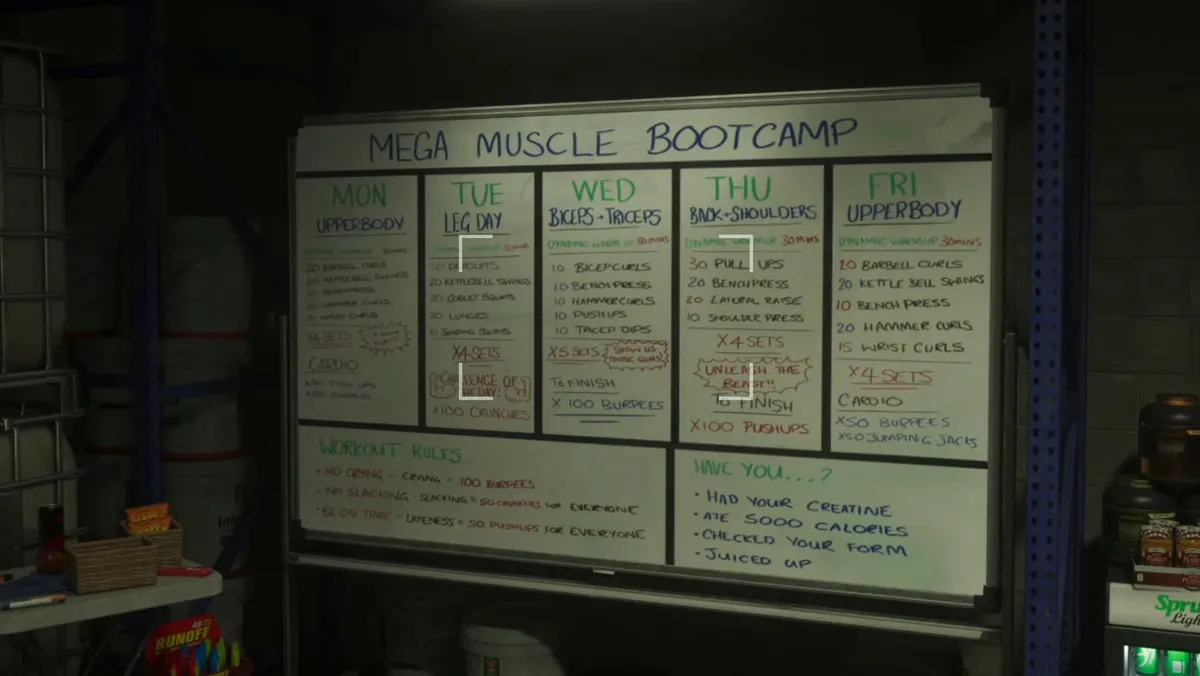
Jason examines the whiteboard in the planning room during Chapter 4’s Power Play mission. The front has the workout heading “MEGA MUSCLE BOOTCAMP” across the top.
Flipping the board reveals plans for Vice City Airport. Photographing them with the in-game phone advances the objective.
In one PS5 playthrough, facing the board and holding L2 brought up no interaction prompt. The player could not flip the board, complete the mission, or continue the story.
The November 23 official update notes list no specific fix for the whiteboard prompt.
Players on both PS5 and Xbox Series X have run into cases where the whiteboard will not flip and progress stalls. Restarting the game has been reported to fix the issue on both consoles.
Where and how to start the mission
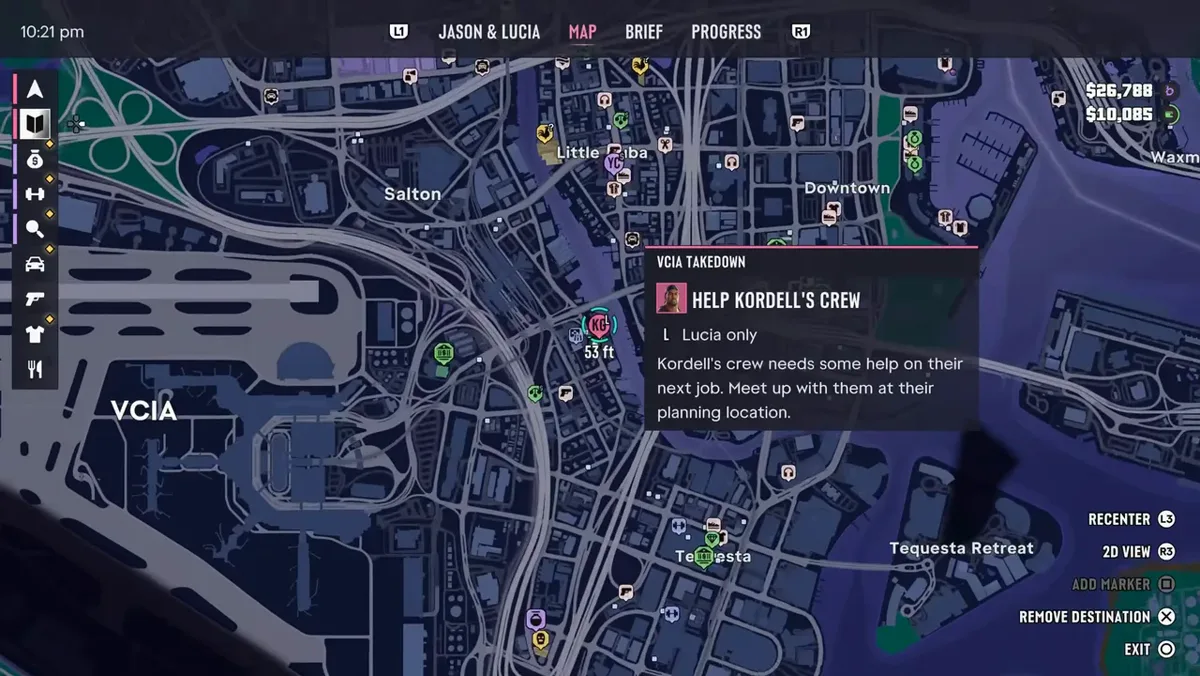
Look for Help Kordell’s Crew in Chapter 4’s Story menu, the in-game list of main missions. The entry is exclusive to Lucia, one of the playable protagonists.
The start marker is between Salton and Little Cuba on the pause-menu map. Jason, the other playable protagonist, examines the board in the planning room.
If the entry is missing from Story or the mission won’t start before you reach the planning room, see What to do when a GTA 6 main mission is missing or won't start.
| Chapter | Chapter 4 |
|---|---|
| Start condition | The Lucia-only mission entry appears in Chapter 4’s Story menu |
| Starting entry | Help Kordell’s Crew in Story |
| Character at the board | Jason |
| Focus input | Hold L2 on PS5 or LT on Xbox |
What to do when a GTA 6 main mission is missing or won't start
See the Help Kordell’s Crew start card and its location on the map
How to flip the whiteboard and photograph the plans
The photo target is the Vice City Airport plan on the back of the whiteboard. Look for the blue route in the center.
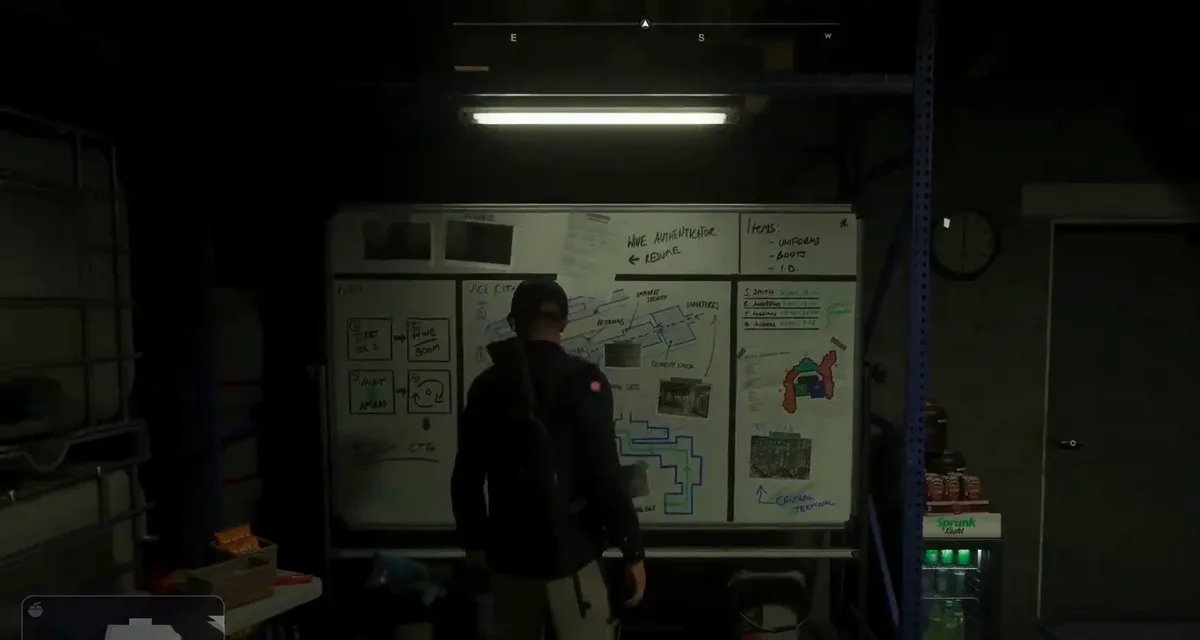
- Enter the planning room.
- Stand in front of the whiteboard as Jason.
- Hold L2 on PS5 or LT on Xbox to focus on the board.
- Choose FLIP when it appears to turn the board around.
- Use the in-game phone’s TAKE PHOTO option to photograph the plans on the back.
Check the FLIP prompt and the objective for photographing the back of the board
Missing prompt option 1 — Step back and refocus
- Release L2 on PS5 or LT on Xbox.
- Take a few steps back from the whiteboard.
- Hold L2 or LT again.
Missing prompt option 2 — Retry the checkpoint
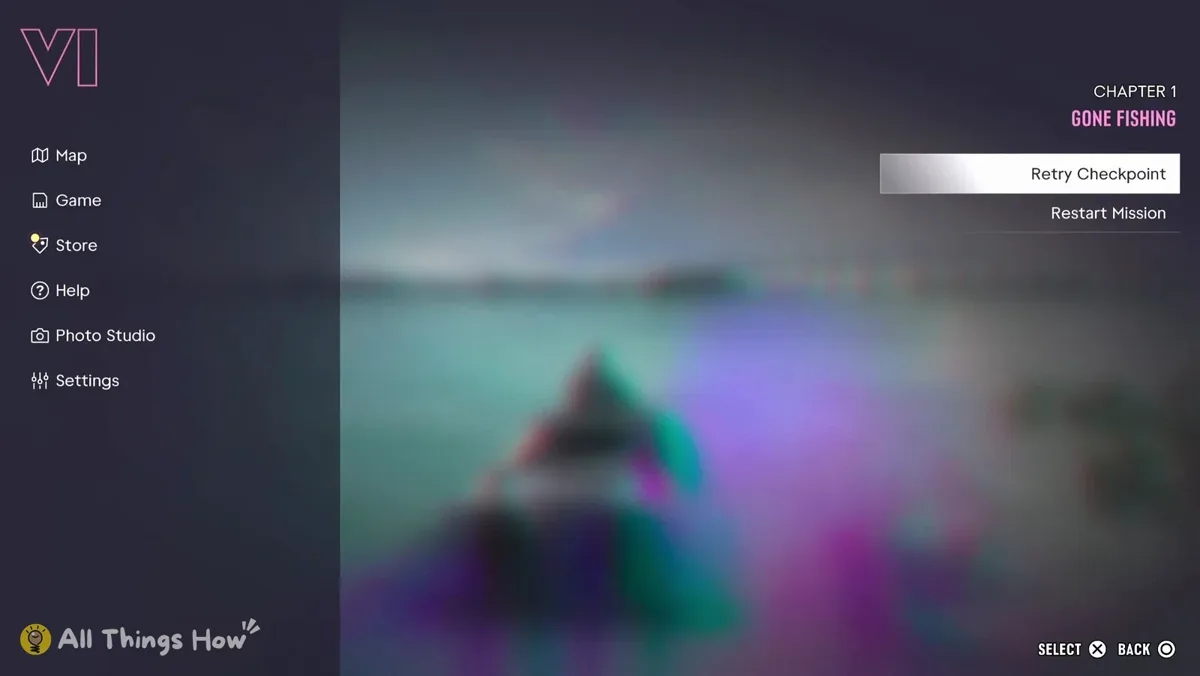
- Select Retry Checkpoint if it is available.
- Return to the whiteboard after the checkpoint reloads.
- Try FLIP.
Check the menu options for loading a save or retrying the checkpoint
Missing prompt option 3 — Load a save from before the mission
You can try this if you have a save from before Power Play. You will need to replay any progress made since that save.
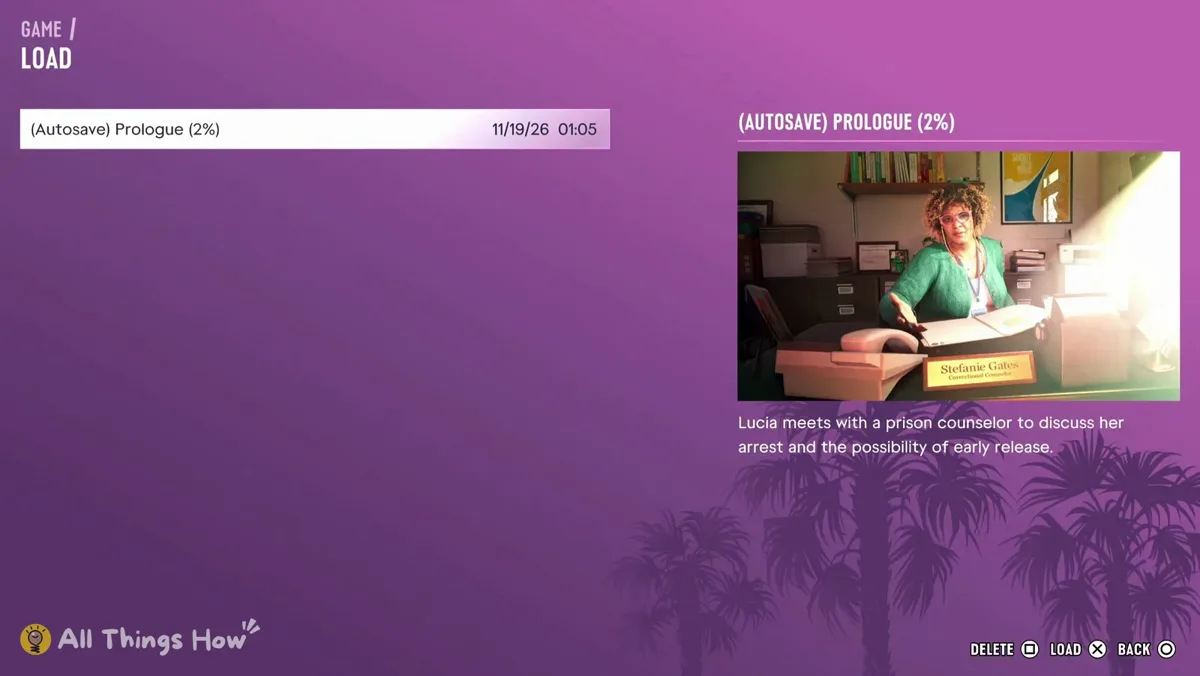
- Use Load Game to load the save from before the mission.
- Replay the mission.
How to restart the game when the prompt is missing
In one case, restarting the mission several times did not help. Restarting the game let the player continue.
- Fully close the game.
- Start the game again.
- Return to the planning room.
- Stand in front of the whiteboard as Jason.
- Hold L2 on PS5 or LT on Xbox.
- Check whether FLIP appears.