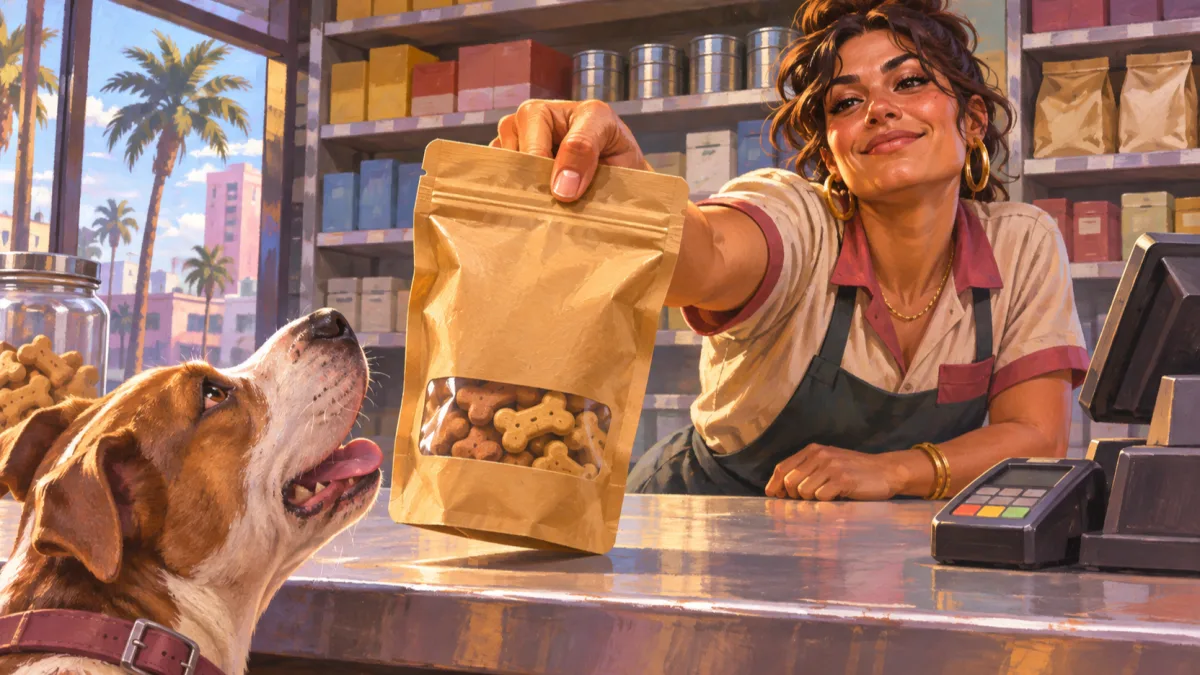
What is pet food (Pet Snacks)?
Pet Snacks are treats you can feed to dogs, listed on the store clerk's counter menu.
During the Chapter 1 grocery run on PS5 at launch, buying Pet Snacks gives you 10 treats and displays a "+ Pet Snacks x10" notification on the right side of the screen.
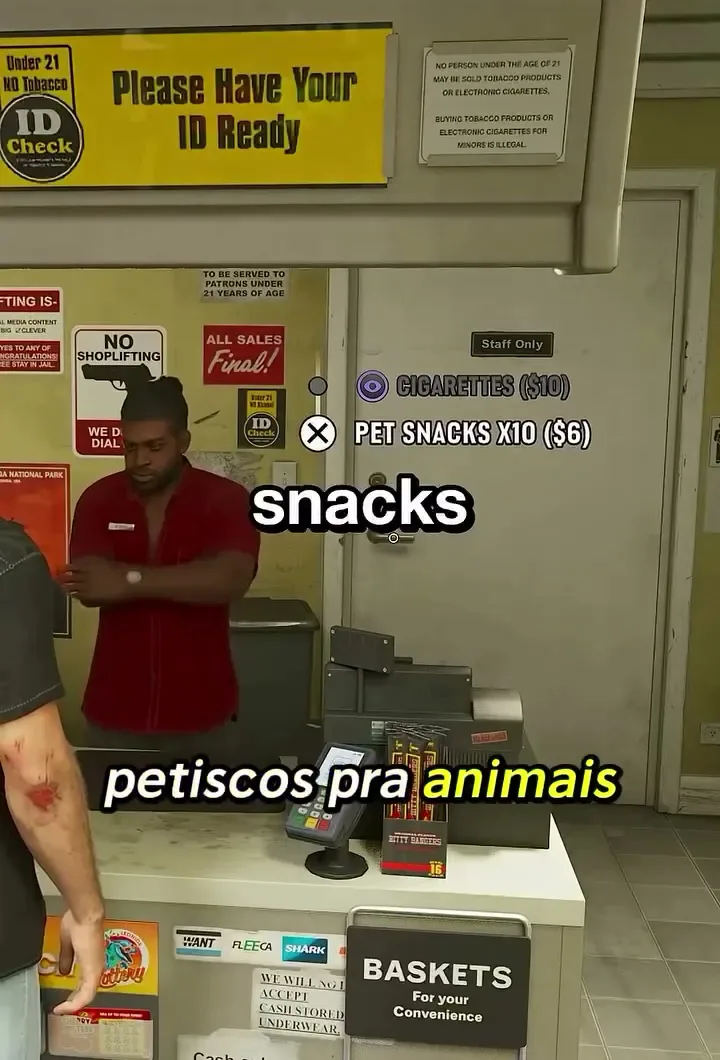
Where can you buy pet food?
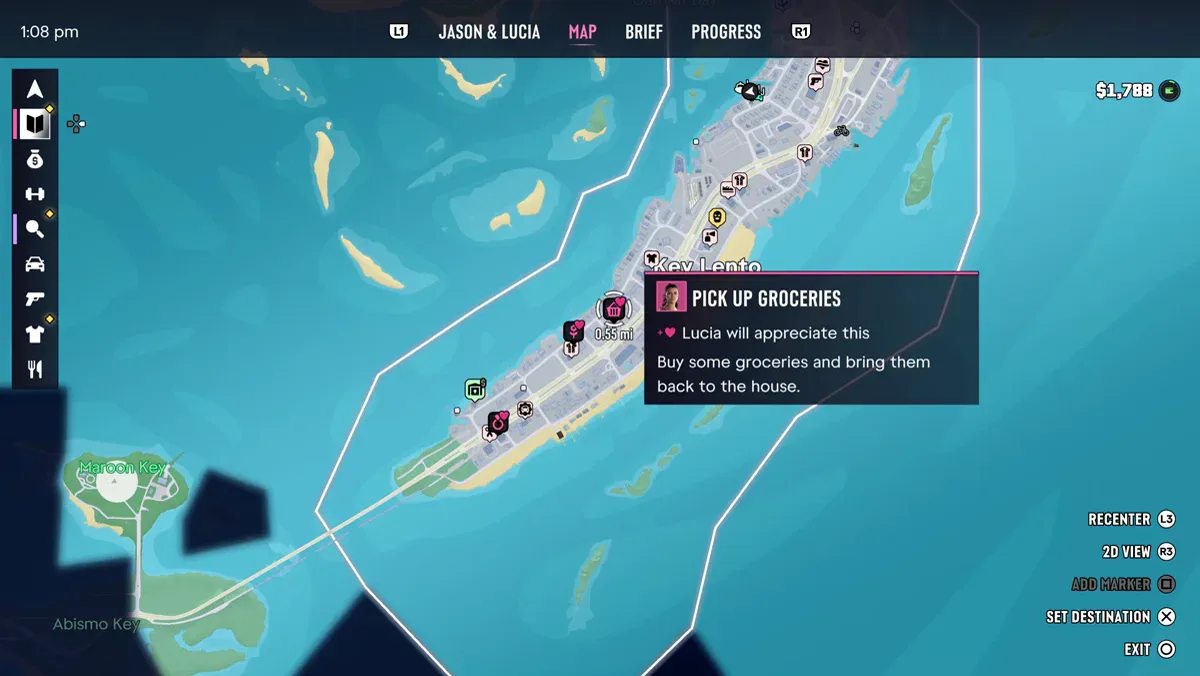
On PS5 at launch, during Chapter 1 when protagonist Jason goes out for groceries the day before fellow protagonist Lucia's release, you can buy 10 Pet Snacks treats for $6 in game from the clerk at Key Lento Mini-Mart, a convenience store in the town of Key Lento.
Whether other stores carry Pet Snacks or whether they remain available after that grocery run is not yet known.
For the rest of the Chapter 1 grocery run, see GTA 6 Guide to Buying Fast Food and Chapter 1 Groceries.
How to buy Pet Snacks from the Mini Mart clerk
On PS5, interact with the clerk behind the counter to open the item list. Be careful not to press Cross by mistake, as that says goodbye and ends the conversation.
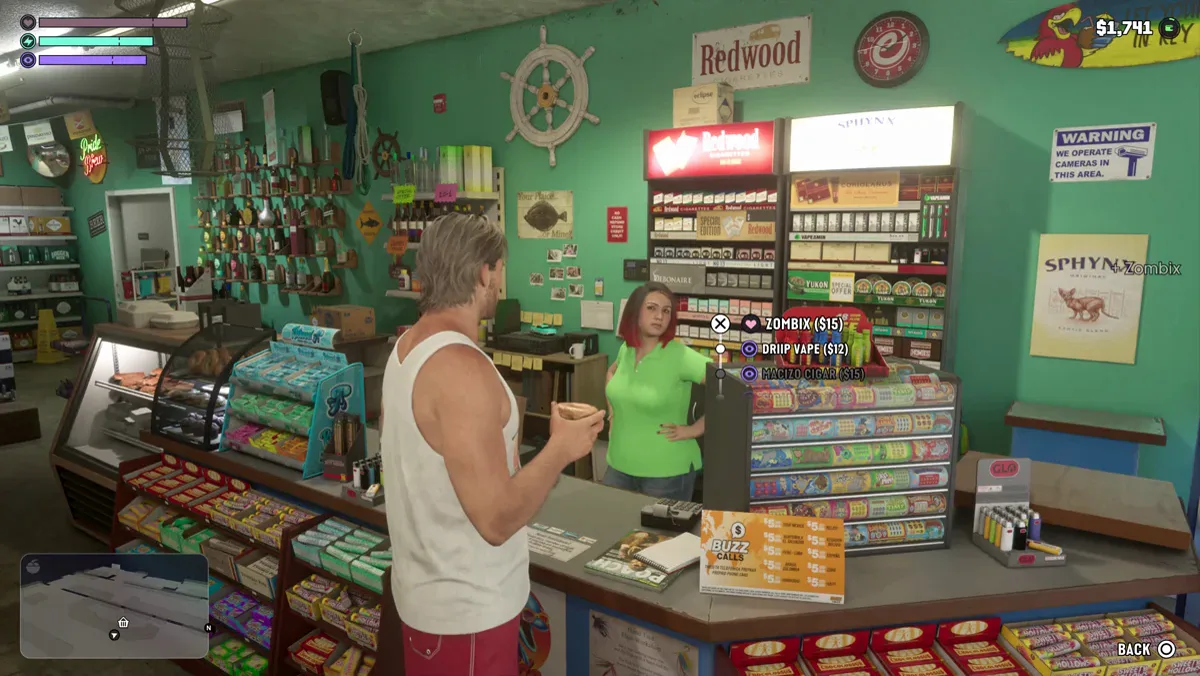
- Enter the Key Lento Mini-Mart.
- Face the clerk at the counter.
- Hold L2 on the clerk.
- Press Triangle to select Browse.
- Buy "Pet Snacks x10" for $6.
How to feed Pet Snacks to dogs
On PS5, you can use Pet Snacks when you approach a dog and the "Feed" prompt appears.
For details on petting and scolding dogs, see Can You Pet Dogs in GTA 6?
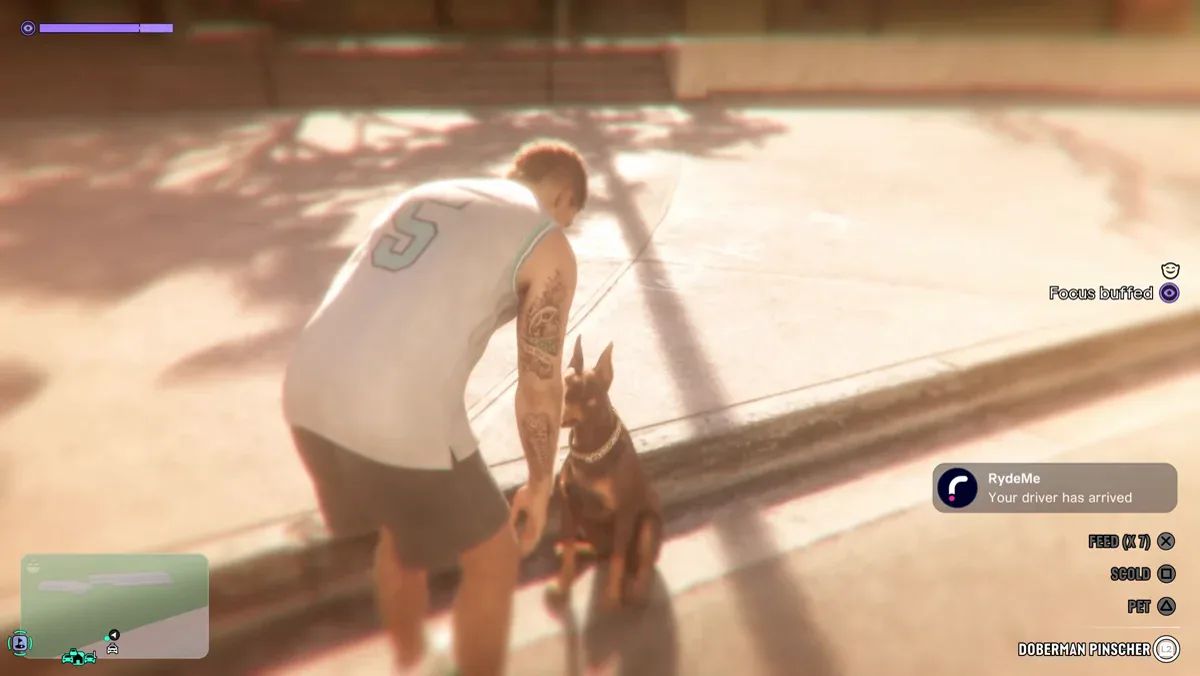
- Walk up to a dog you meet in the world.
- Hold L2 while targeting the dog.
- Press Cross when the Feed prompt appears.