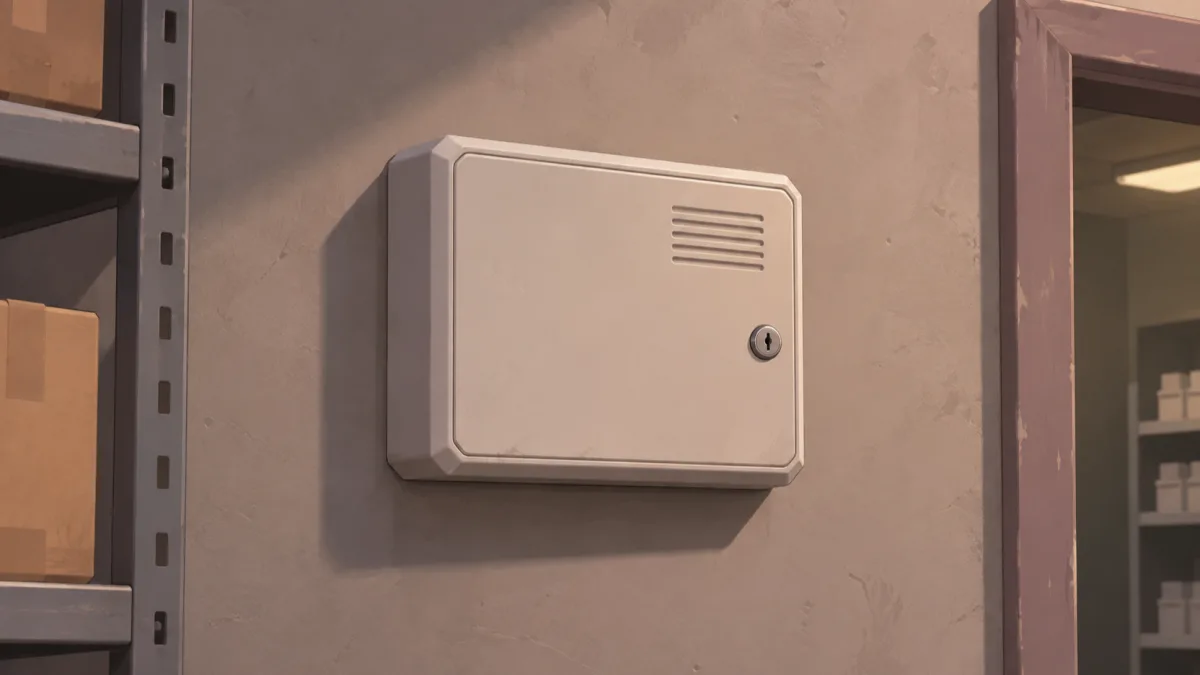
How to find and disable the white wall panel
In story mode, in stores with an alarm panel, disabling the wall-mounted alarm panel before smashing display cases stops that store's alarm from going off. Police will not be alerted by that alarm either.
The small panel is mounted on a wall inside the store, mostly in a back room or back office.
If it is hard to spot, turn on Focus (an in-game feature that highlights doors and interactive devices) to highlight the white wall panel.
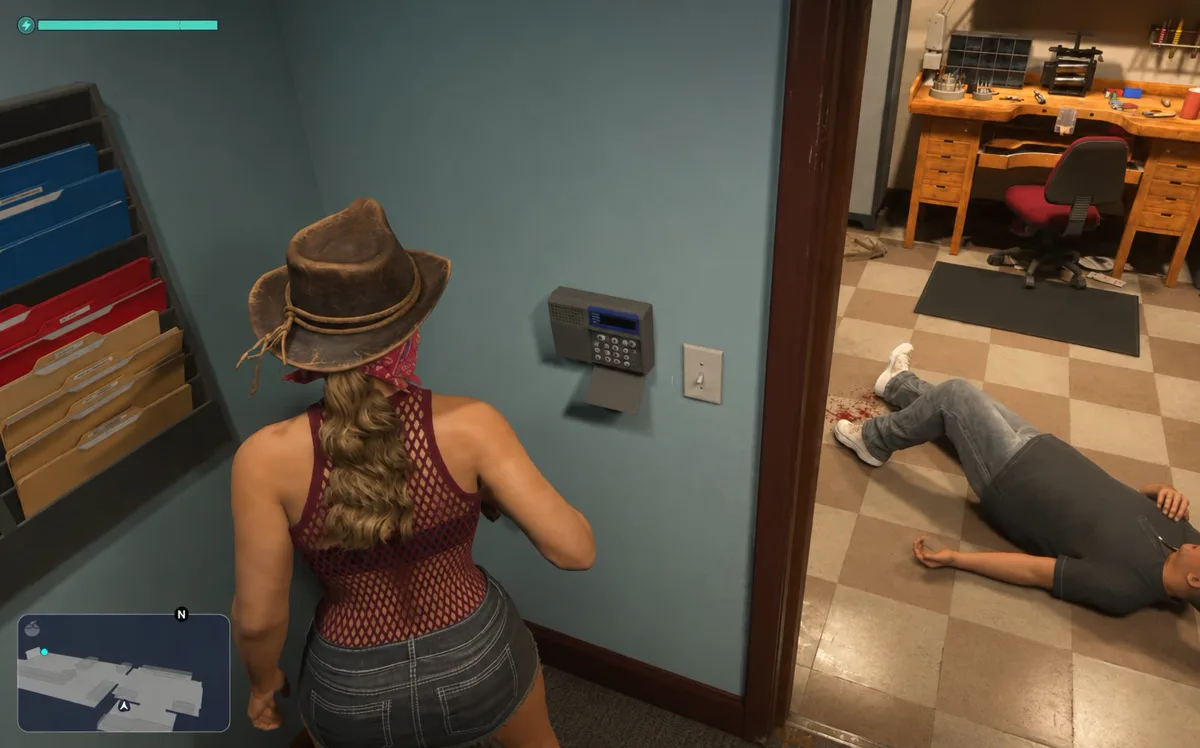
- Enter a store that has an alarm panel (if using a compatible locked entrance, see the section below on the Snap Gun, a tool that opens compatible doors without triggering their alarms)
- Check the walls inside, starting in the back room or back office
- If needed, turn on Focus to highlight the white wall-mounted panel
- Approach the alarm panel
- Select "Disarm Security" or "Disable security system"
- Smash display cases only after disarming the alarm
Why the Snap Gun is not enough and employee alerts
The Snap Gun is a Chapter 3 tool that opens compatible doors without triggering their alarms. The store's alarm system stays active.
While the store alarm is active, kicking open another door or smashing a display case can trigger it. A store employee can also set it off.
Whether disabling the wall panel also stops store employees or witnesses from reporting you is not yet known.
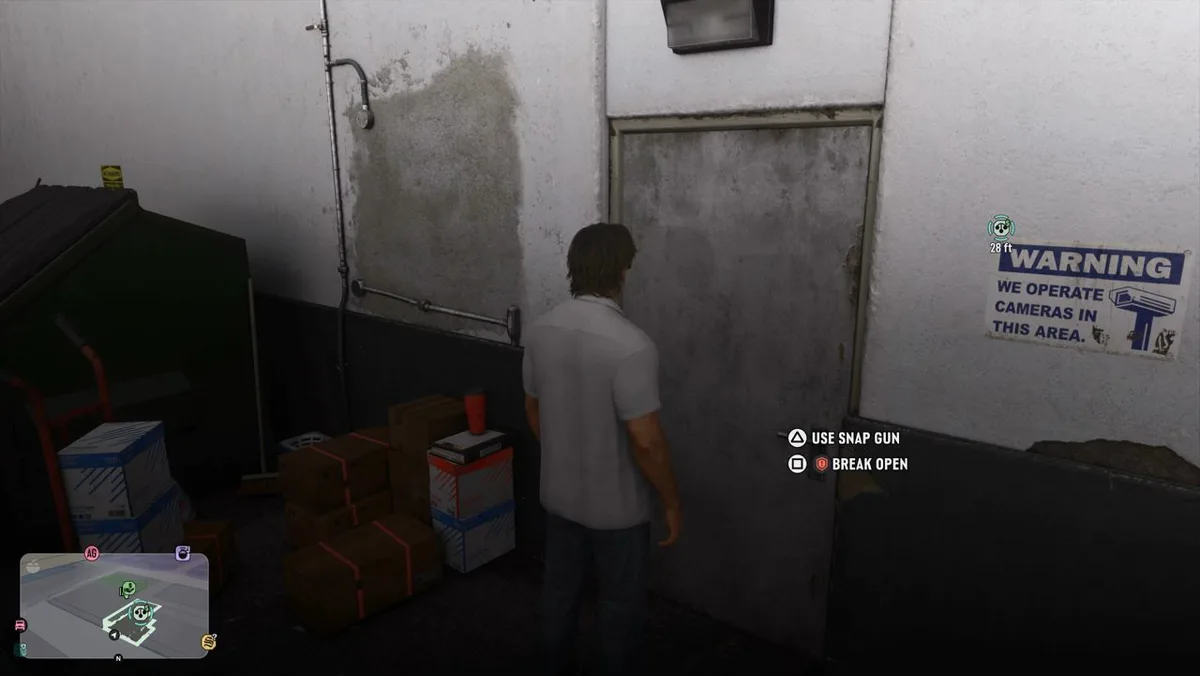
What the Snap Gun bypasses and when the store alarm can still sound
Alarm panels and back doors in Yasmani's Jewelry Jobs (Chapter 3)
In the Chapter 3 jewelry-store mission Yasmani's Jewelry Jobs, you steal requested items from three jewelry stores and sell them to Yasmani, the shop owner who requests the goods.
Where to disable the alarm is known for Richardson Jewelry and Donovan Banks & Co., while Casa de Empeno does not have a back door you can enter with the Snap Gun.
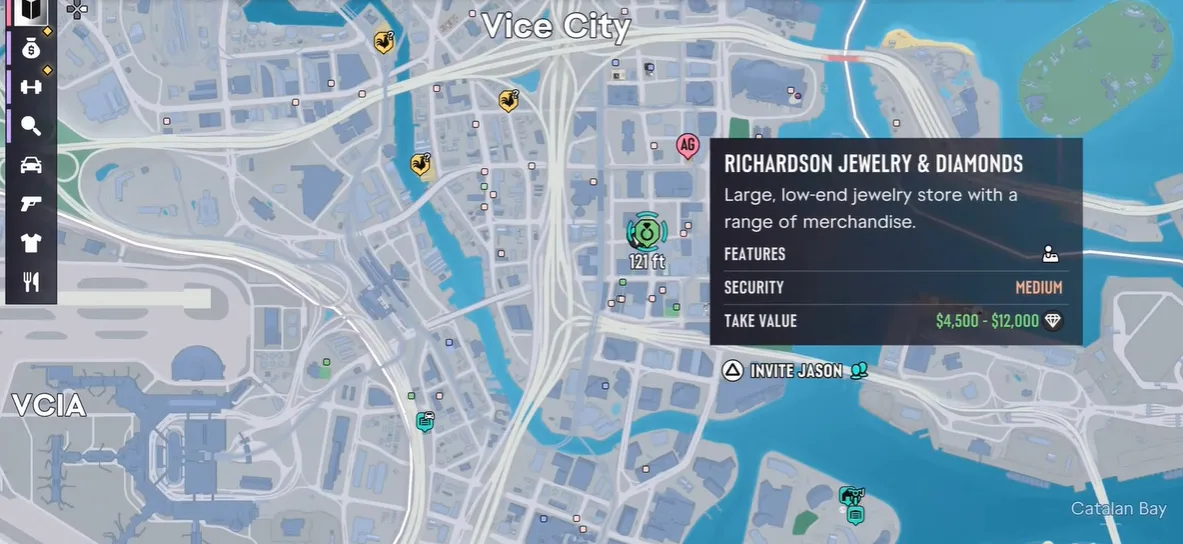
| Richardson Jewelry | Enter through the back door with the Snap Gun without alerting security in the front; the Disarm Security panel is to the right of the door leading to the center room |
|---|---|
| Donovan Banks & Co. | Disable the alarm in the small office in the back. |
| Casa de Empeno | Does not have a back door you can enter with the Snap Gun |
Yasmani’s Jewelry Jobs store walkthrough and alarm panel locations