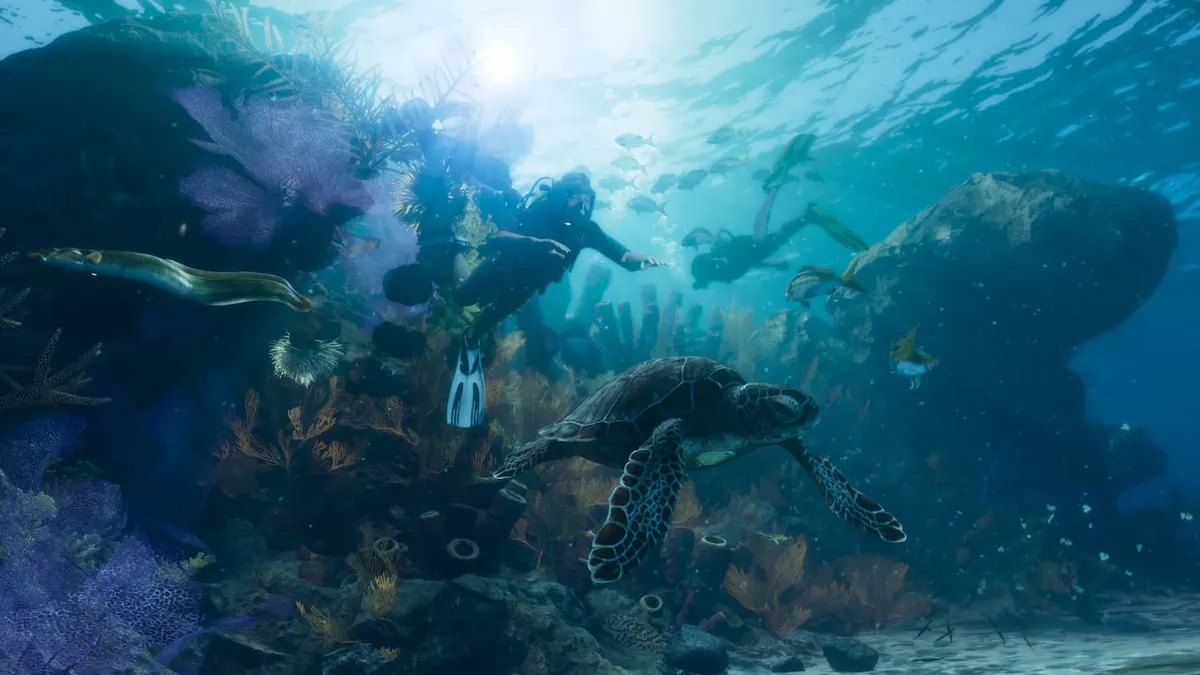
Oxygen bar location and diving controls
The details below come from PowerPyx's launch walkthrough.
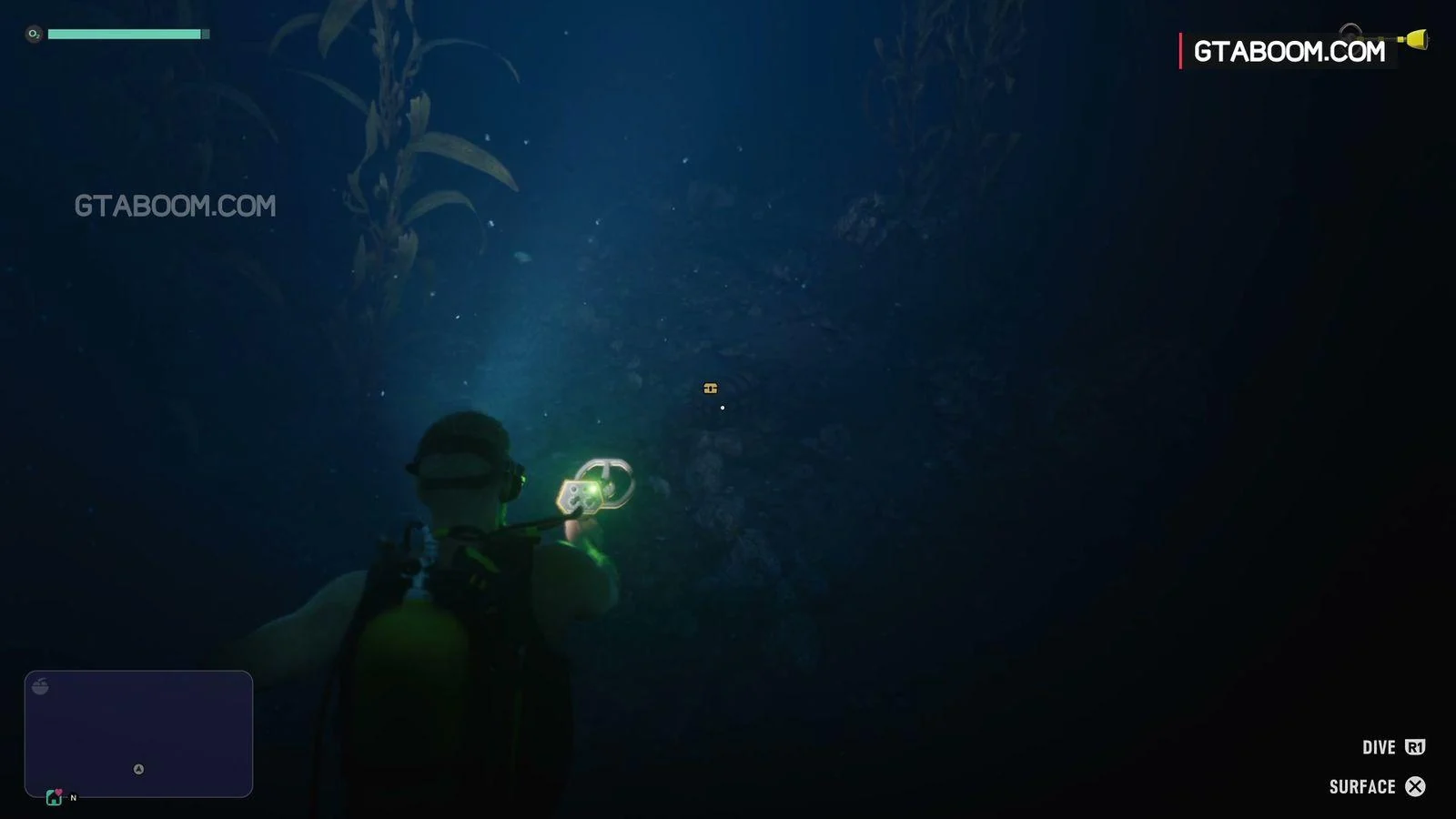
| Mission and character | Chapter 1 "Island Dreams" (Jason) |
|---|---|
| Oxygen bar location | Green bar in the top-left corner of the screen |
| Dive control (PlayStation) | Hold R1 |
| Dive control (Xbox) | Hold RB |
| Confirmed setup | Jason is diving in scuba gear with the HUD enabled |
How to dive and check the oxygen bar in Chapter 1 "Island Dreams"
Start in Chapter 1 "Island Dreams" playing as Jason, while on the boat.
If the green bar doesn’t appear, check that Jason has the scuba gear equipped and that the HUD is enabled.
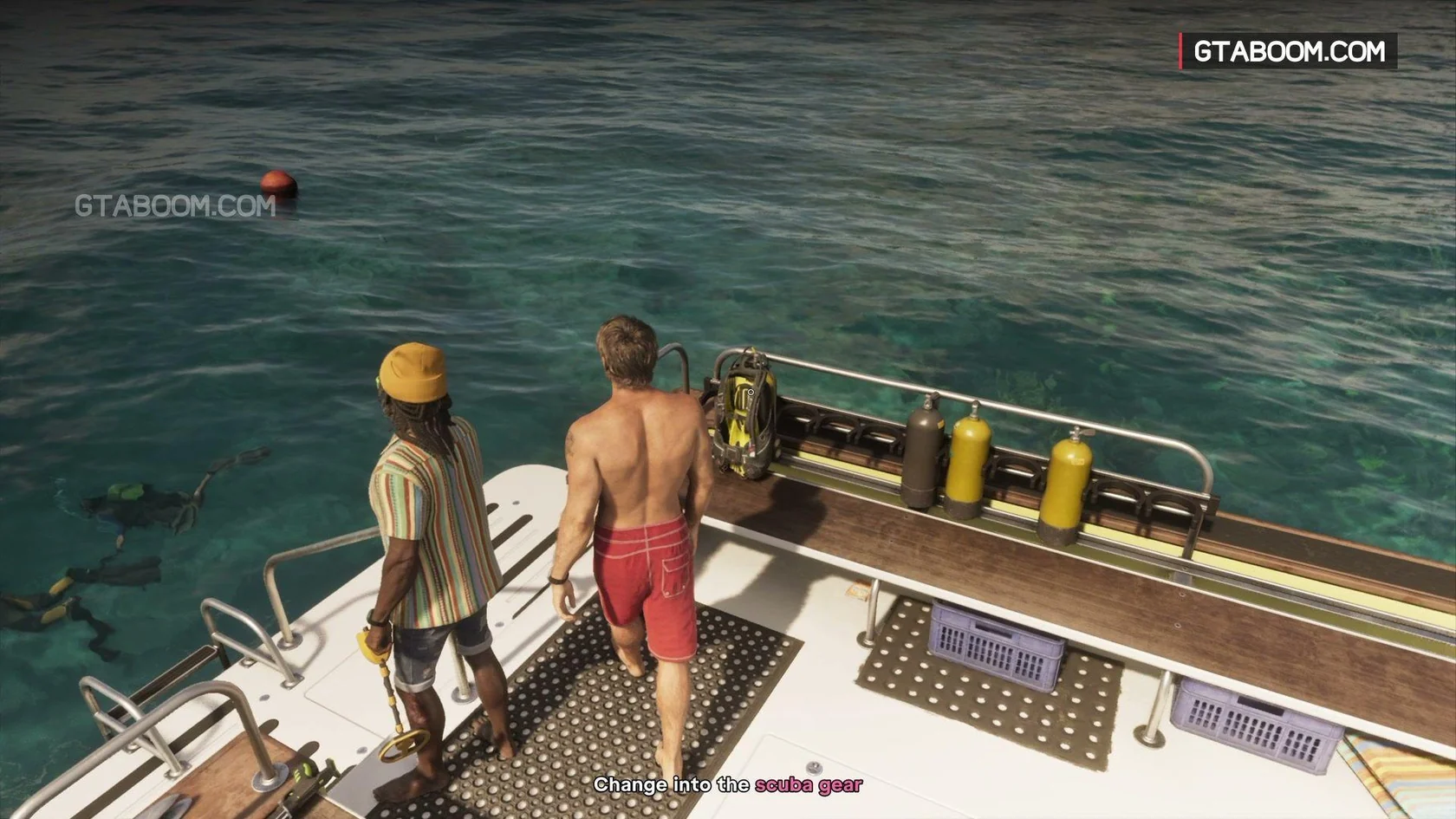
- Once you reach the marked spot, have Jason equip the yellow scuba gear at the stern of the boat.
- Enter the water with the gear equipped.
- Hold R1 on PlayStation or RB on Xbox to dive.
- You've succeeded when a green bar showing your oxygen appears at the top-left of the screen.
See the Island Dreams diving sequence in gameplay screenshots (PowerPyx)
Does entering the water switch stamina to a lung capacity bar? (Pre-launch report, unconfirmed in retail)
A summary post on Reddit r/GTA6 relays TGG's report from the pre-launch demo, which says entering the water switches the stamina bar to a lung capacity bar.
This comes from a pre-launch report only and has not been confirmed in the retail version. It is also unknown whether conditions differ between regular swimming and wearing diving gear.
How to Increase Stamina in GTA VI: Running, Cycling, Swimming, and Gym Cardio