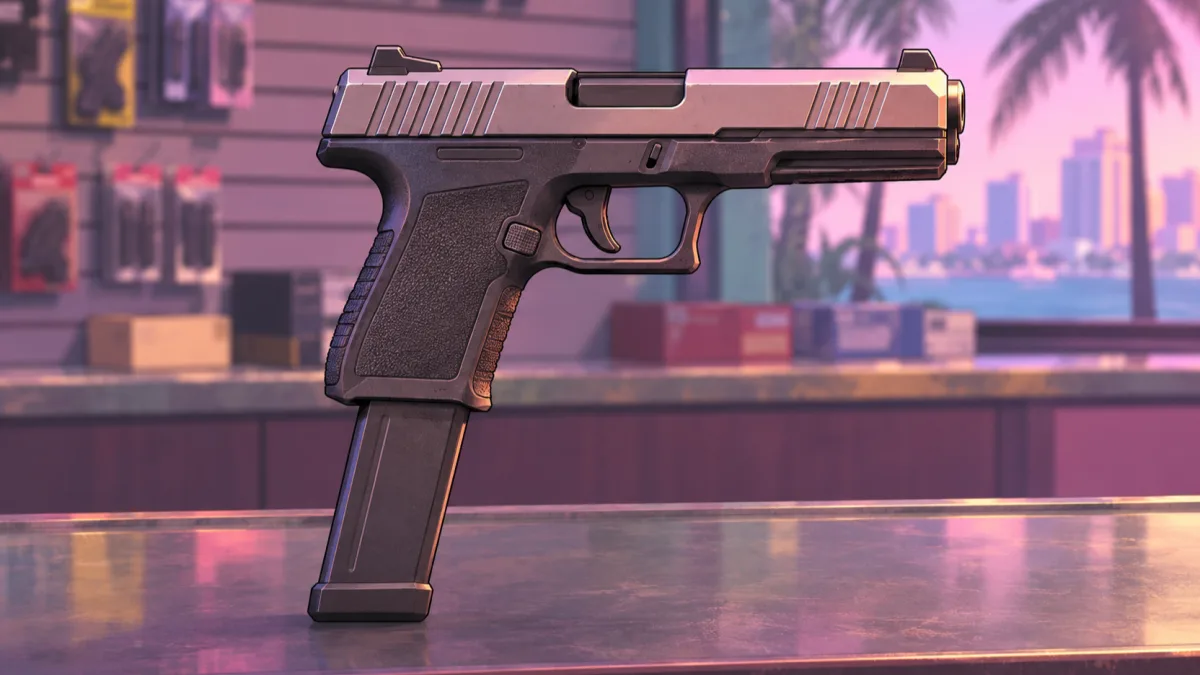
What happens to the ES18 model inside vs. outside Ammu-Nation?
After you remove the fitted muzzle brake from the ES18 (93R) pistol, it still appears in the Ammu-Nation customization preview. Exit the shop and draw the pistol to see it without the attachment.
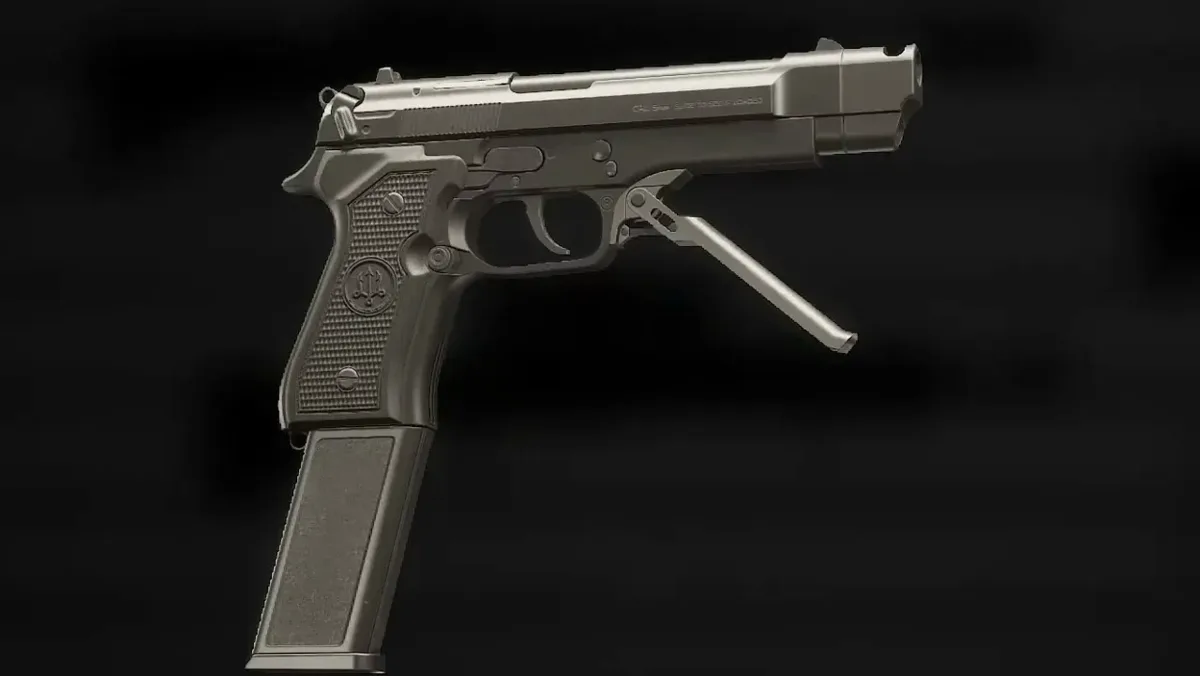
Post describing how the shop preview differs from the appearance outside
How to remove the muzzle brake and check it outside
- Open the customization screen for an ES18 with a muzzle brake fitted at Ammu-Nation
- Remove the muzzle brake
- Leave the shop
- Draw the ES18 outside to check how the muzzle looks
Post describing removal and how the pistol looks outside the shop
The standard ES18 and its unique variant, The Guardian ES18
See How to get The Guardian ES18 pistol and How to re-select acquired unique weapons.
| Girardi ES18 (standard) | Acquired at Ammu-Nation; customizable with attachments and tints |
|---|---|
| The Guardian ES18 (unique variant) | Cannot be modified |