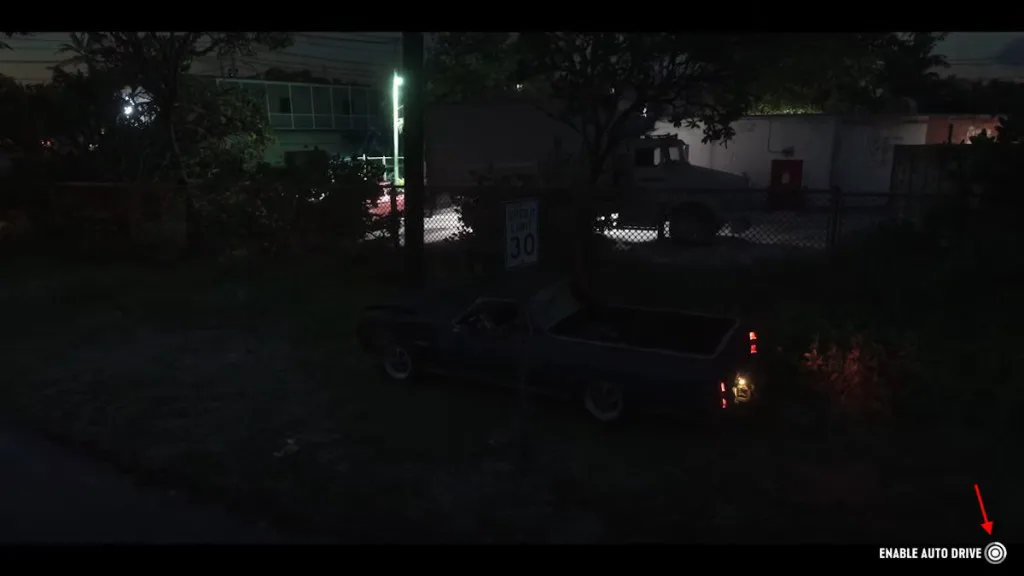
What happens while you hold R3?
If the cinematic camera switches to an overhead view while you’re driving, press and hold the right stick (R3) to keep that angle for as long as you hold it.
In the shared clip, the aerial angle looks down on a car navigating streets and intersections in a suburban neighborhood.
What triggers the aerial overhead angle and whether holding R3 works on foot are not yet known.
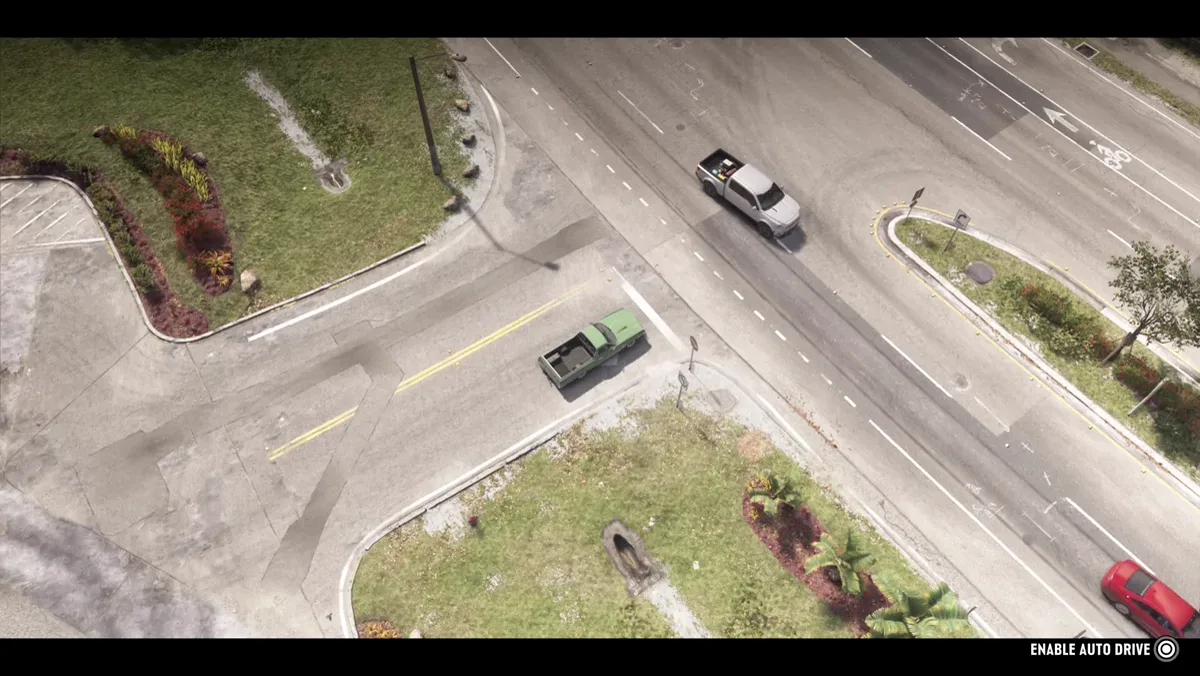
How to keep the overhead angle once it appears
The PS5 controls are for opening the cinematic camera from inside a vehicle.
- If an overhead angle appears, press and hold the right stick (R3) for as long as you want to keep that view.
- Press and hold in R3 (the right stick) continuously to keep that angle as you drive.
Can you keep the overhead angle during Auto Drive?
It is not yet known whether you can hold R3 to keep the overhead angle while using Auto Drive (the feature that drives your vehicle to a destination automatically).