What is the Love interaction?
Love is the affection interaction Jason and Lucia can use when they are close to their partner. Wait for the heart icon, then hold the affection buttons to keep the kiss or hug going after you let go. Press another button when you want the animation to stop.
In the PS5 example with Lucia, the pink heart with a plus sign appears beside the Square prompt, above “LUCIA” and L2 in the lower-right corner.
Move behind your partner and use the same input to trigger a different hug. Whether a specific story chapter, relationship stage, outfit, or location is also required remains unknown.
A separate guide covers checking and changing your relationship stage.
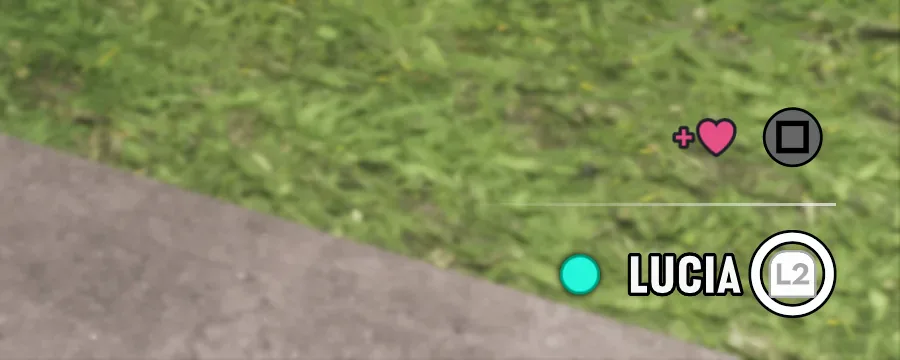
Original post describing what happens after release and the different hug from behind
How to keep a kiss or hug going and stop it
A separate report also describes the kiss continuing while you hold the button when the kiss prompt appears.
A separate guide covers repeating the affection interaction after paying to recover Lucia’s impounded car.
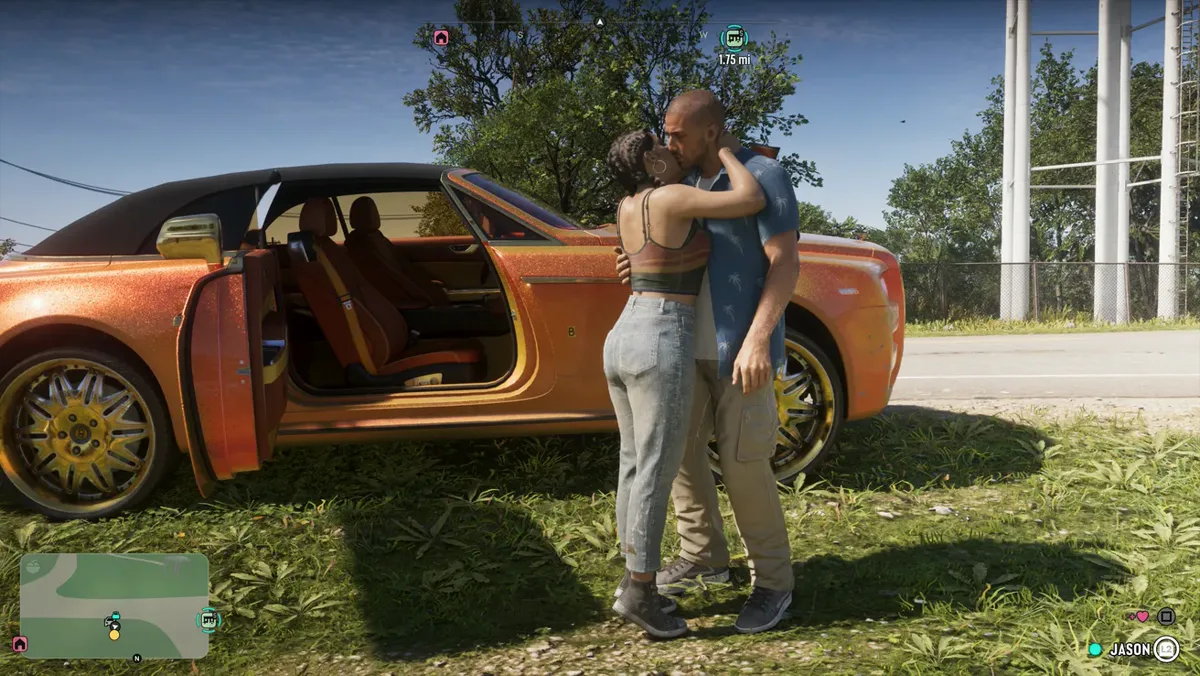
- Move close to your partner, Jason or Lucia.
- Check that the heart icon for the affection interaction is visible.
- Hold L2 and Square together on PlayStation, or hold LT and X together on Xbox.
- Release both buttons after holding them.
- Press another button when you want the animation to stop.
Original post with the buttons to hold when the heart icon appears and how to stop the animation
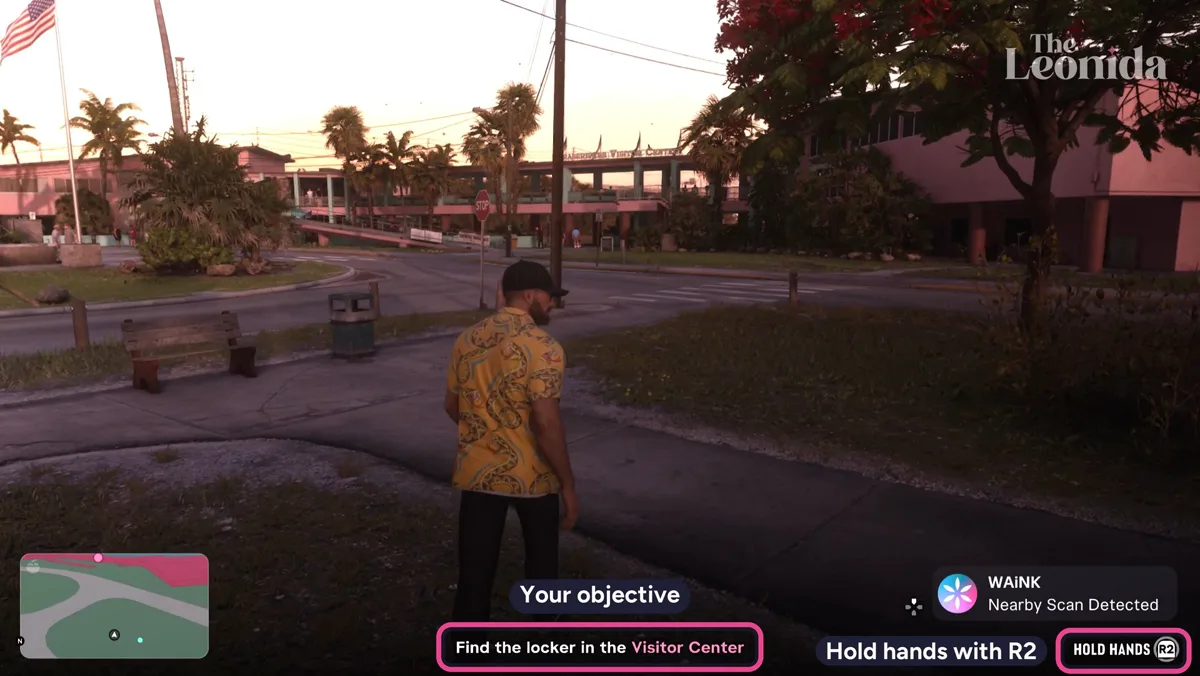
The hand-holding prompt
When holding hands is available, the lower-right corner shows the “HOLD HANDS” prompt with R2.
A separate guide explains how to hold hands as Jason and Lucia.