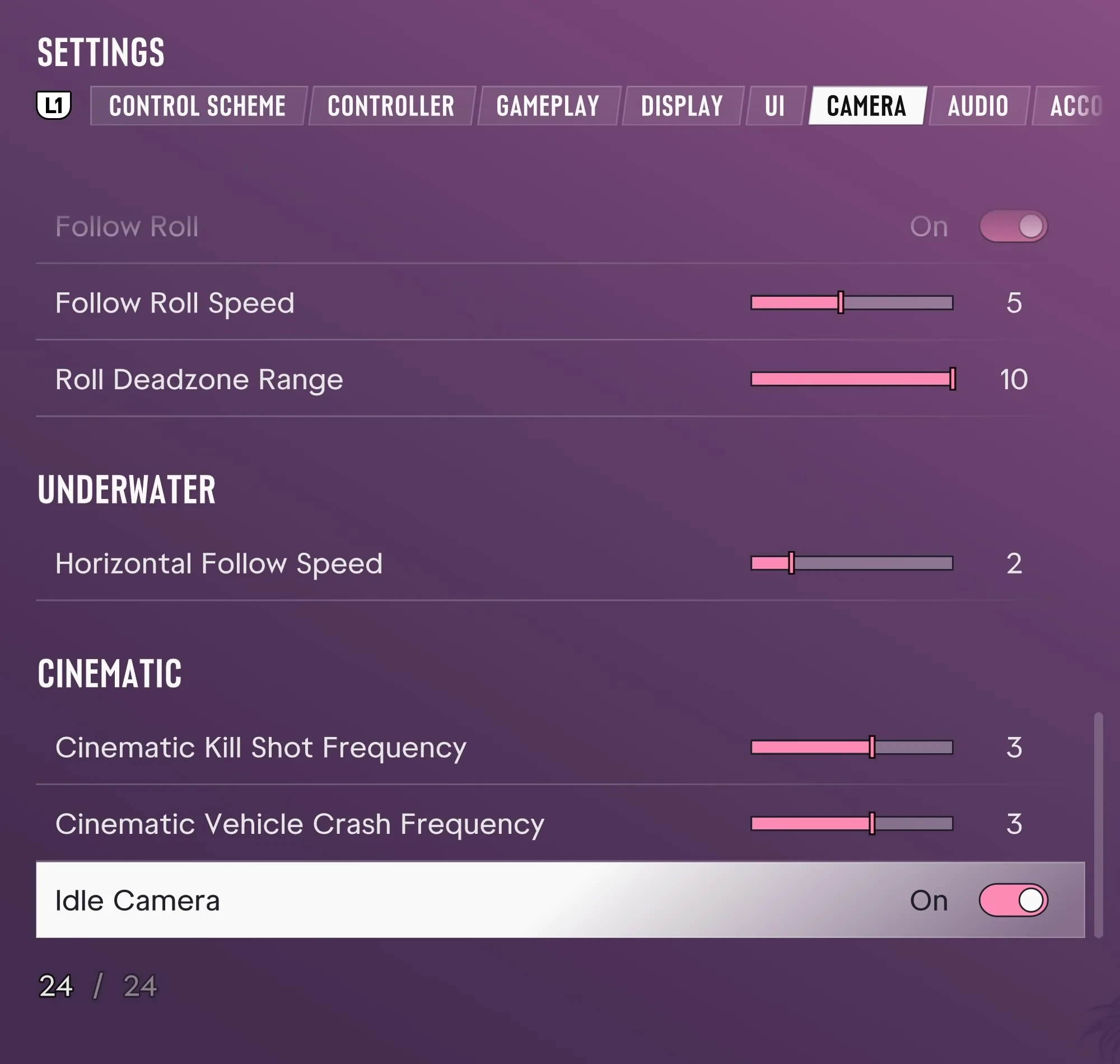
Steps to Set Idle Camera to Off
These steps use the PS5 controls and English menu labels from launch.
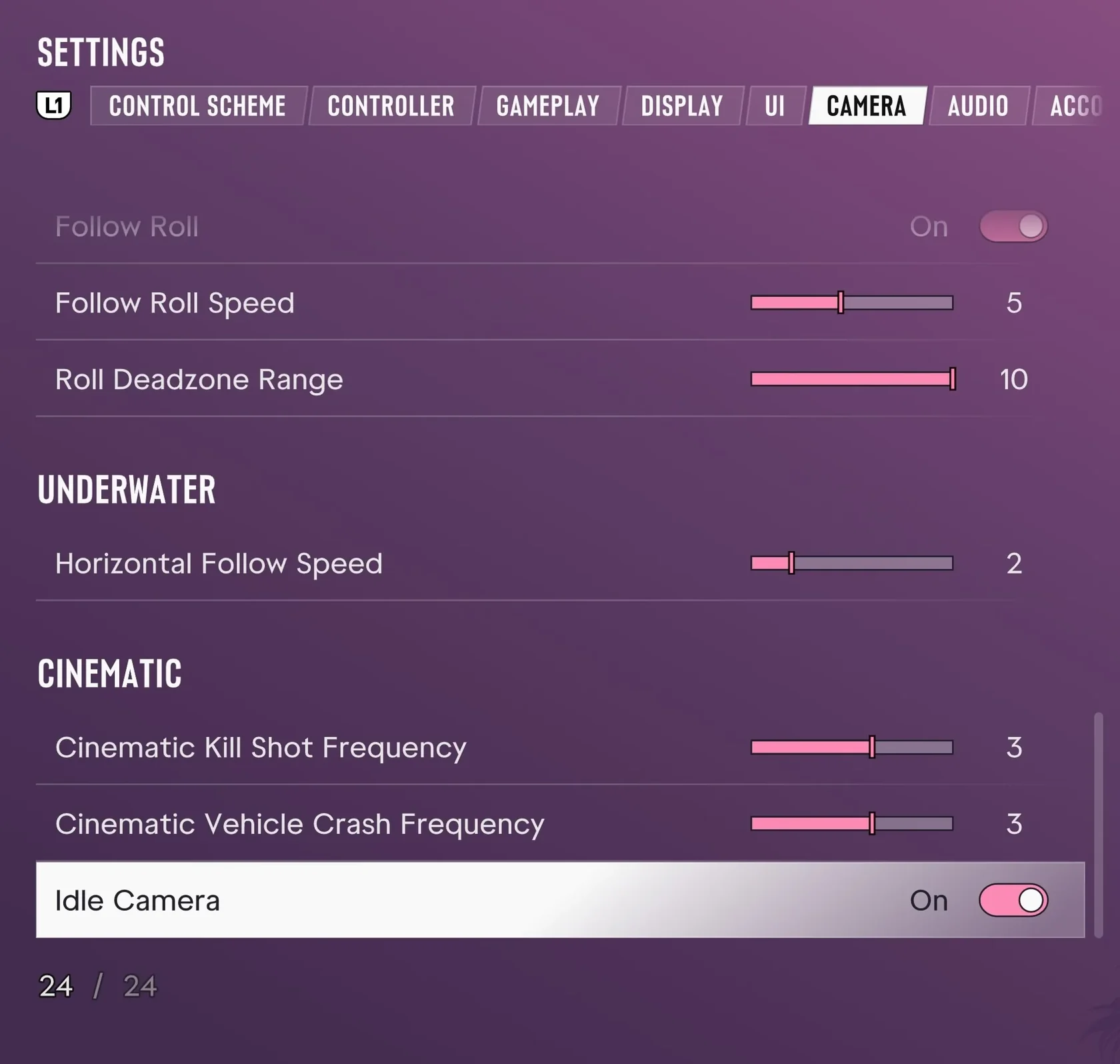
- Press the Options button on your PS5 controller during gameplay to open the pause menu.
- Select Settings.
- Press L1 or R1 to switch to the Camera tab.
- Select Idle Camera near the bottom of the tab.
- Set Idle Camera to Off.
Idle Camera and the Two Sliders Above It
According to ViceManual, Idle Camera switches to cinematic views after a period of inactivity. Cinematic Vehicle Crash Frequency, directly above Idle Camera, controls how often vehicle crashes trigger a cinematic shot.
Cinematic Kill Shot Frequency, one row higher, controls how often kills trigger one.
ViceManual’s capture shows Idle Camera set to On. It does not show anyone selecting Off or how the camera behaves when the player waits without input afterward.
Verified Scope and Unconfirmed Details
ViceManual captured the English settings menu on PS5 at launch.
| Source and timing | ViceManual (at launch) |
|---|---|
| Platform and UI language | PS5, English UI |
| Idle Camera default | On |
| Other unconfirmed details | Xbox controls and menus, Japanese UI labels, and the number of seconds before the idle view changes |