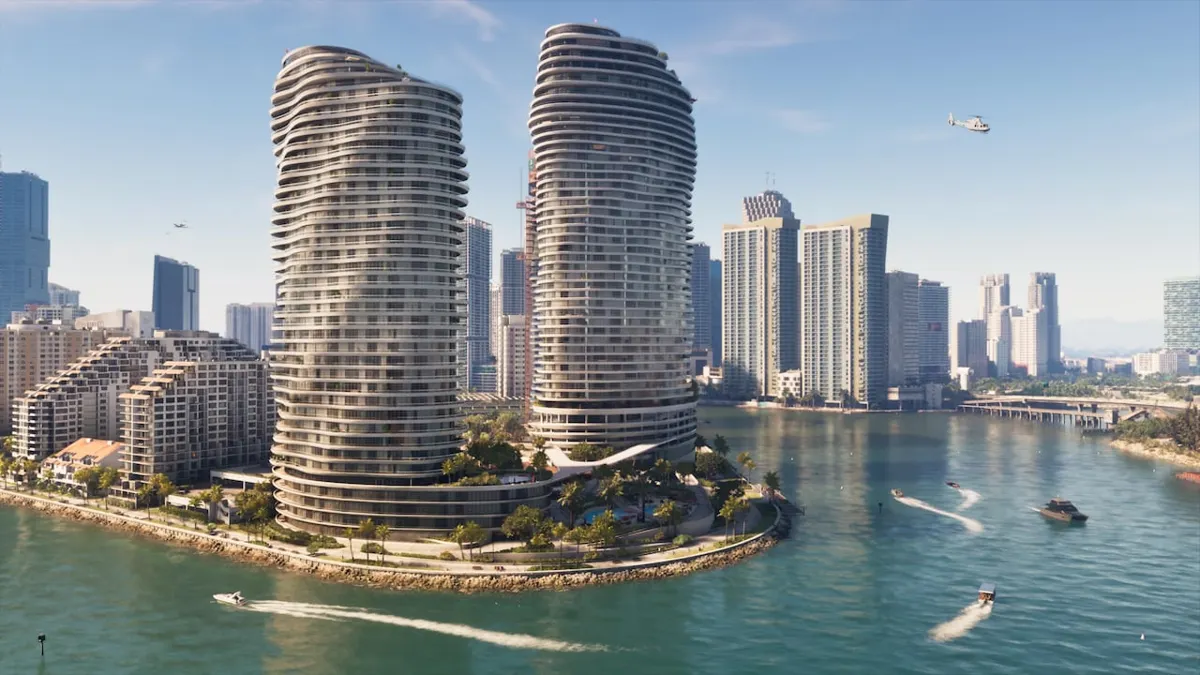
What Photo Studio does
Photo Studio freezes the current scene so you can move the camera freely. Once it is open, the screen includes an Effects tab.
The menu names in this guide (Photo Studio, Effects) are as they appear in the English UI.
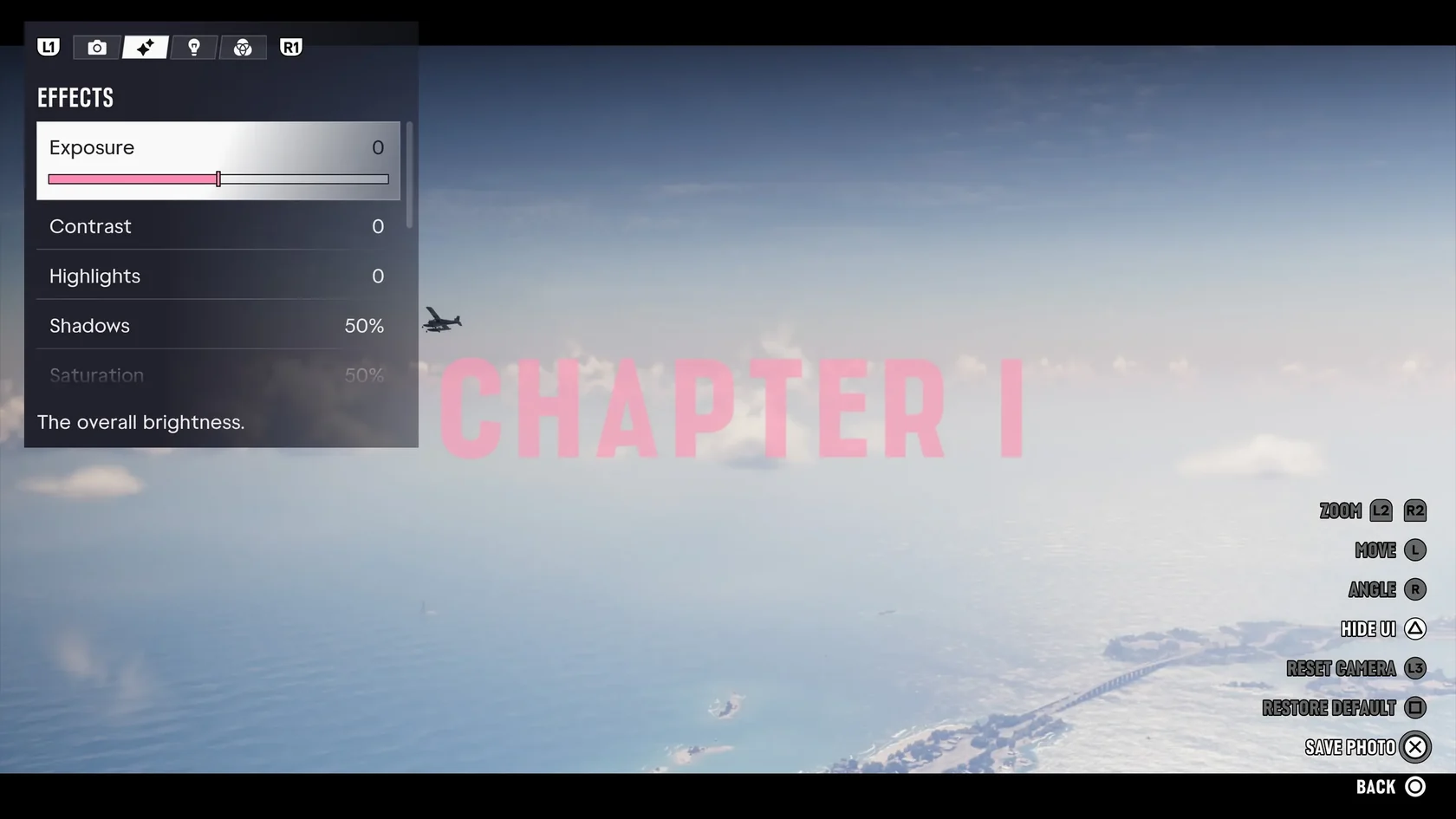
How to open Photo Studio on PS5
Start from regular gameplay.
If you have trouble opening it from the menu, you can also press □ while paused to open it, according to Grant Taylor-Hill at Insider Gaming.
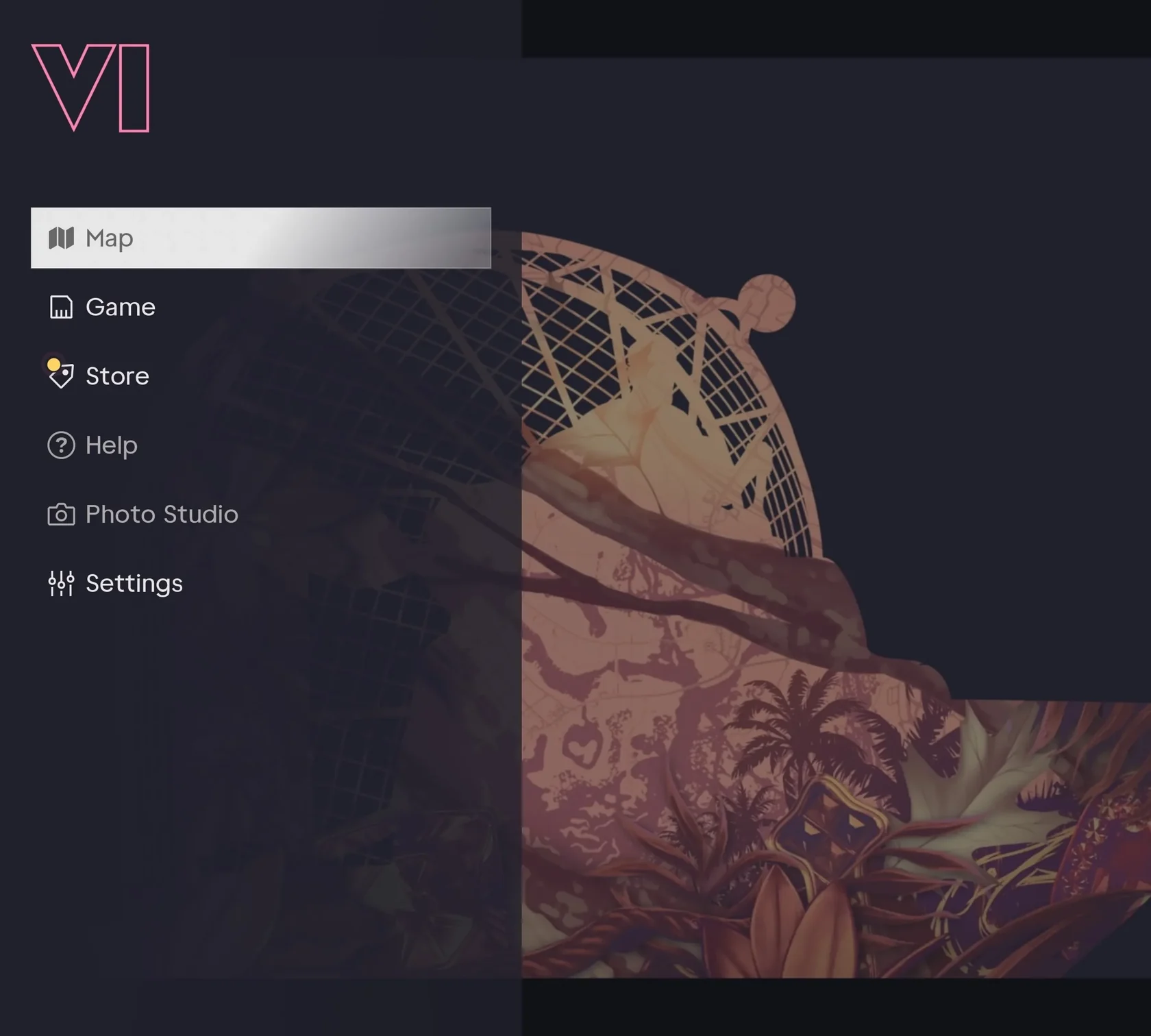
- Press OPTIONS during gameplay to pause the game.
- Select Photo Studio from the pause menu.
- If the scene freezes and a screen with an Effects tab appears, it worked.
- Move the camera to frame your shot.
Shortcuts and test setup
The pause-menu route is shown in ViceManual's screenshots, and the button shortcuts are reported by Insider Gaming.
| PS5: from the menu | Pause with OPTIONS → select Photo Studio (ViceManual screenshots) |
|---|---|
| PS5: button while paused | □ (per Insider Gaming) |
| Xbox: button while paused | X (per Insider Gaming) |
| Test setup | Launch PS5 version, build 930.048.020, English UI (captured by ViceManual) |
How to Save Manually in GTA VI on PS5 and Why Save Game Can Be Grayed Out