What you need to aim with a mouse on PS5
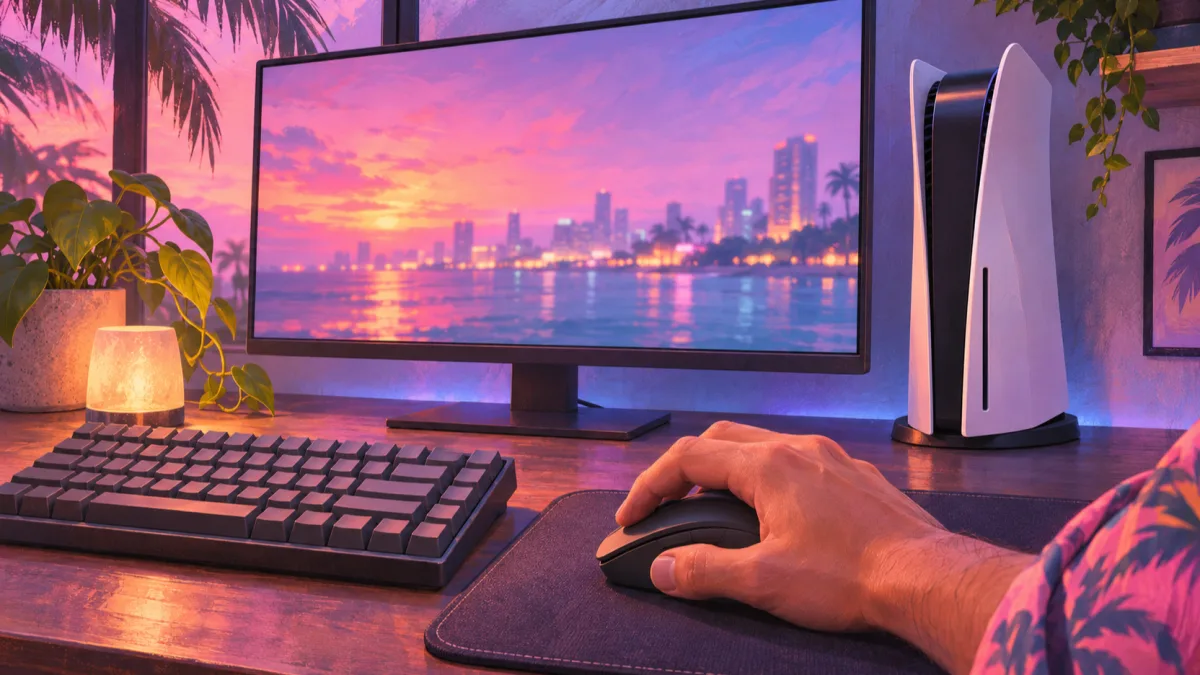
To aim with a mouse in GTA 6 story mode on PS5, you need chiaki-ng, an open-source PlayStation Remote Play client that streams the PS5 to a Windows PC, and MyInput, a Windows tool that maps mouse movement to the right stick of a virtual Xbox 360 controller.
On its own, chiaki-ng can map keyboard keys to controller buttons, but mouse input works only as the touchpad, so you cannot aim with it.
MyInput runs per app without installing drivers and routes mouse movement to the virtual right stick.
GTA 6 supports PlayStation Remote Play—the feature that streams console gameplay to another screen.
Where to turn on Enable Remote Play on PS5 (PlayStation Support)
How to set up chiaki-ng and MyInput for mouse aiming
In the profile file gta6.ini inside MyInput's Configs folder, configure Xbox 360 as the virtual controller and map all four mouse directions to the right stick.
As an excerpt for mapping mouse movement to the right stick, the profile includes !Device1 = X360 along with Mouse.Left : %R.Left ~ 1.00 ^ 0.05, Mouse.Right : %R.Right ~ 1.00 ^ 0.05, Mouse.Up : %R.Up ~ 1.00 ^ 0.05, and Mouse.Down : %R.Down ~ 1.00 ^ 0.05.
The post uses F9 in game to hide and lock the cursor, and those five lines alone do not configure the F9 toggle or cursor locking.
Put any comments on their own line, and check that Windows file-extension hiding does not turn the file into gta6.ini.txt.
- Open Settings > Keys in chiaki-ng.
- Untick Enable Mouse Touchpad so right-clicking does not open the map.
- Bind Touchpad to M in the same menu.
- Close chiaki-ng completely.
- Unzip the Windows release of MyInput (MyInput_Windows.zip) into a folder such as C:\Tools\MyInput.
- Place a profile named gta6.ini inside MyInput's Configs folder (the profile excerpt above only includes the five right-stick mapping lines).
- Create a desktop shortcut with the target C:\Tools\MyInput\x64\myinput_inject.exe -c gta6 "path\to\chiaki.exe", using the executable in the x64 folder, matching -c gta6 to the profile filename, and replacing path\to\chiaki.exe with the actual path to chiaki.exe.
- With chiaki-ng completely closed, launch it from that shortcut.
- Connect to your PS5.
- F9 operation used in the post: once in game, click inside the stream window and press F9 so the cursor disappears and stays locked in the window (the five lines above do not configure F9).
- F9 operation used in the post: press F9 again to get your cursor back.
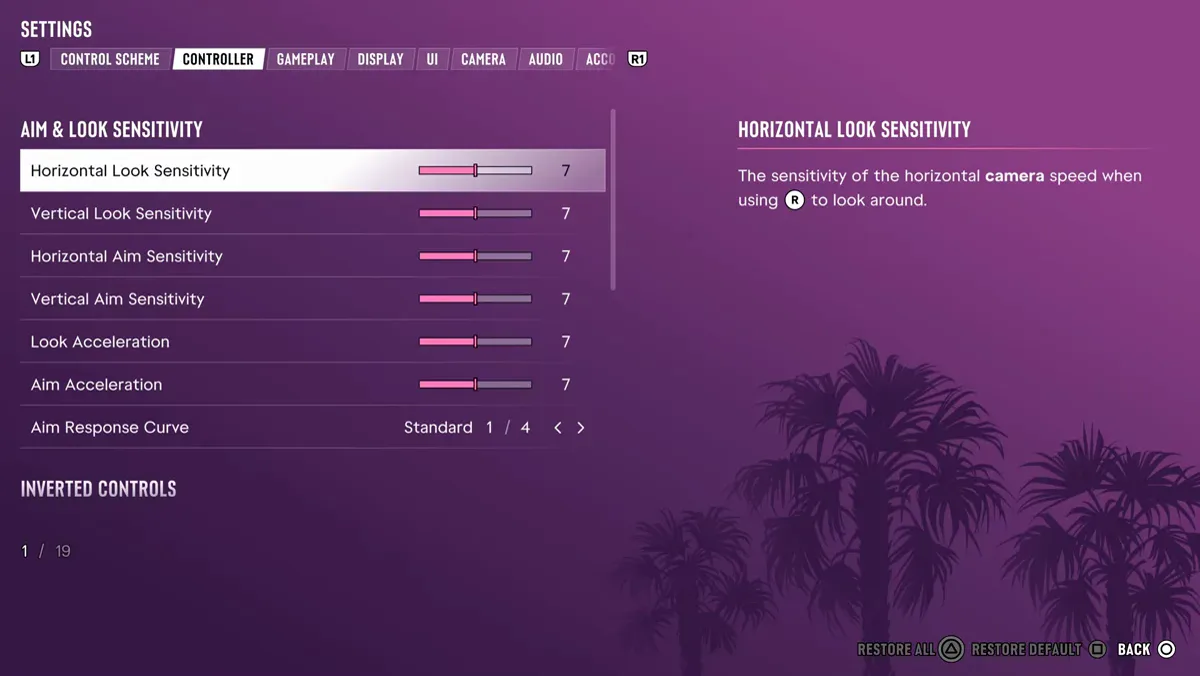
What if the camera or aim moves too slowly?
If the camera does not move or moves too slowly, check the sensitivity value after ~ on the mouse lines in gta6.ini and raise it to the maximum 1.00 if it is below 1.00 (skip this step if it is already 1.00).
If movement is still too slow, raise GTA 6's in-game camera sensitivity.
If aiming feels too slow, raise GTA 6's in-game aim sensitivity.
For standard controller controls and aim assist, see PS5 aiming controls and aim assist settings.