

GTA VI Wanted Star States at a Glance
The first four states are described in The Independent's review of the PS5 Pro Ultimate Edition, played with pre-release access provided by Rockstar.
Whether they match the general retail build or other platforms has not been confirmed.
The last two (solid gray and hollow red) were published by Destructoid as Rockstar's explanation. These sources do not confirm them through gameplay.
| Solid white | Police have spotted you and are actively pursuing you (The Independent). |
|---|---|
| Flashing | Line of sight has been broken and the wanted level is heading toward clearing (The Independent). Per Rockstar's explanation via Destructoid, stars stay gray while police search after losing sight, then switch to flashing once you leave the in-game inner search area without being spotted again. |
| Solid red | Heat remains in the area even after direct pursuit ends (The Independent). |
| Hollow white | A crime was reported, but police have not identified the suspect (The Independent). |
| Solid gray | Either police are responding to a report (Cops Responding) or they lost sight of you and are still searching (Visual Lost). The display alone cannot tell which (Rockstar's explanation via Destructoid; not confirmed through gameplay). |
| Hollow red (red outline) | Police have no description of you, your companions, or your vehicle, and Heat remains in the area (Rockstar's explanation via Destructoid; not confirmed through gameplay). |
How to Read Your Wanted State on the HUD
Before you start: wanted stars must be showing in the top-right HUD.
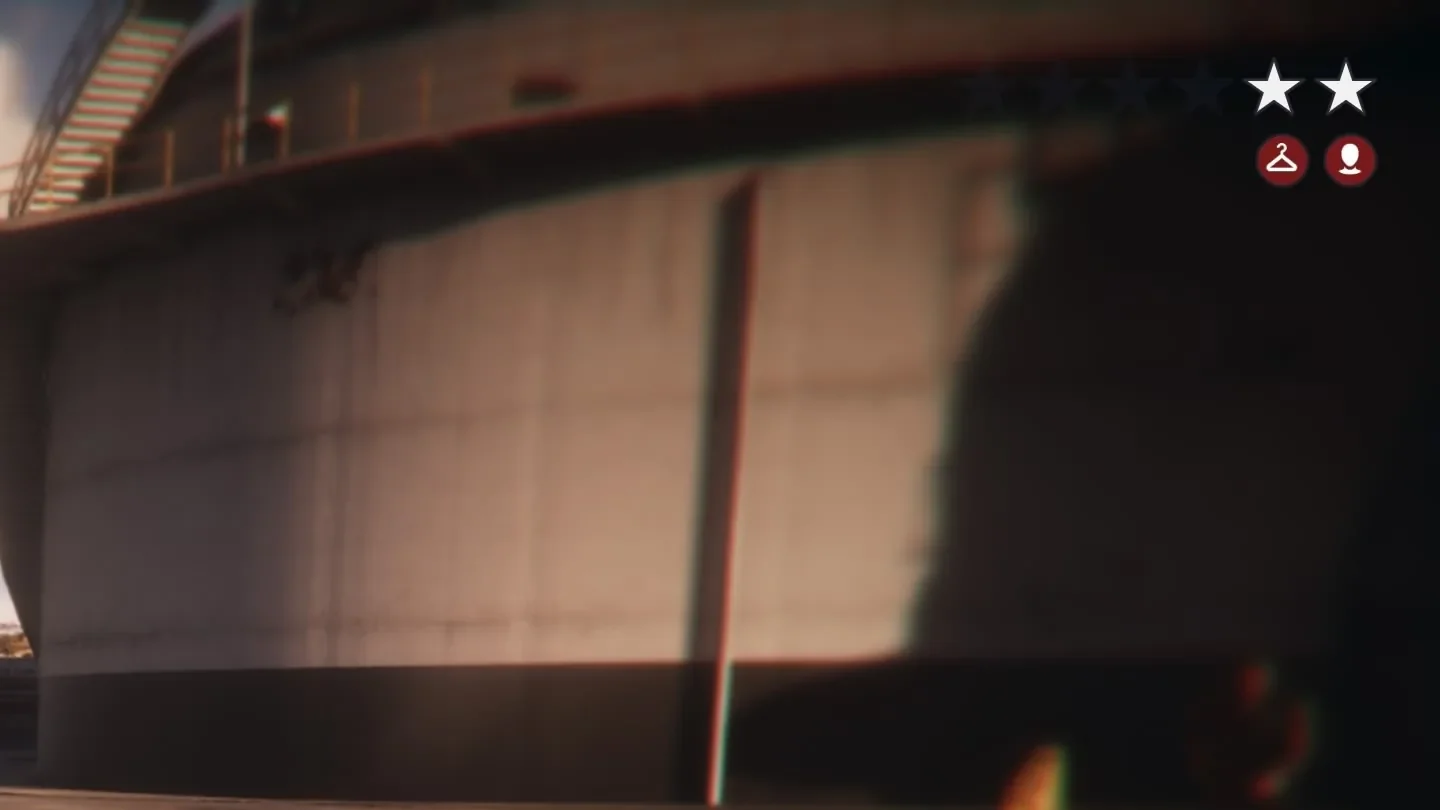
- Check whether the stars are flashing. If they are, line of sight has been broken and the wanted level is heading toward clearing. Stars that are not flashing can still mean police lost sight and are searching (solid gray), so do not judge line of sight by flashing alone. In Rockstar’s explanation published by Destructoid, solid gray changes to flashing when you exit the in-game inner search area without being spotted again.
- If they are not flashing, check whether the stars are solid or hollow.
- If solid, check the color. White means police have spotted you and are pursuing you; red means direct pursuit has ended but Heat remains in the area; gray means either police are responding or they lost sight and are searching, and the display alone cannot tell which.
- If hollow, check the color. White means a crime was reported but police have not identified the suspect; red means police have no description of you, your companions, or your vehicle, and Heat remains in the area. Solid gray and hollow red rely on Rockstar's explanation and are not confirmed through gameplay.
GTA VI Focus: Controls, Highlight Colors, and Slow-Mo While Aiming
How to Know You've Read It Right, and What to Do If You're Unsure
You're done when you have matched the stars to the table and know which state or states they could indicate. Solid gray leaves two candidates.
Per Rockstar's explanation via Destructoid, stars turn gray right after police lose sight of you and only start flashing after you leave the inner search area without being spotted again. Treat gray and flashing as separate stages.
Any display that matches none of the rows has not been confirmed by these sources. Recheck the three cues in order: flashing, solid or hollow, then color.
How to Use Defuse to Avoid a Fight with Hostile NPCs in GTA VI (Default PS5 Controls)