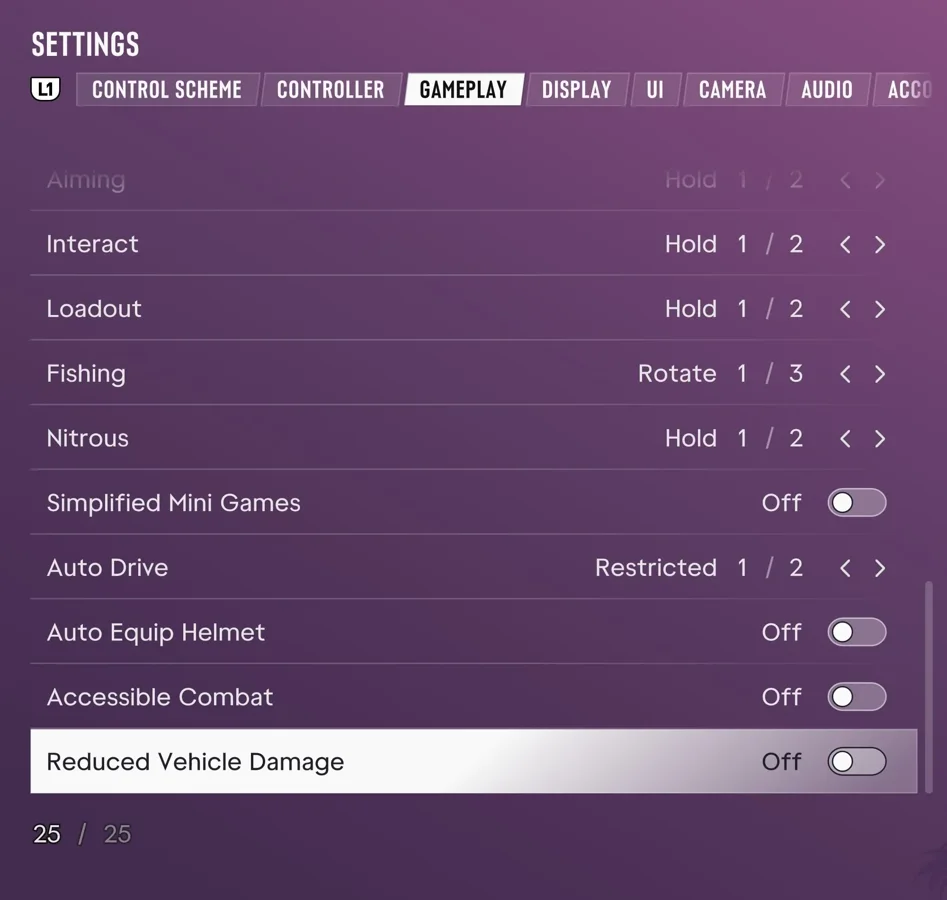
Where to Find Accessible Combat
According to Push Square's PS5 guide, the Accessible Combat setting sits near the bottom of the Gameplay menu.
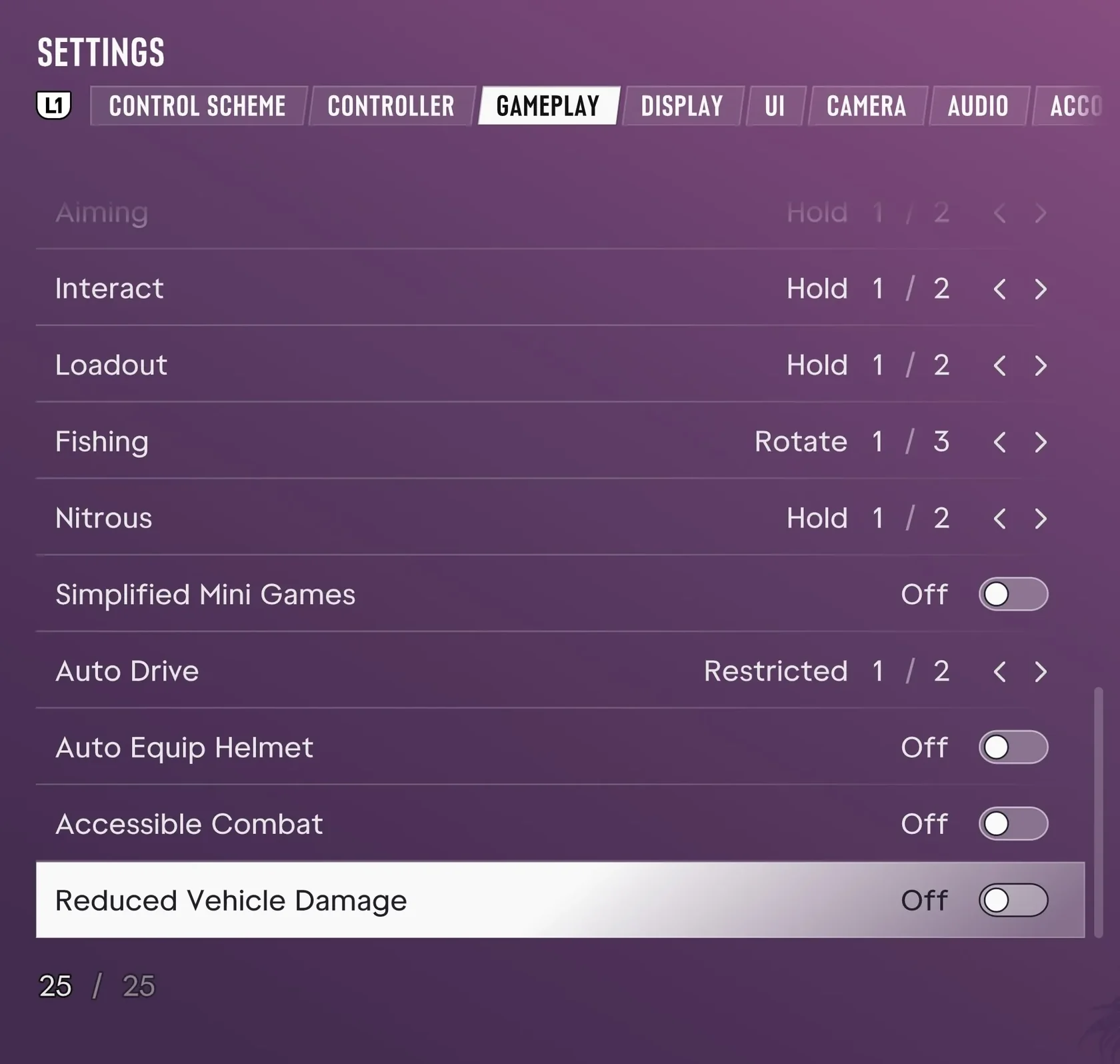
- Press the Options button on the controller.
- Select Settings.
- Open the Gameplay tab.
- Turn on Accessible Combat, the second option from the bottom.
How It Affects Gameplay Balance
With Accessible Combat switched on, you take less damage in gunfights and enemies take more.
Push Square says Accessible Combat changes the balance of gunfights. Its guide gives no exact percentage for either damage adjustment.
Story and Trophy Eligibility
According to Push Square, turning on Accessible Combat on PS5 leaves the story unchanged and still allows you to earn trophies.
GTA VI PS5: Where to Find Deadzone, Vibration, Adaptive Trigger, and Invert Look Settings