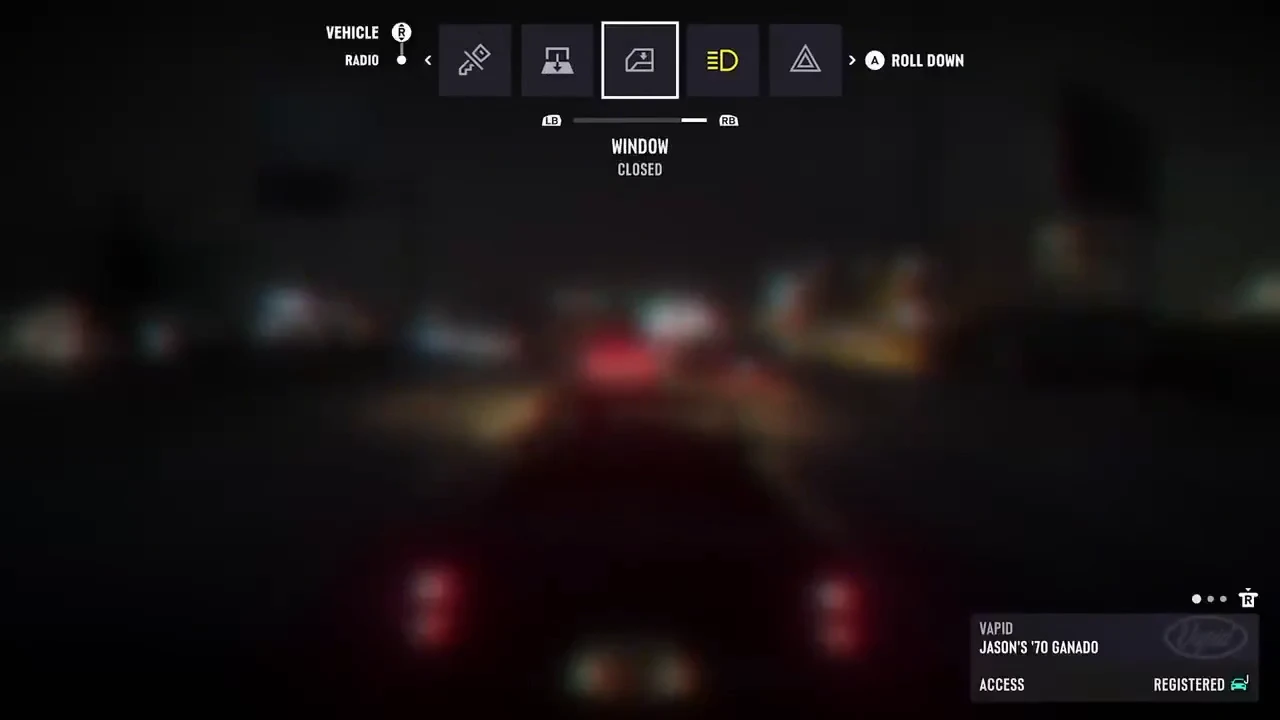
How to move from the Radio row to the Vehicle row
Leonida Interactive’s clip shows the row switch in Jason’s 1970 Vapid Ganado using the default Xbox layout. With the Radio row active, pushing the right stick up moves the selection to the Vehicle row.
The clip shows the following sequence from 0:00 to 0:18, starting with opening the menu and ending with performing the selected action.
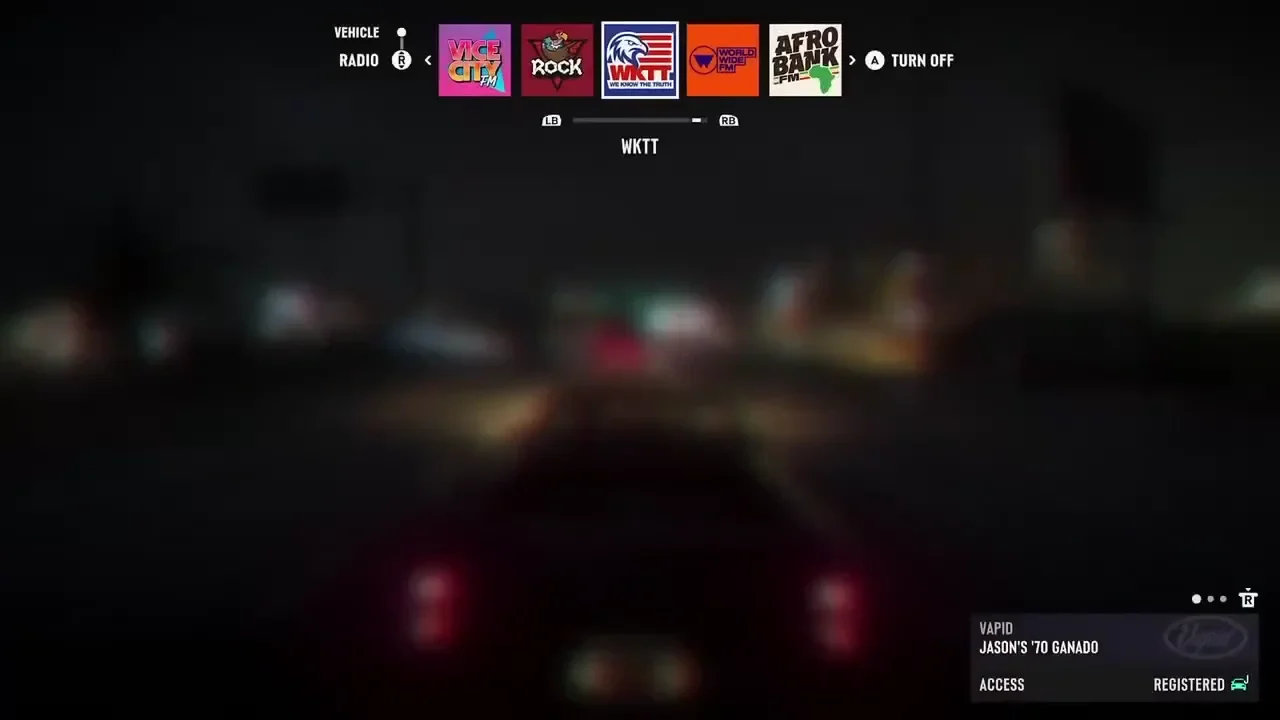
- Hold D-pad Left while in the car to open the vehicle menu.
- If the Radio row is active, push the right stick up to move to the Vehicle row.
- Press LB or RB to select an option on the Vehicle row.
- Press A to perform the action shown on screen.
See the vehicle shortcuts and radio screens (Leonida Interactive)
Control layout, vehicle and menu rows
The clip does not establish which buttons to use on other platforms or with custom control mappings.
| Control layout | Default Xbox layout |
|---|---|
| Vehicle | Jason’s 1970 Vapid Ganado |
| Rows shown in the clip | Radio, Vehicle |