What happened during the GTA VI streams?
The picture froze and showed green streaks while the player was driving an ATV, a four-wheeled off-road vehicle. The PS5 then failed to boot (streamer shivjam's report).
A separate PS5 emitted smoke while GTA VI was paused (streamer JoJoJosiah's report). The clip shows a room filled with smoke. An alarm sounds. The stream then cuts out.
Visual glitches during the stream and the later boot failure
When should you stop using your PS5?
Stop using your PS5 immediately if it behaves unusually, makes an unusual sound, gives off an unusual smell, or becomes too hot to touch.
How do you check and clean the PS5 vents?
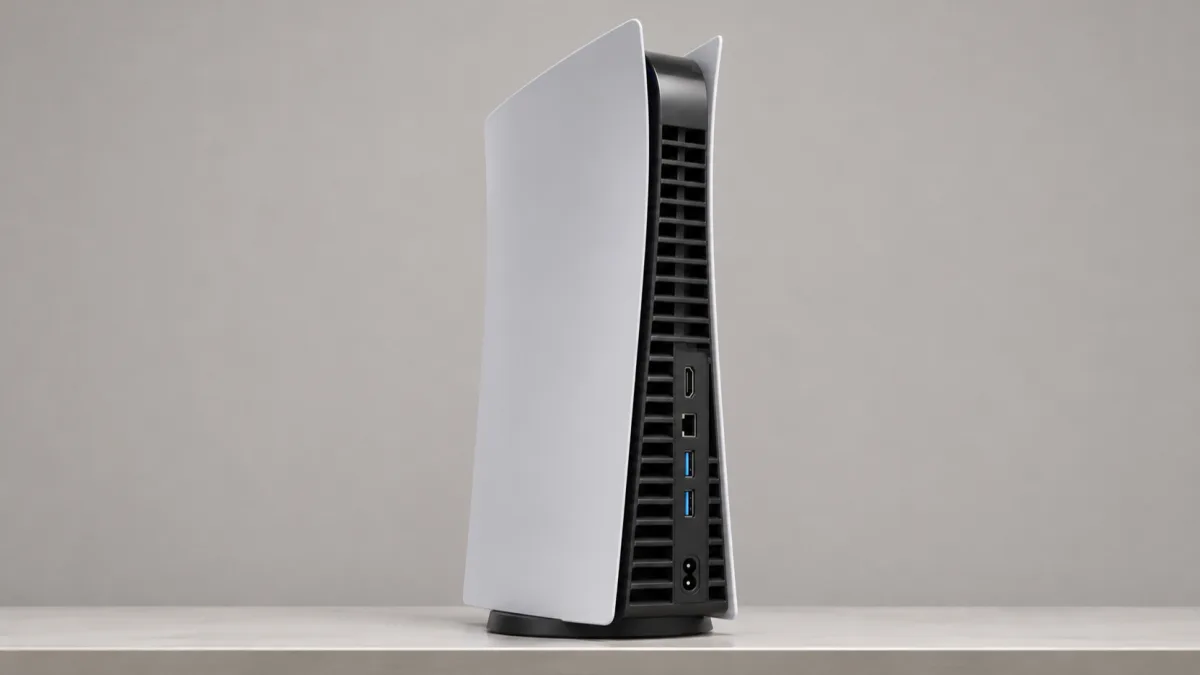
For routine setup and cleaning, keep the side and rear vents clear and leave at least 10 cm of free space around the console. Avoid cramped or cluttered spaces, carpets, and rugs with long fibers.
Before cleaning, disconnect the power cord from the back of the console. Use a low-powered vacuum cleaner to remove dust from the vents and the area around them.
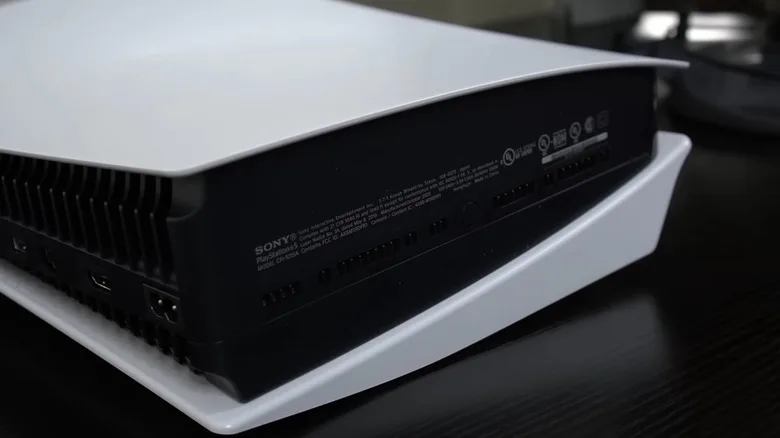
- Disconnect the power cable from the back of the PS5 before cleaning.
- Use a low-powered vacuum to remove dust from the vents and the area around them.
Side and rear vents and how to clean them (PlayStation Support, Japanese)
What should you do if GTA VI shows CE-108255-1?
CE-108255-1 is a PS5 error code for a game or app error. Check for a GTA VI update. Use PlayStation Repairs if you need more help in the US.
In one case, GTA VI returned to the PS5 home screen with error code CE-108255-1, and the console stayed on (Reddit u/HeftyAddendum's report).