Is It Patched? Status as of November 20, 2026
As of November 20, 2026, no official patch has fixed this bug (GTA6BUGS), and players report it on both PS5 and Xbox Series X|S. Try the five workarounds below one at a time. None of them is guaranteed to work.
| Mission | Chapter 1: Unwanted Attention |
|---|---|
| Reported Platforms | PS5 and Xbox Series X|S (GTA6BUGS) |
| Patch Status | No official patch fix as of November 20, 2026 (GTA6BUGS) |
| Latest Tracked Update | 01.002.001 on November 16, 2026 (GTA6BUGS) |
| Tested Build and Region | Not stated in the sources |
Workaround 1: Remove Hat and Glasses, Then Release L1 / LB
GTA6BUGS credits this method to Output Lag's walkthrough: once the wheel closes, the objective should tick.
- Once the disguise prompt appears, hold L1 or LB to open the loadout wheel.
- Remove both your hat and your glasses.
- Release L1 or LB to close the wheel and check whether the objective completes.
Workaround 2: Hold L1 / LB While Switching to the ITEMS Tab
GTA6BUGS credits this method to the NerdsChalk and PowerPyx walkthroughs. See the NerdsChalk section below for the full sequence.
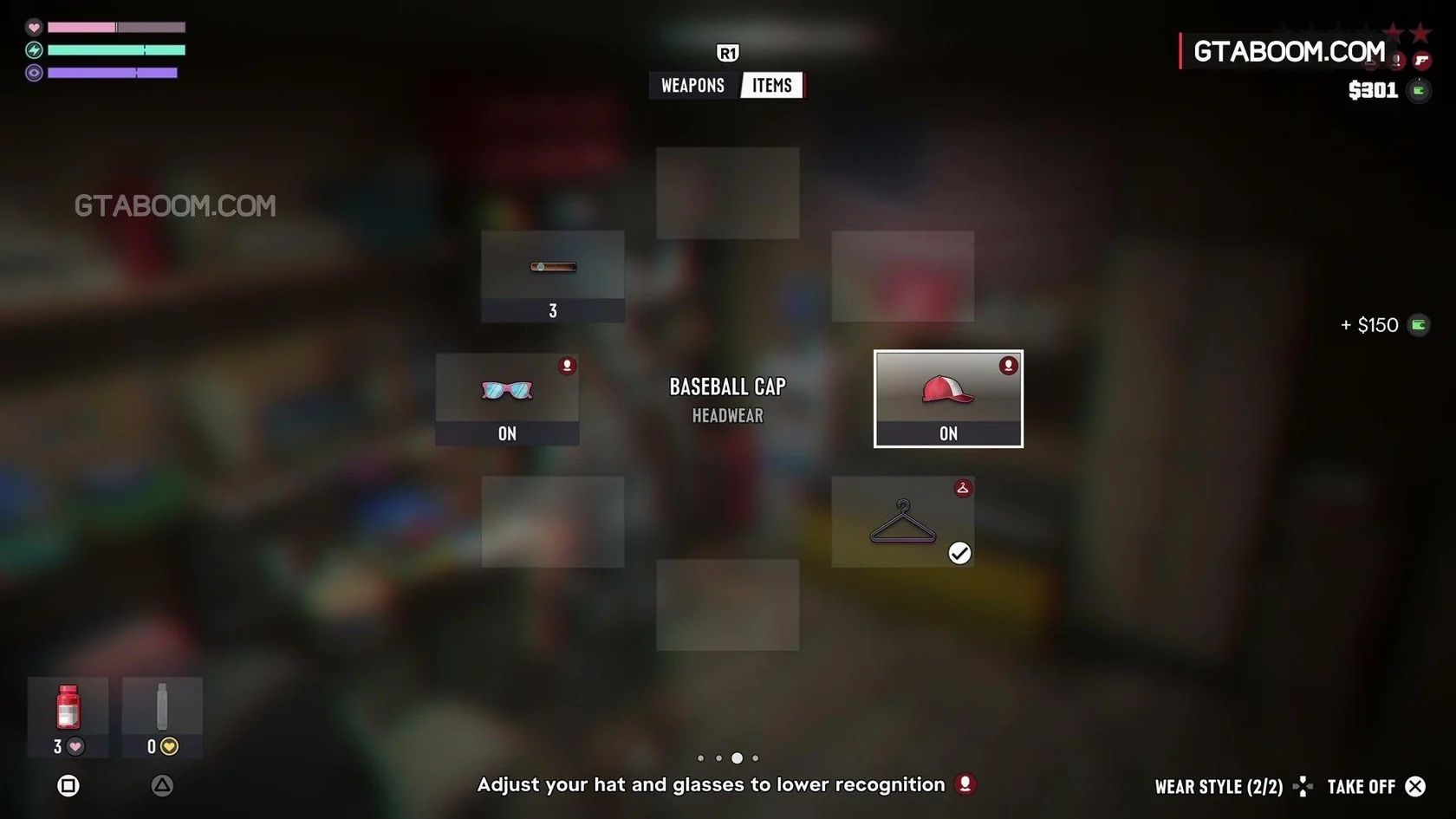
- Hold L1 or LB and press R1 or RB without letting go to switch to the ITEMS tab.
- Select headwear, then glasses. The icons turn from red to white when police no longer recognize your look.
- Release L1 or LB after making your selections.
Workaround 3: Park, Wait for Texts, and Take the $150 Before Changing
GTA6BUGS credits this sequence to the IGN and NerdsChalk walkthroughs. Wait until the disguise prompt actually appears before changing your accessories. See the NerdsChalk section below for the detailed steps.
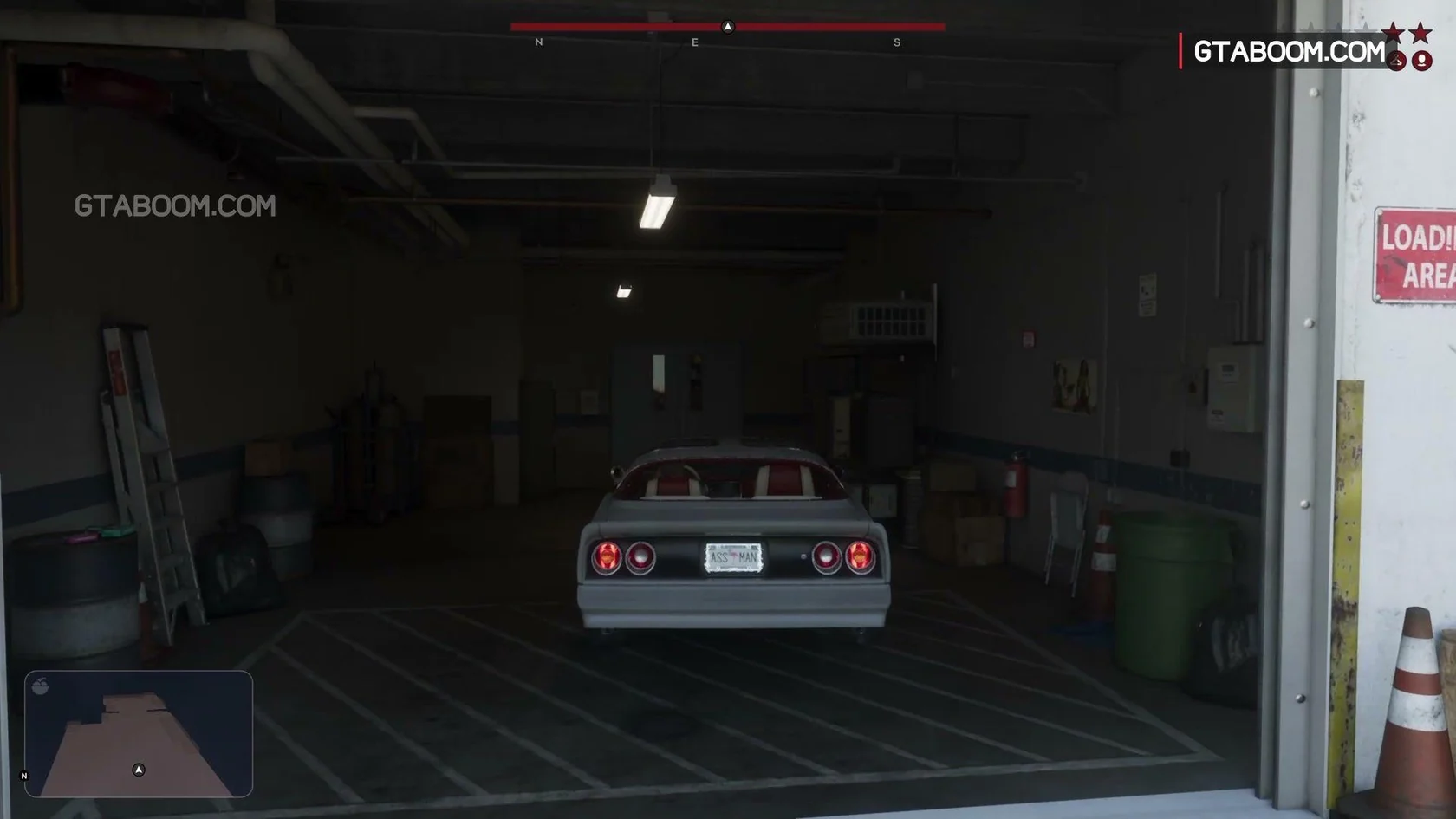
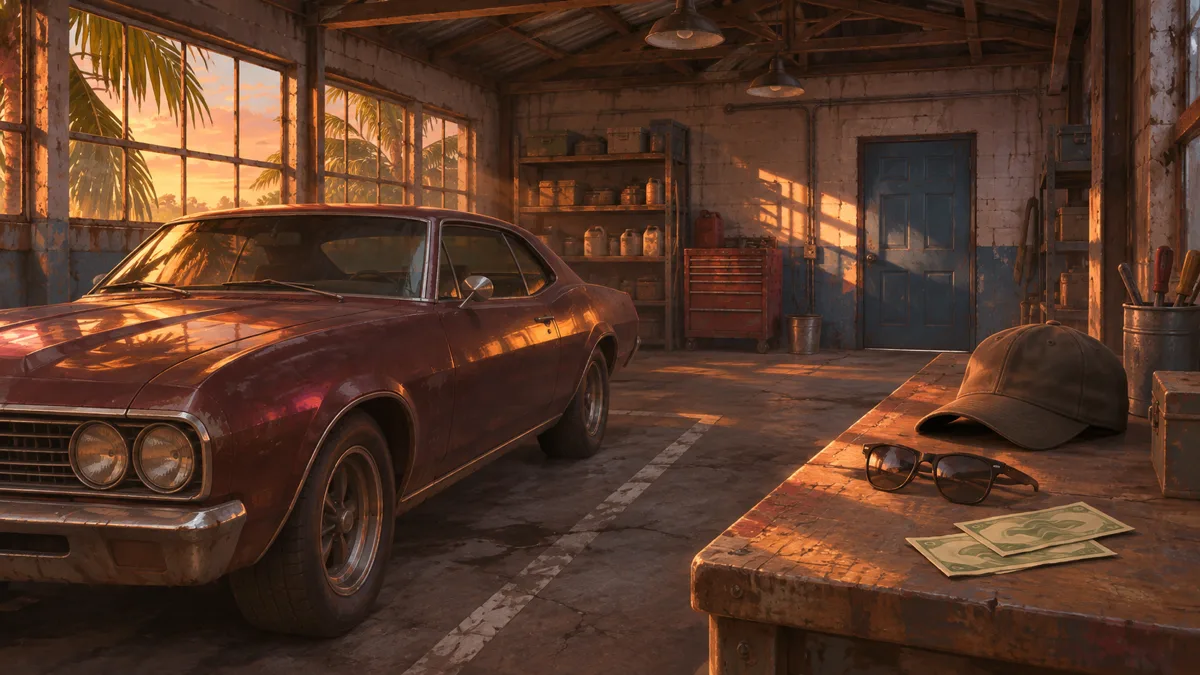
- Park the Phoenix in the garage bay and wait for Brian's text messages to end.
- Go through the blue doors at the back and pick up the $150 from the desk.
- Change your hat and glasses only after the prompt appears (see Workaround 1 or 2 for the controls).
Workaround 4: Undo Early Disguise Changes and Reapply After the Prompt
GTA6BUGS credits this reset method to Output Lag's walkthrough, for players who changed their hat or glasses before the prompt appeared.
- Put your previous hat or glasses back on if you switched them before the prompt appeared.
- Wait for the prompt, remove them again, and close the wheel (see Workaround 1 for the controls).
Workaround 5: Visit a Barber If You Can Already Leave the Garage
GTA6BUGS credits this tip to IGN's walkthrough. According to IGN, a new hairstyle at a barber also clears appearance heat, so this only helps if you can already leave the garage.
NerdsChalk Sequence: From Parking to Leaving Big Shots
In Kapill M Malani's NerdsChalk walkthrough, you change your hat under HEADWEAR (for example, TAKE OFF on a BASEBALL CAP) and put on SQUARE SHADES, rather than removing both.
NerdsChalk's steps do not mention closing the wheel. If the objective does not update, see step 3 of Workaround 2 (release L1 / LB).
- Drive the Phoenix into the garage bay and wait until Brian's text exchange finishes.
- Walk through the blue doors at the back of the garage into the office, approach the workbench desk, and use the CASH prompt to take the $150 (shown as + $150).
- Hold L1 and press R1 while keeping L1 held to open the ITEMS tab.
- Under HEADWEAR, change your hat, for example by choosing TAKE OFF if you have a BASEBALL CAP equipped.
- Under EYEWEAR, select SQUARE SHADES and choose PUT ON.
- Go back through the garage bay, step outside, and head north-east across the lot to Big Shots.
- Enter the gun store.
- Interact with the mannequin near the entrance.
- Select BIG SHOTS WORKWEAR.
- Choose BUY & WEAR to purchase and equip it.
- Once Leave when ready appears, exit through the store door into the parking lot.
| Big Shots Location | North-east across the lot from the garage, beside McClane Ventilation |
|---|---|
| BIG SHOTS WORKWEAR Price | $59 (as listed by NerdsChalk) |
| HINTERLAND TEE & CARGOS | Listed in NerdsChalk's Big Shots table |
One PS5 Player Report: Buying New Clothes Before Restarting
In the GTA6BUGS discussion section, one PS5 player reports that buying brand-new clothes before restarting the mission made the disguise objective register, letting them leave the garage and continue the story.
According to that player, restarting the mission several times and trying different accessories had not worked before that. The post does not say which store or clothes were involved, or when it was posted.
Treat this as one player's account; it does not guarantee a fix.