Can you type an exact number, and how does the D-pad selector work?
One r/GTA6 poster, u/Randostar, reports being unable to type an exact number at the ATM.
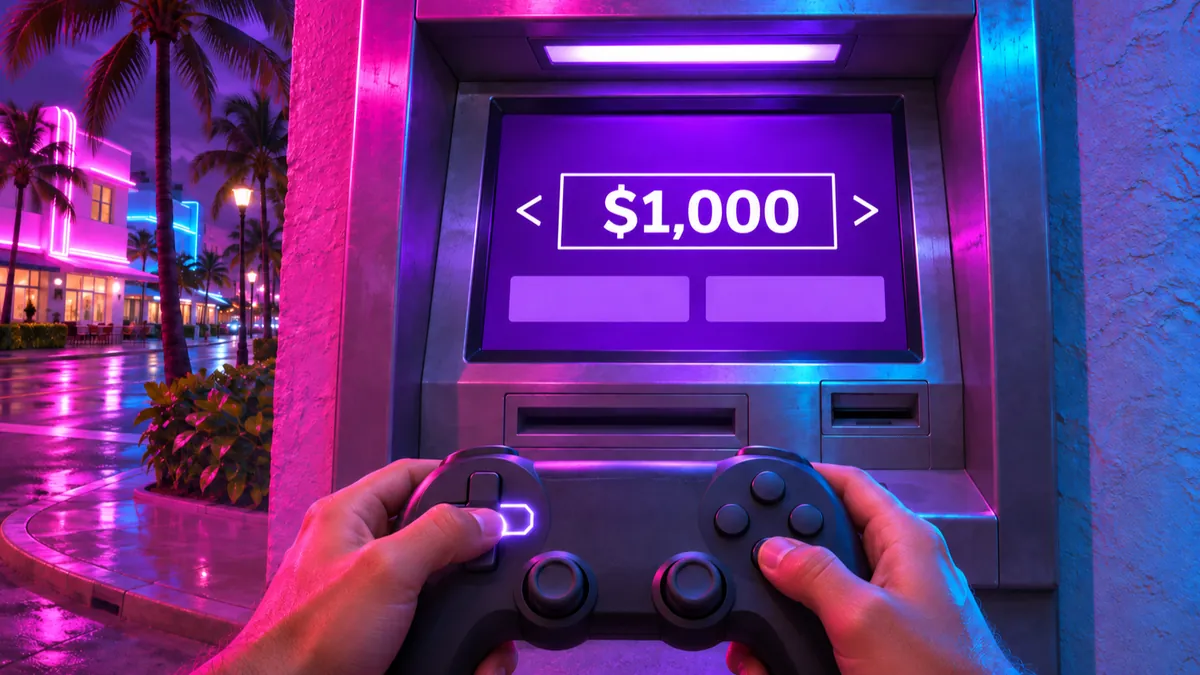
According to GameSpot, ATMs have you pick the amount with left and right on the D-pad, one dollar at a time, but holding for a few seconds speeds the counter up and makes it easy to overshoot.
You can deposit cash into or withdraw cash from your BuckMe account at ATMs, or move cash between your wallet and Jason’s floor stash, and the stash works the same way (GameSpot, GTA6.house).
GameSpot says the same amount-adjustment problem applies to the BuckMe app.
One r/GTA6 commenter depositing into BuckMe says they stopped pressing left on the D-pad near $1,000, yet the amount still ended up at $1. This is one player’s account, so it’s unclear whether it happens every time.
GosuNoob’s November 20, 2026 (JST) video (which verbally covers both PlayStation and Xbox buttons) shows the ATM Deposit screen from about 2:37.
The amount starts at the player’s carried cash of $161 and, at roughly one-second intervals, reads $160, $153, $140, and $118, with each drop larger than the last ($1, $7, $13, $22).
The player then selects Confirm at $118 and the screen switches to BuckMe.
How to set an exact amount with the D-pad
Use brief D-pad holds to get close, then tap one dollar at a time to finish—the method GameSpot’s writer used to land on exactly $1,000. Taps only fine-tune within the minimum and maximum that screen allows.
- Press left on the D-pad if the displayed amount is above your target, or right if it is below. At an ATM, the Deposit screen can start at all of your carried cash (GosuNoob).
- Holding for a few seconds speeds the counter up, so hold in short bursts and check the figure each time (GameSpot).
- Once you are close to the target, stop holding and tap one press at a time to adjust by $1, within the minimum and maximum the screen allows. If you overshoot, tap the opposite direction to come back (GameSpot, GTA6.house).
- Check the amount and confirm. At an ATM, select Confirm (GosuNoob); on PS5 you can confirm with Cross (GTA6DATA).
When ATMs unlock and how to deposit or withdraw (BuckMe)
According to GamesRadar+’s Josh West, ATMs become usable after completing Chapter 1’s "Buck Me" mission. space4games’s Kevin Link notes that Withdraw is disabled when your balance is $0.
Keep each deposit within the space left in your BuckMe account (the limit minus your current balance). If the account is full and you can’t deposit, the related guide explains why and how the limit rises.
In Mr Lawrence’s November 19, 2026 video, the subtitles say to hold right on the D-pad to deposit all your cash.
After the menu (Deposit, Withdraw, Transactions) at 1:09, the Deposit screen at 1:10–1:12 shows $4,483—matching carried cash—with Maximum displayed underneath. Per space4games, Maximum indicates all the cash you carry.
- Walk up to an ATM and press Triangle on PS5 or Y on Xbox (GamesRadar+).
- Choose Deposit or Withdraw from the menu (GamesRadar+).
- Adjust the amount with left or right on the D-pad; taps move it by $1 within the minimum and maximum the screen allows (GameSpot, GTA6.house). Keep deposits within the space left in your account (the limit minus your current balance).
- To deposit all your carried cash, hold right on the D-pad; Maximum then appears under the amount (Mr Lawrence). This applies only when your account has room for all of it; what the screen shows when it doesn’t is unconfirmed.
- Confirm the transaction and check your updated balance (space4games, GTA6DATA).
Cannot Put More Money in BuckMe Account in GTA VI: Limits and Story Upgrades
How to adjust amounts at Jason’s floor stash (L1/R1 shortcut on PlayStation)
On PlayStation, L1 jumps to the smallest amount and R1 to the largest on the stash amount screen (deposit screen: GTA6DATA; withdrawal screen: Mr Lawrence; space4games).
At 0:52–0:54 in Mr Lawrence’s video, choosing to withdraw Cash at the stash brings up PlayStation button prompts: MIN / MAX on L1 and R1, AMOUNT on the D-pad, WITHDRAW ($2,837) on Cross, and BACK on Circle.
For deposits, GTA6DATA’s PS5 log confirms with Cross. Xbox buttons, and whether the same shortcut works at ATMs, are unconfirmed.
Jason’s first safehouse in Key Lento opens at the end of "Gone Fishing," and the stash is under the floorboards in its bedroom (GTA BOOM).
Deposits and withdrawals both use the same D-pad tap-and-hold controls as ATMs (GTA6.house, GameSpot). The related guide covers how to open the stash.
- After finishing "Gone Fishing," open the floorboard stash in the bedroom of the Key Lento safehouse (GTA BOOM).
- Select Cash, then choose Deposit to put money in (GTA6DATA) or Withdraw to take it out (Mr Lawrence).
- Adjust the amount with the D-pad; taps move it by $1 within the minimum and maximum the screen allows. On PlayStation, press L1 for the smallest amount or R1 for the largest (deposit screen: GTA6DATA; withdrawal screen: Mr Lawrence, 0:52–0:54; space4games).
- On PlayStation, confirm with Cross (deposit: GTA6DATA; withdrawal: Mr Lawrence) and press Circle to go back (deposit screen: GTA6DATA; withdrawal screen: Mr Lawrence). Xbox buttons are unconfirmed.
UI labels, recorded examples, and platform scope
This table lists ATM screen labels, recorded transactions, and the platform scope of each source.
| Additional ATM UI labels | The menu also lists Transactions (GamesRadar+). The Deposit screen shows left/right arrows around the amount with Back and Confirm below (GosuNoob); with all carried cash selected, Maximum appears under the amount (Mr Lawrence). |
|---|---|
| PS5 ATM withdrawal example | $1,088 withdrawn at Dale’s Shopwell; Checking (the account balance) dropped from $2,745 to $1,657 and carried cash rose from $11 to $1,099 (GTA6DATA). |
| PS5 floor stash deposit example | $472 moved at Jason’s house; carried cash dropped from $2,007 to $1,535 and stash rose from $3,018 to $3,490 (GTA6DATA). |
| Platform, build, and region scope | All sources cover GTA VI Story Mode. GTA6DATA logs are on PS5; GTA BOOM checked on PlayStation; GamesRadar+, GosuNoob, and Mr Lawrence mention both PlayStation and Xbox buttons (Mr Lawrence’s stash screen shows PlayStation prompts); GameSpot (early game), GTA6.house, space4games, and Reddit do not specify platform. None state build or region (as of November 21, 2026 JST). |