Try reentering the club and starting a new pool match

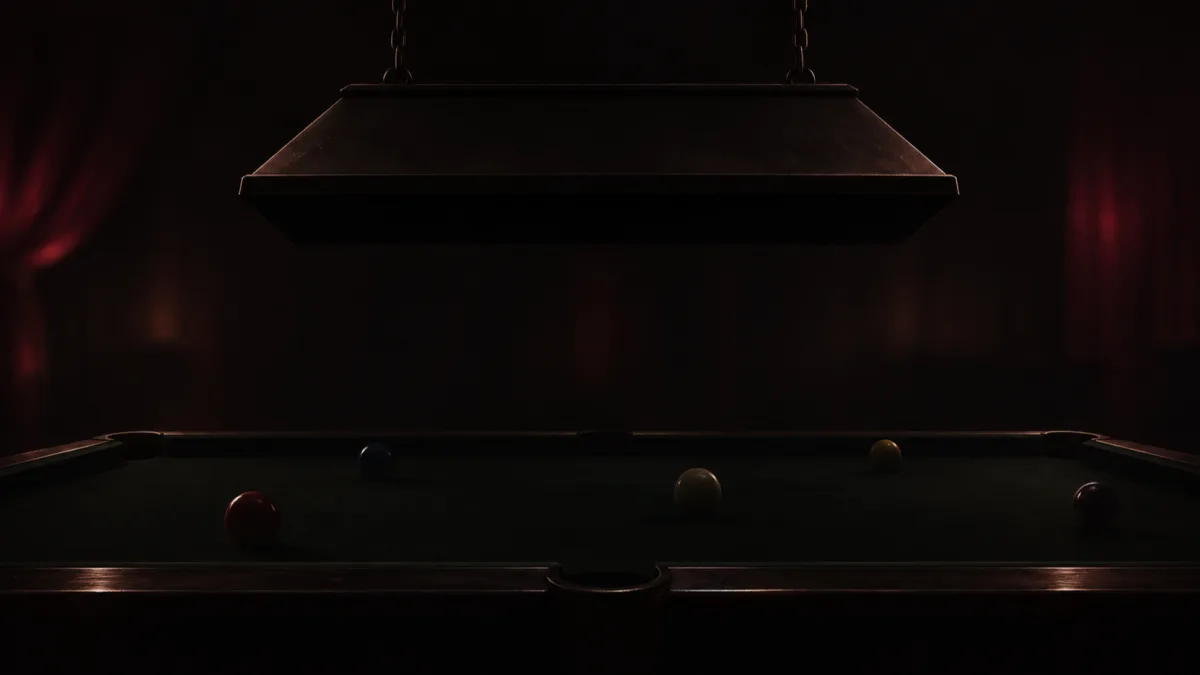
Whether reentering Delights Cabaret and starting a new match brings the lights back is still unknown.
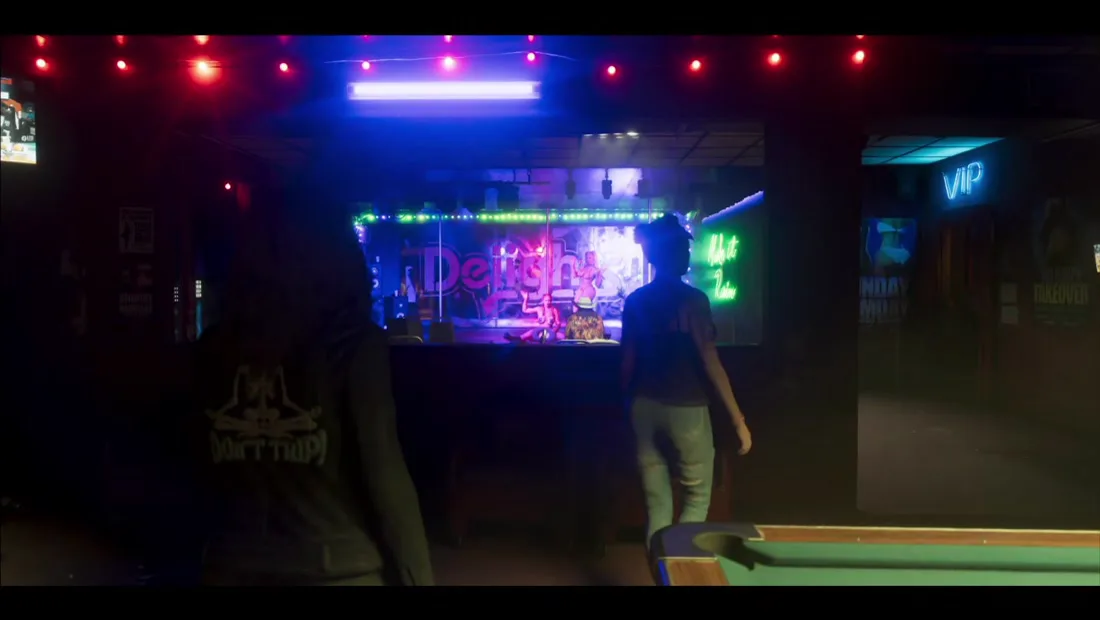
Inside Delights Cabaret, look for the blue VIP sign at the upper right. The green pool table is in the foreground at the lower right.
Open full-size image · 出典(引用) / Source (quoted): gta6data.com(縮小・WebP変換 / resized, converted to WebP)
  1. Quit your current pool match. Leave the club. Go back inside. Start a new pool match.
  2. Leave Delights Cabaret.
  3. Go back inside Delights Cabaret.
  4. Start a new pool match.

Read the original report of the pool table lights going out

Try restarting the game

Whether restarting GTA VI brings the pool table lights back is still unknown.
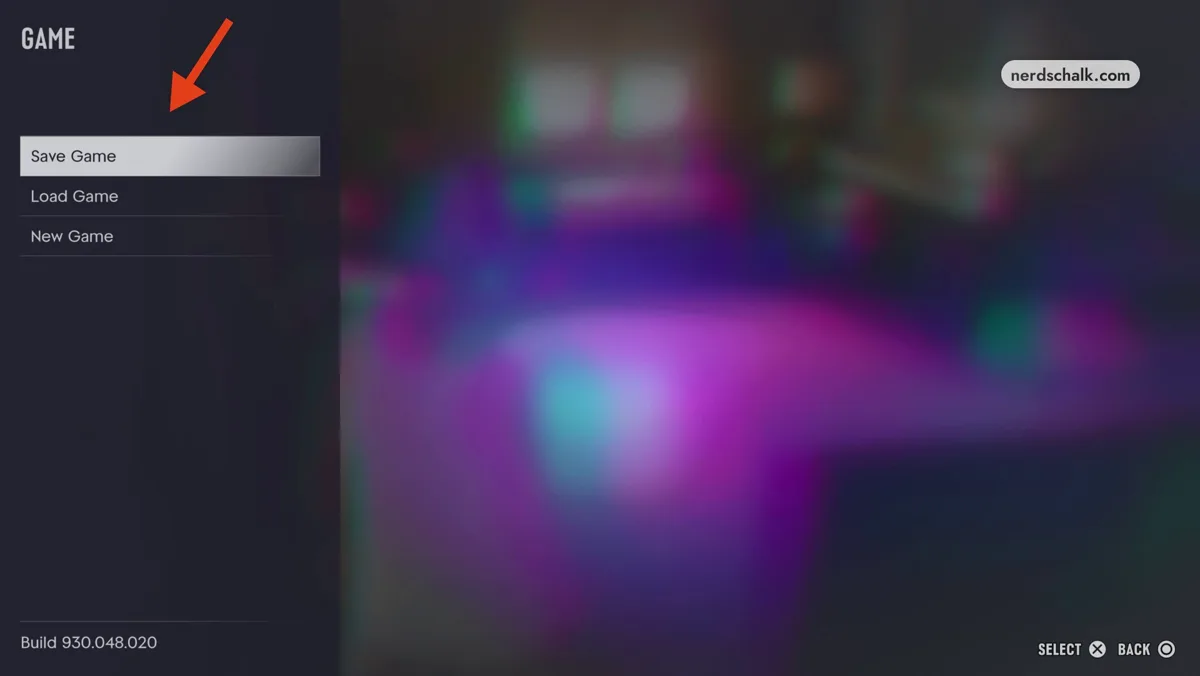
The GTA 6 Game menu, with a red arrow pointing to the highlighted Save Game option on the left for saving manually.
Open full-size image · 出典(引用) / Source (quoted): Nerd’s Chalk(縮小・WebP変換 / resized, converted to WebP)
  1. Save your game outside Delights Cabaret.
  2. Close GTA VI completely.
  3. Launch GTA VI again.