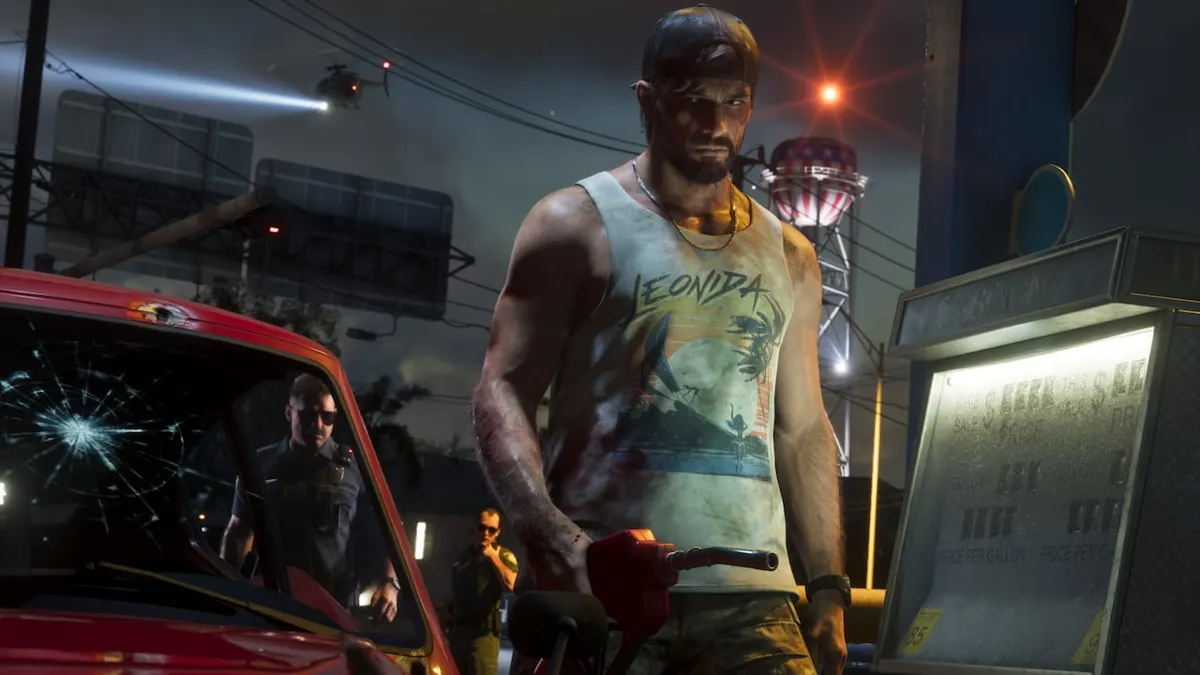
How to repair a car at the fuel pump via Services
Drive your damaged car to a gas station and stop next to a fuel pump.
For PS5 and Xbox Series X|S, Cultured Vultures says to hold Cross or A. GamesRadar+ describes pressing Cross or A. Follow the prompt the game displays.
- Drive the damaged car to a gas station and pull up to a fuel pump.
- Check that Services has become active. This tells you that you are in the right spot.
- Follow the on-screen prompt to open the Services menu.
- Select repair from the menu.
If it doesn't work
If Services is greyed out, Cultured Vultures suggests repositioning the car so it sits straighter alongside the pump.
According to GamesRadar+, gas stations offer minor car repairs. They cannot fix critical damage. For moderate or critical engine damage, the guide directs players to Pay ’n’ Spray or a Mod Shop.
Repair conditions and reported use
Shacknews writer Bill Lavoy reported using gas station repairs multiple times during a PS5 Pro review playthrough.
Kotaku’s Zack Zwiezen reports that motorcycles can also be repaired for a fee at the pump. His article does not specify the motorcycle menu controls or what damage can be repaired.
| Vehicle covered by the Services steps | Cars (Cultured Vultures and GamesRadar+) |
|---|---|
| Car repairs at gas stations | Minor repairs are available. Critical damage cannot be fixed there (GamesRadar+). |
| Moderate or critical engine damage | Pay ’n’ Spray or a Mod Shop (GamesRadar+) |
| Repair cost for cars and motorcycles | Paid service (reported by Zack Zwiezen at Kotaku) |
GTA VI Fuel System: Do Cars Run Out of Gas and How to Refuel