What is Hold Delay and what does it do?
Hold Delay is an accessibility setting that makes the game wait longer before registering a button hold. Raising it from Off helps reduce accidental holds.
Under the Gameplay tab in Accessibility, Hold Delay sits between two input-assist settings: Tap Assist and Hold Assist.
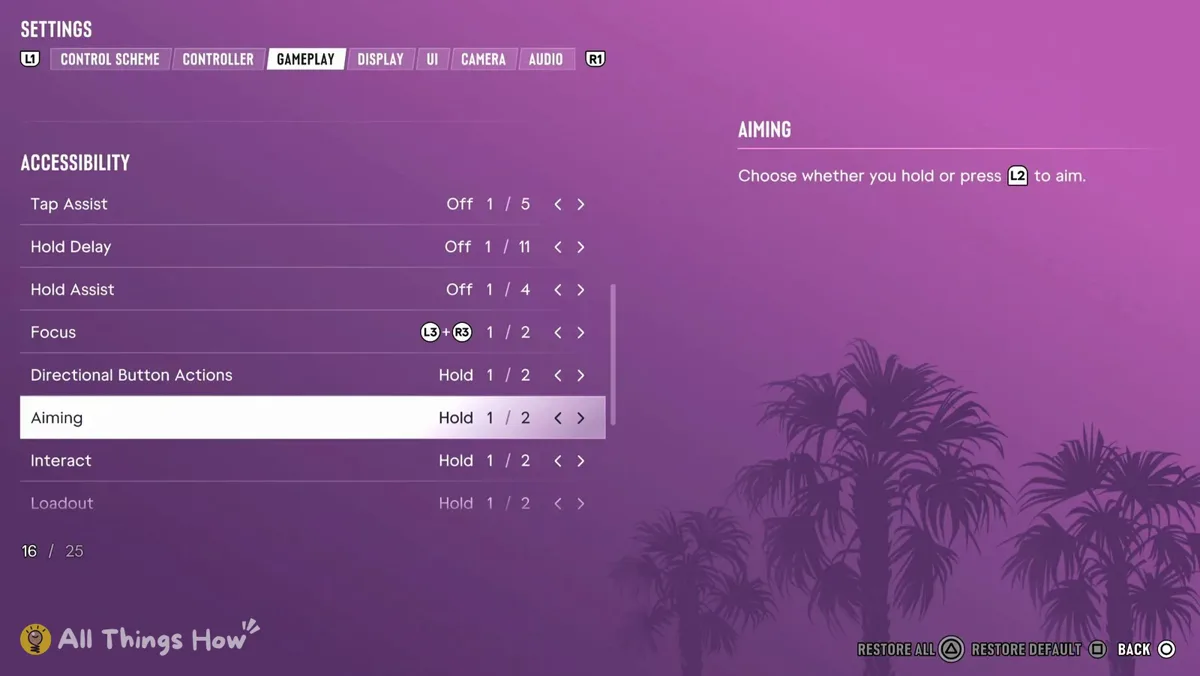
PS5 settings screenshot: the Hold Delay row under Accessibility
Where is Hold Delay and how do you change it?
Hold Delay is in the Accessibility group of the Gameplay tab.
The official Japanese menu label for Hold Delay is still unknown.
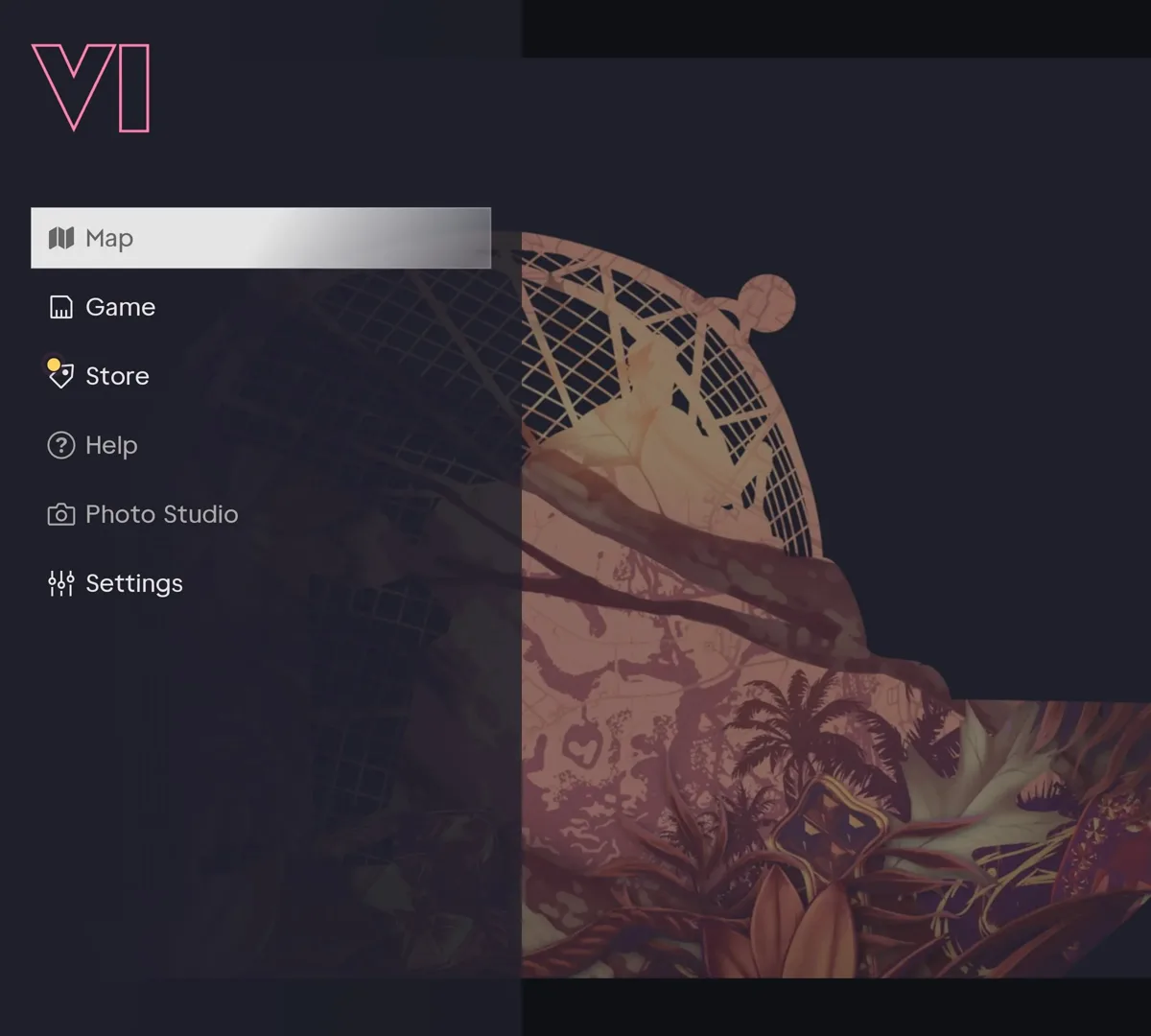
- On PS5 with the English menu, open the pause menu while playing.
- Select Settings.
- Switch to the Gameplay tab.
- Move to the Accessibility group.
- Select Hold Delay.
- Choose a value above Off.
Hold Delay options and adjustment range
On PS5, the English menu offers 11 choices: Off, followed by +25% to +250% in 25% steps. On Xbox, the English menu also has 11 choices starting with Off.
| PS5 (English menu) | Default Off; 11 choices (Off, +25% to +250% in 25-percentage-point steps) |
|---|---|
| Xbox (English menu) | Shown as Off (1 / 11); 11 choices |
Which actions does Hold Delay affect, and how does it work with Hold Assist?
Which actions Hold Delay affects and how it works alongside Hold Assist are still unknown.
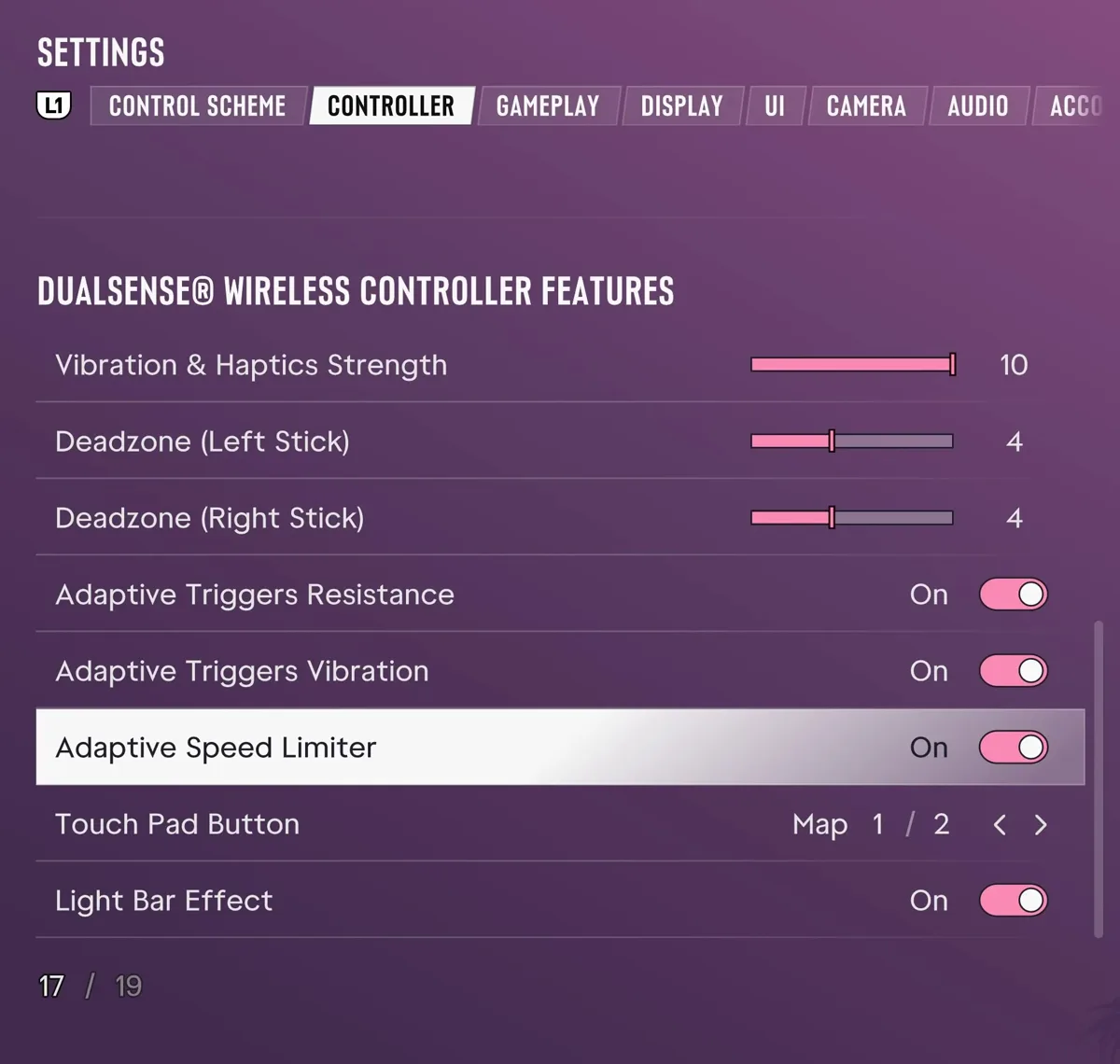
If you want to adjust stick deadzones (how far a stick moves before responding), vibration, adaptive trigger resistance and vibration, or camera inversion on PS5, see the related guide on PS5 controller settings.