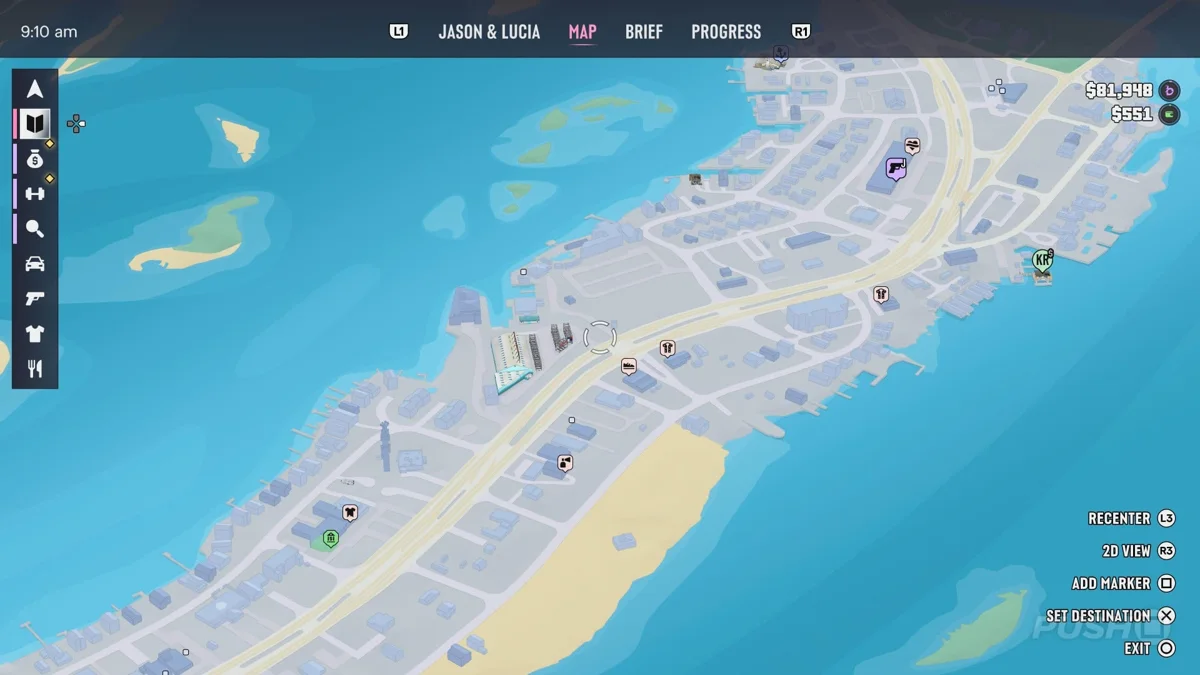
Open the Story Mission List
According to Push Square's illustrated PS5 walkthrough, the map screen includes a left-side index for browsing available story missions.
Required objectives are placed at the top of the list, with optional ones appearing underneath.
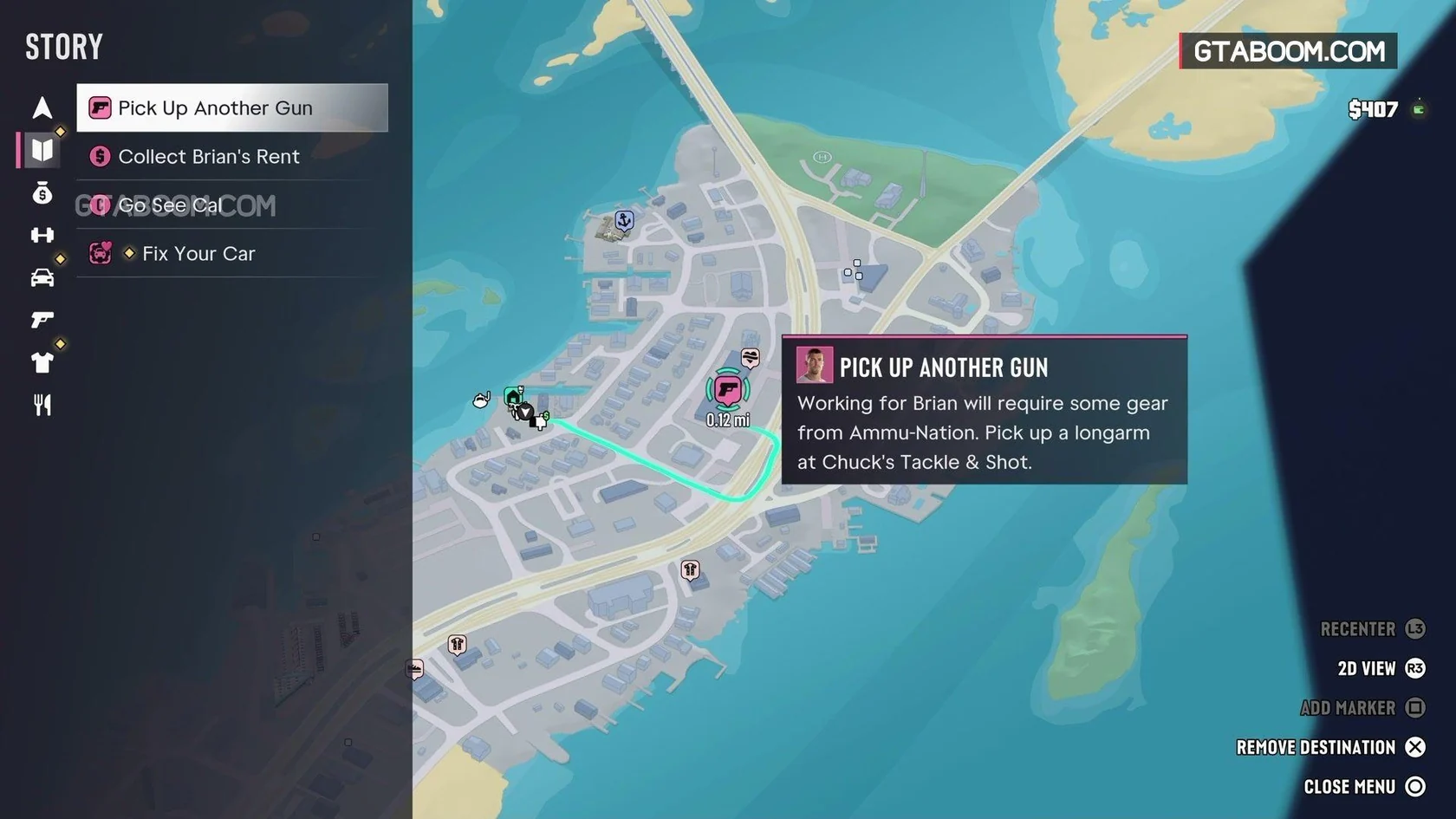
- Press the touch pad to open the map.
- Move to the index on the left side of the screen.
- Press Right to open the available story missions.
See the in-game screen for checking your next objective (Push Square)
Set a Waypoint for a Required Mission
Select a required mission at the top of the list and press Cross to set a waypoint for it.
- On the PS5 map, select a required objective near the top of the story mission list.
- Press Cross to set the selected objective as your destination.
GTA VI Story List Empty or Listed Main Mission Won't Start: How to Fix It