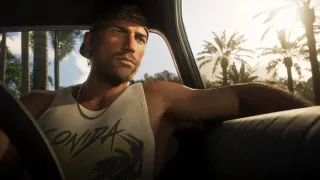
Controls for Flipping Off and Road Rage
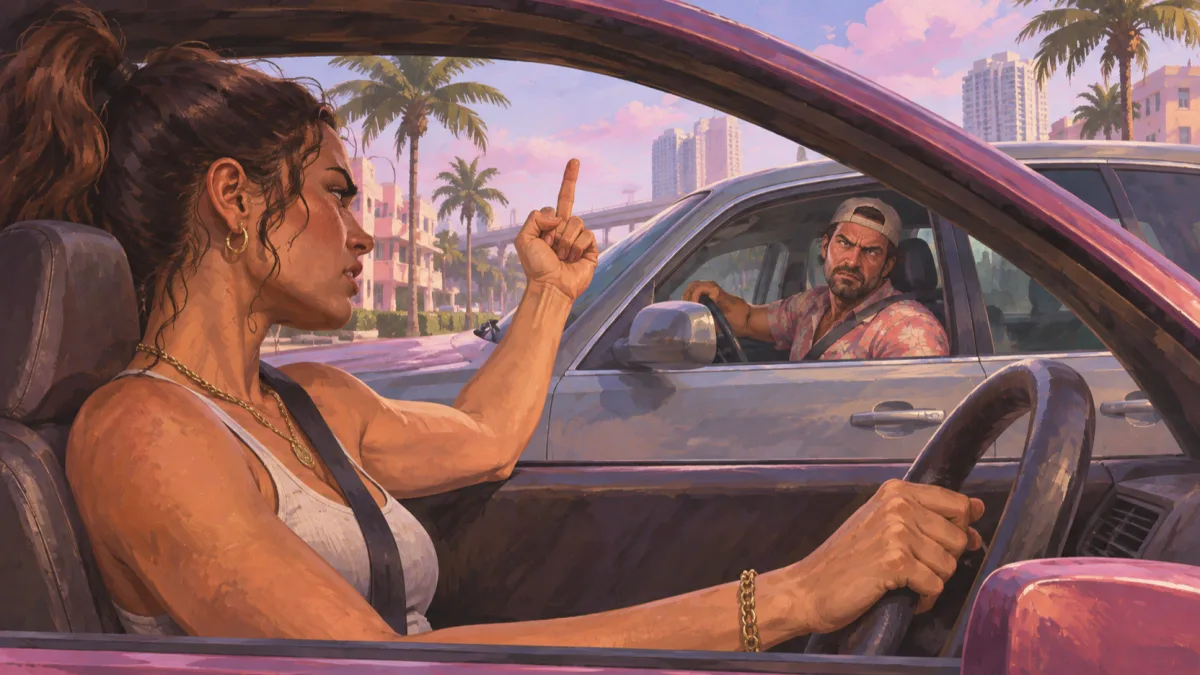
Use R1 on PS5 or RB on Xbox for the in-car middle-finger gesture, and click R3 on PS5 or the Right Stick on Xbox to yell at nearby drivers.
GTABase's vehicle bindings under Car, Motorcycle & Boat Controls (Actions) cover the Default control scheme on PS5 and Xbox Series X|S, and behavior under other schemes is unverified.
Available sources also do not state chapter or mission requirements, edition differences, regional variations, or PC bindings.
| Middle Finger while driving (PS5 / Xbox) | R1 / RB while unarmed (GTABase, u/chrisgoesbleh2) |
|---|---|
| Flip off on foot (PS5 / Xbox) | Hold L2 / LT to look at someone, then press R1 / RB (PC Gamer) or hold R1 / RB (available IGN excerpt); u/ShrekHands specifies starting unarmed and holding L2 then pressing R1 on PS5 only |
| Yell at Pedestrians & Drivers (PS5 / Xbox) | Click R3 / Right Stick (GTABase); Press R3 (PC Gamer); double-clicking R3 / RS while driving near other vehicles is reported in one Reddit compilation (u/chrisgoesbleh2) |
| Hit with Door / Kick Bikes & scooters (PS5 / Xbox) | Square / X (same GTABase table) |
Compare PS5 and Xbox buttons in GTABase’s vehicle controls table
How to Flip Off Drivers While Driving
You must have no weapons equipped to flip off nearby drivers from a vehicle. Reddit user u/chrisgoesbleh2 explains that this action replaces shooting when you are driving unarmed.
In a separate single report, a PS5 player shared that pressing R1 inside a car without any weapon equipped caused Jason to stick up his middle finger.
- Drive a car with no weapon equipped (the direct player report covers R1 inside a car on PS5, while Xbox RB comes from GTABase's control table; reproduction by vehicle type is unverified)
- Press R1 on PS5 or RB on Xbox near other drivers
How to Flip People Off on Foot
Flipping someone off on foot requires focusing on the target first. A control compilation by Reddit user u/ShrekHands notes that you need to be unarmed on PS5 to start the interaction.
Sources differ on the button duration for the final input: PC Gamer's Morgan Park instructs you to press R1 or RB, u/ShrekHands's PS5-only post specifies pressing R1 on PS5, and the available IGN excerpt says to hold R1 or RB.
Morgan Park writes that people dislike the gesture and IGN notes that reactions vary depending on who you target, though specific reactions by NPC type are not confirmed.
- Start unarmed. The PS5 community guide specifies this setup. Whether Xbox requires it is unverified.
- Hold L2 on PS5 or LT on Xbox to focus on a person
- Press R1 on PS5 or RB on Xbox while looking at them (listed as hold in IGN's guide)
How to Yell at Nearby Drivers While Driving
Shouting insults from a vehicle is listed as Yell at Pedestrians & Drivers in GTABase's vehicle actions table.
Kotaku's Zack Zwiezen found the control in the in-game help and reported that Rockstar refers to it as the road rage button.
Input counts vary across sources. GTABase's button alt text specifies clicking R3 on PS5 or the Right Stick on Xbox, PC Gamer's road-rage entry names R3, and Kotaku describes clicking the right stick.
In contrast, the statement that double-clicking R3 or RS near other vehicles makes Jason or Lucia yell insults at nearby drivers comes from one community report (u/chrisgoesbleh2), and whether double-clicking is necessary is unverified.
- Drive near other vehicles or drivers
- Click R3 on PS5 or press in the right stick on Xbox.
See Kotaku's “How to yell at drivers” section for the right-stick input
Unconfirmed Details and Source Gaps
Current sources do not clarify the functional difference between a single click and a double-click of R3 or the Right Stick while driving, nor do they show the exact wording of the in-game help screen for road rage.
Whether R1 or RB must be held on foot and, if so, for how long remains unverified, as do specific NPC reaction outcomes.
The IGN wording comes from the supplied extraction (direct access returned HTTP 403), and none of the sources specify chapter progress, game editions, or regional differences.