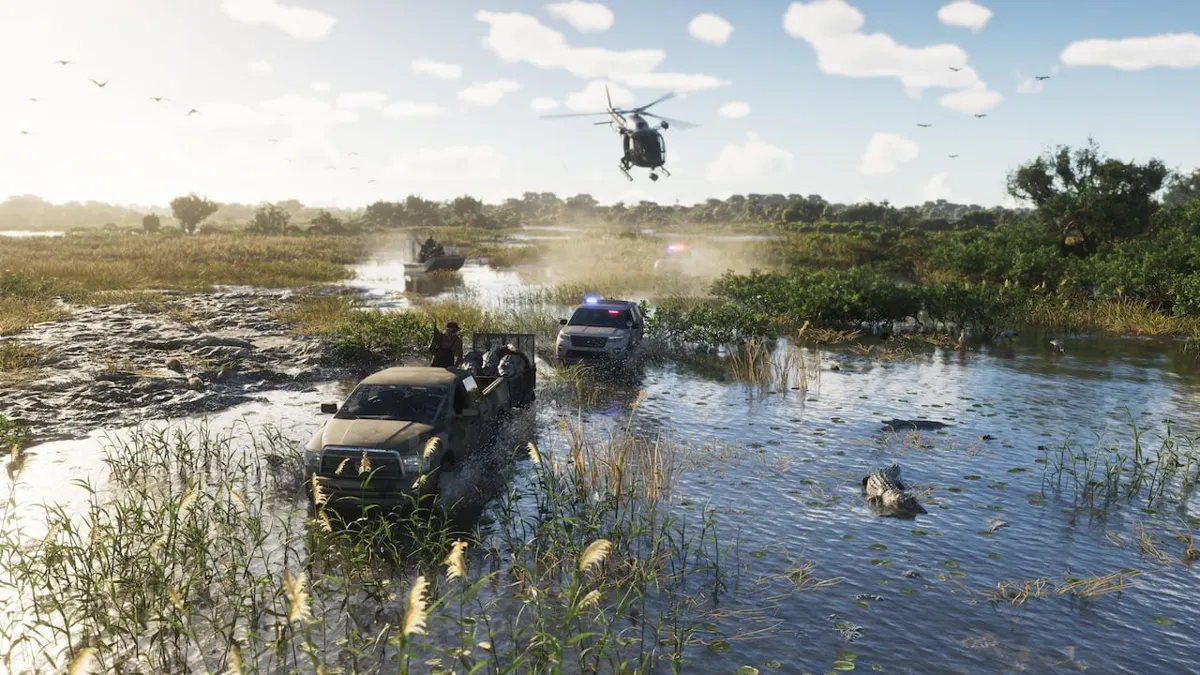
Left Stick Controls for Police Sirens, Lights, and Horn
According to u/JWillMac51's report, clicking the Left Stick in a police vehicle toggles the Wail siren and lights, clicking and holding switches to Priority, and pushing up while holding switches to Yelp.
The poster, writing on r/GTA6, said they found these controls accidentally. This is one player's report, not a confirmed specification. The platform, region, and game build are unknown.
| Left Stick Click | Toggle Wail siren tone and lights on or off |
|---|---|
| Left Stick Click and Hold | Priority siren tone and lights |
| Left Stick Click and Hold, then Push Up | Yelp siren tone and lights |
| Push Left Stick Up (without clicking) | Manual Wail siren tone and lights (the longer you hold, the higher the pitch) |
| Push Left Stick Down | Regular car horn |
How to Use the Searchlight in the Vehicle Functions Menu
According to the report, the searchlight can be toggled on or off in the vehicle functions menu (D-Pad Left), and once on, it moves wherever you look.
- Use D-Pad Left to open the vehicle functions menu (the report does not say whether this is a tap or a hold).
- Turn the searchlight on in the menu.
- The searchlight moves wherever you look.
GTA VI Turn Signals on PS5: D-pad Controls and Menu Bindings
Where to Find a Kelly County Sheriff Bison (Reported Near the Chapter 2 Safehouse)
The same poster, u/JWillMac51, reported that a Kelly County Sheriff Bison spawns unoccupied at the map marker in the post (on the side of the highway, just south of the Chapter 2 safehouse). We have not verified this map marker.
Are Ambulances Supported and What Remains Unverified?
This report covers only the police vehicle the poster used, so it is unconfirmed whether the same controls work in ambulances.
We have not verified whether the inputs in the attached video match the siren audio and lights, or the map marker showing the vehicle's location.