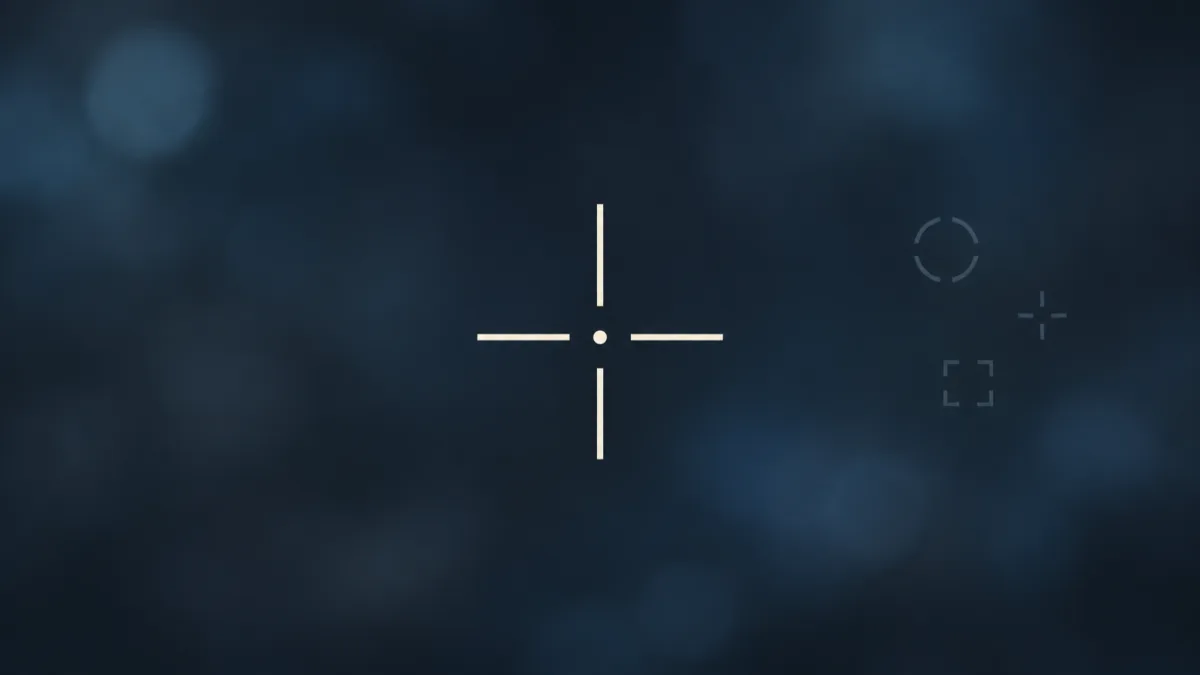
What happens to the reticle after the update?
After the November 23 update, only the default crosshair appeared in one case, even after a different option was selected in Reticle Shape (the crosshair shape setting).
For basic aiming and aim-assist settings, see PS5 aiming and aim assist. For the full list of changes in the update, see the November 23 update patch notes.
Where is the Reticle Shape setting?
You can find the reticle customization option inside the UI section of the in-game settings.
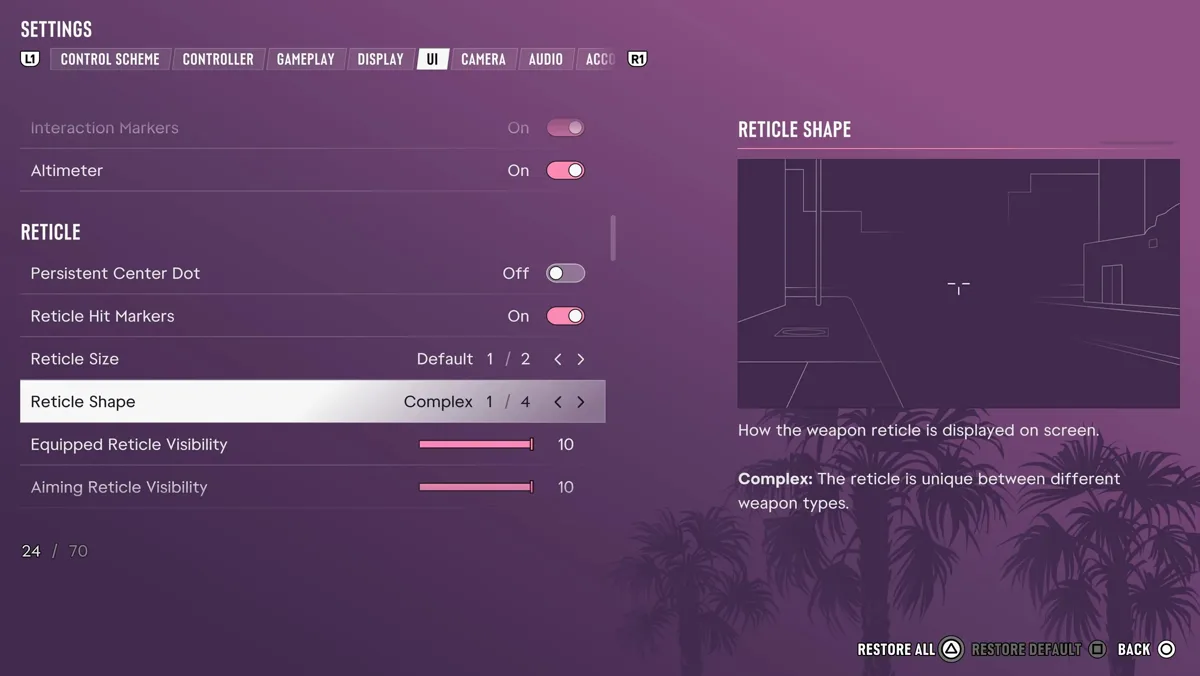
| Menu path | Settings > UI > Reticle > Reticle Shape |
|---|---|
| Number of choices | 4 (in the pre-update Xbox Series X|S recording) |
| Observed option | Complex |
See where Reticle Shape appears in the PS5 UI settings (pre-update screenshot)
First, try reselecting your crosshair shape
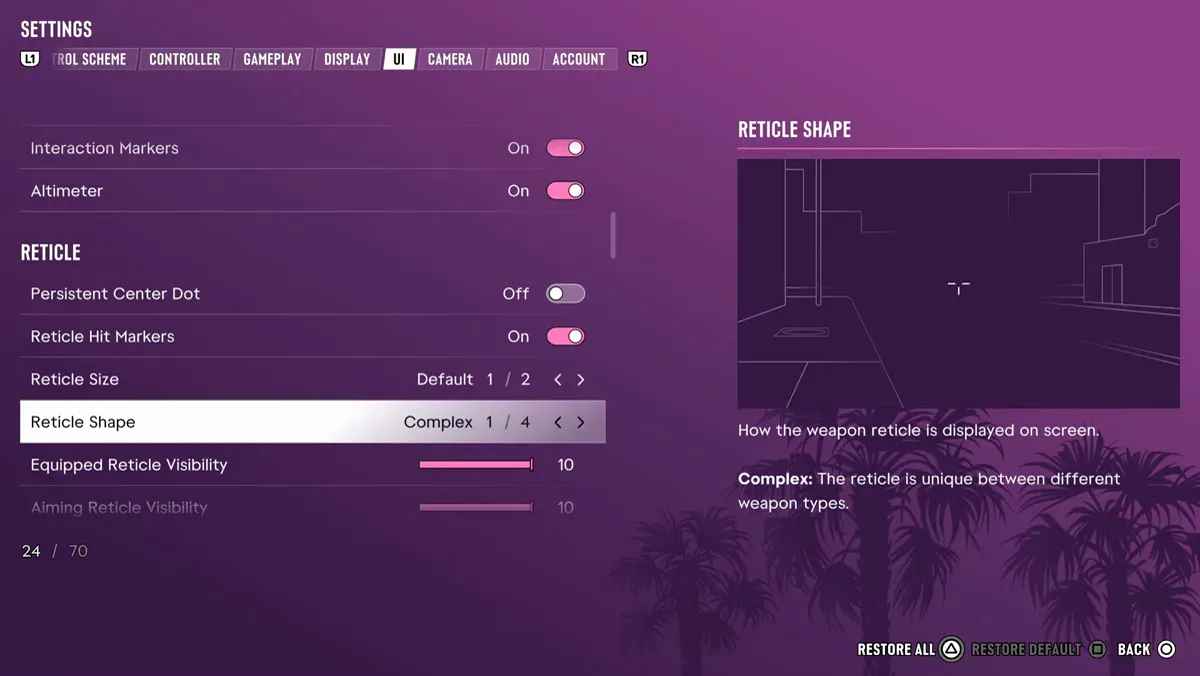
- Open Settings > UI > Reticle > Reticle Shape.
- Select a shape other than the one you want.
- Back out of the menu.
- Reopen Reticle Shape and select the shape you want.
- Aim a weapon to check the crosshair.