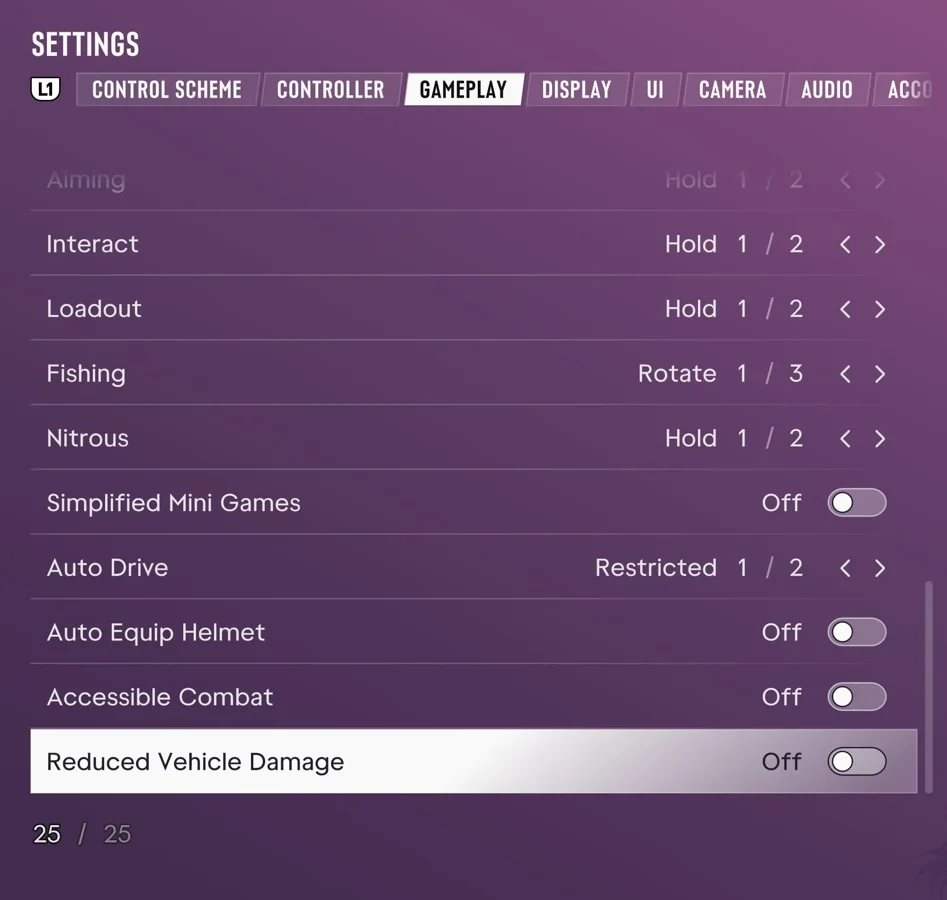
How to Enable Reduced Vehicle Damage
According to Push Square, you can reduce vehicle damage in GTA VI on PS5 by turning on Reduced Vehicle Damage near the bottom of Settings > Gameplay.
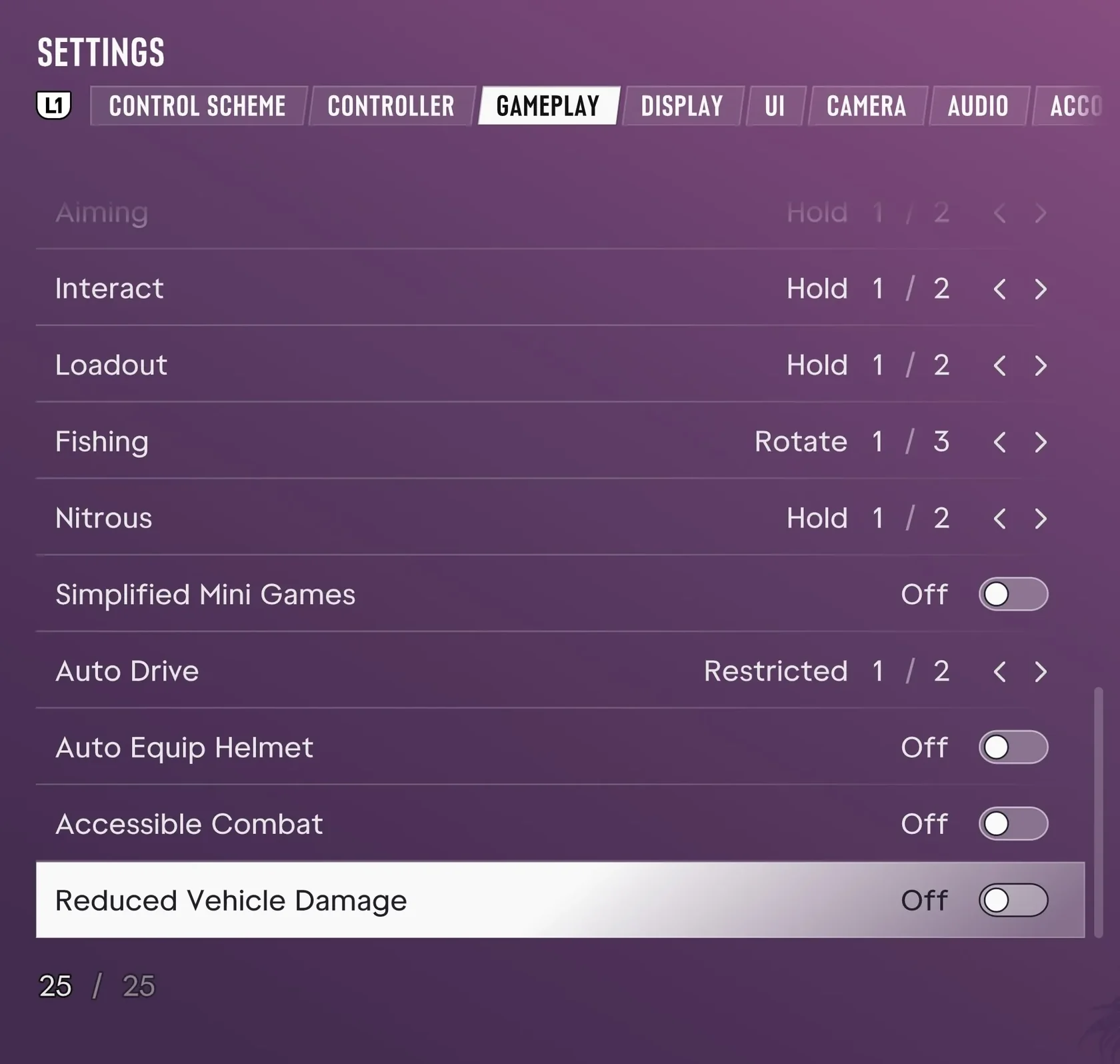
- Press the Options button on your controller during gameplay.
- Select Settings.
- Open Gameplay.
- Go near the bottom of the menu and enable "Reduced Vehicle Damage".
How Reduced Vehicle Damage Affects Vehicles, Story Progression, and Trophies
With "Reduced Vehicle Damage" turned on, vehicles take less damage from crashes and combat, though they can still take damage.
When you enable Reduced Vehicle Damage, the game warns you that the setting changes the gameplay balance. Push Square reports that the story stays the same and trophies can still be earned.
GTA VI PS5: Where to Find Deadzone, Vibration, Adaptive Trigger, and Invert Look Settings