What to try when the right stick stops moving the camera
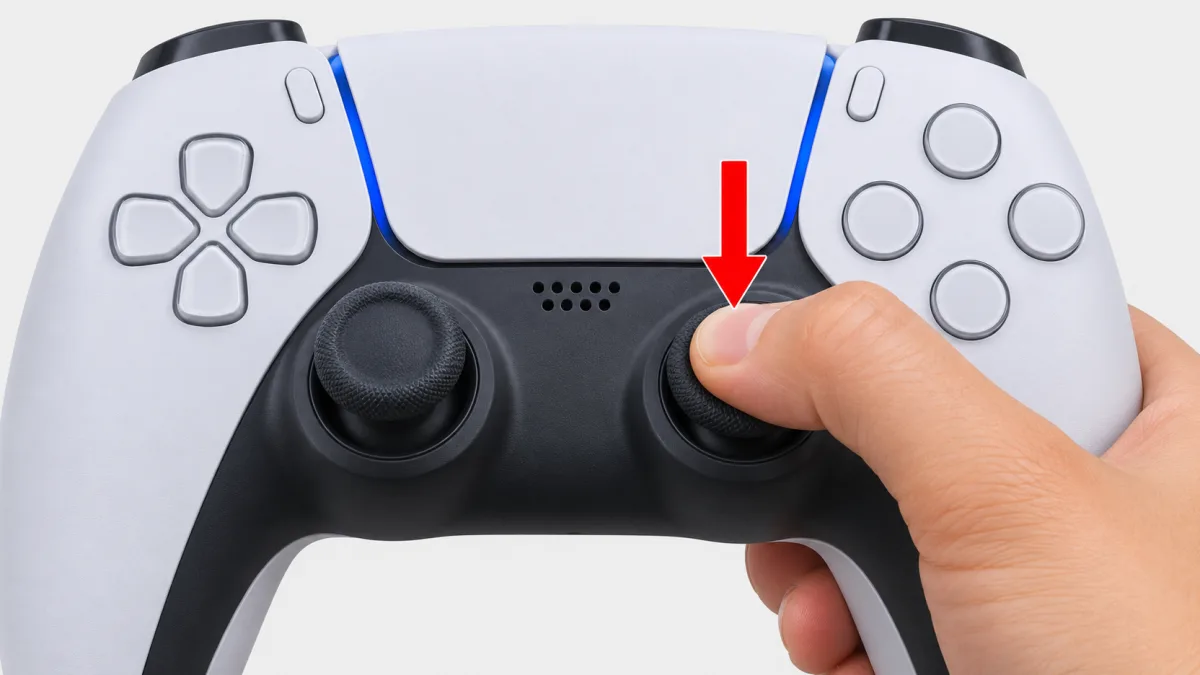
If the right stick stops moving the camera while you’re on foot on PS5, try R3 to change the camera’s direction temporarily.
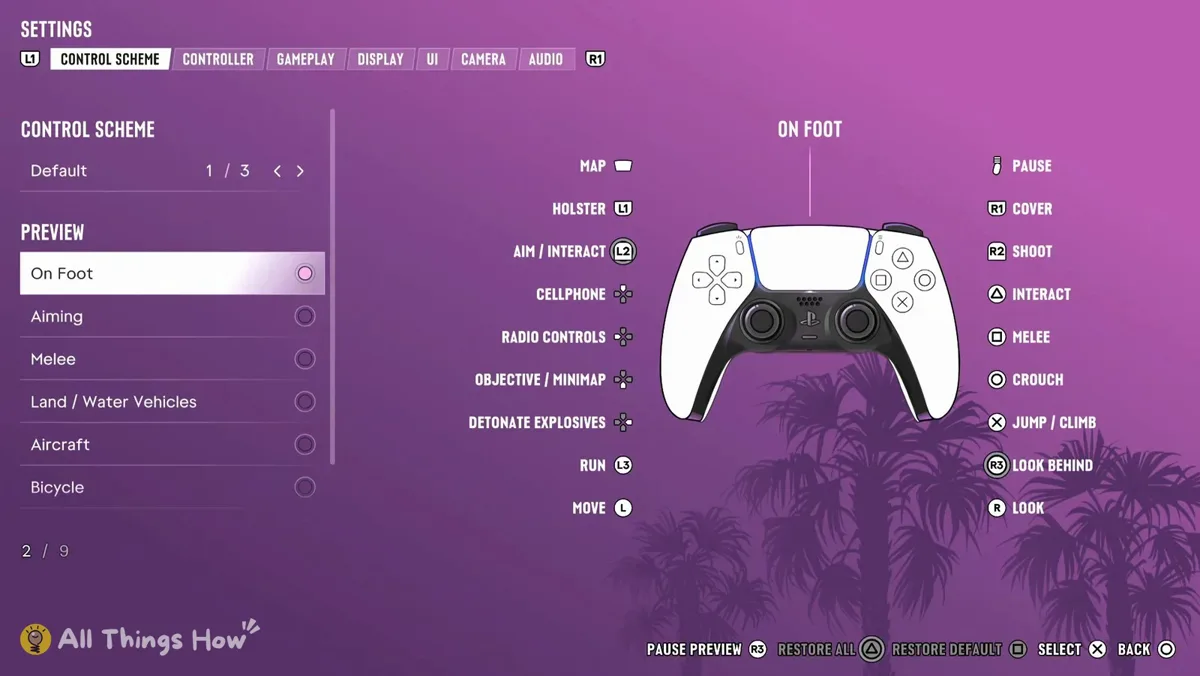
- Press and hold R3 to look behind you.
- Release R3 to return the camera to its forward view.
Does normal camera control come back?
In one case, the right stick started moving the camera again on its own after a while. A permanent fix is still unknown.
Read the original post about camera control returning on its own
When did another player’s camera get stuck?
In one case, the camera repeatedly got stuck inside mod shops, where you customize vehicles. It also got stuck after a mission ended (u/GamerKratos-45’s experience). What triggers it is still unknown.
Read u/GamerKratos-45’s reply about mod shops and mission endings